Reservation other service permissions
On this page
Define the extra service
This guide covers adding and editing an Other service inside a Reservation and reviewing deletion confirmation. Define the service in Settings so it can be selected in Service Name.
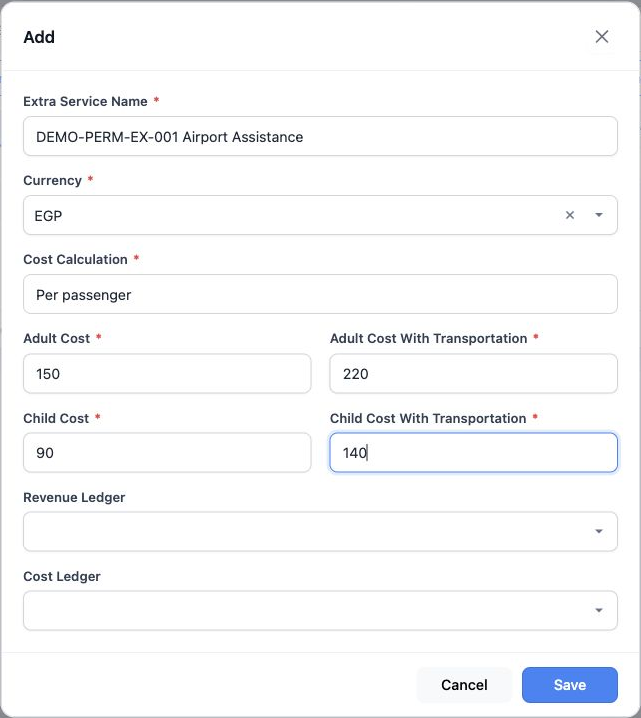
Enter Extra Service Name, Currency and Cost Calculation, which offers Per passenger or For all passengers. Complete Adult Cost, Adult Cost With Transportation, Child Cost and Child Cost With Transportation, then Save.
Revenue Ledger and Cost Ledger select the revenue and cost accounts according to the accountant’s setup.
Open Other in the reservation
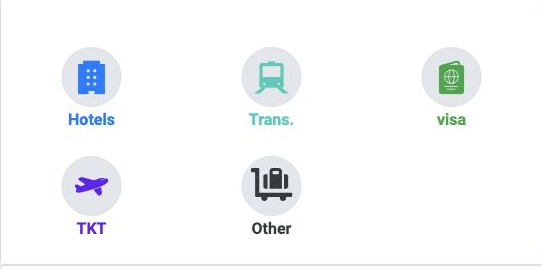
The example uses file 47271228 for Demo Transportation Customer. Add, Edit and Delete tools depend on the user permissions.
Service details and supplier
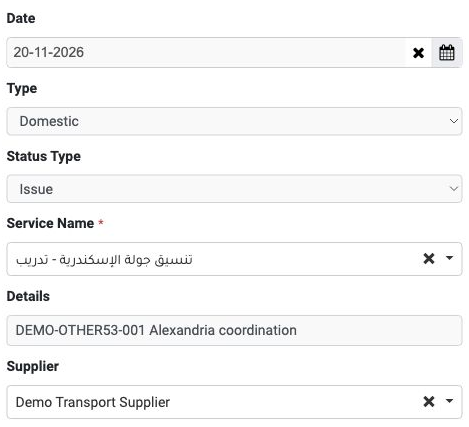
Enter the service Date and choose International or Domestic in Type. The example uses 20 November 2026 and Domestic.
Status Type offers Issue and Refund; this example uses Issue. Select Service Name, enter a description in Details and choose Supplier.
The example selects تنسيق جولة الإسكندرية - تدريب and Demo Transport Supplier, with Details DEMO-OTHER53-001 Alexandria coordination.
Prices and currency
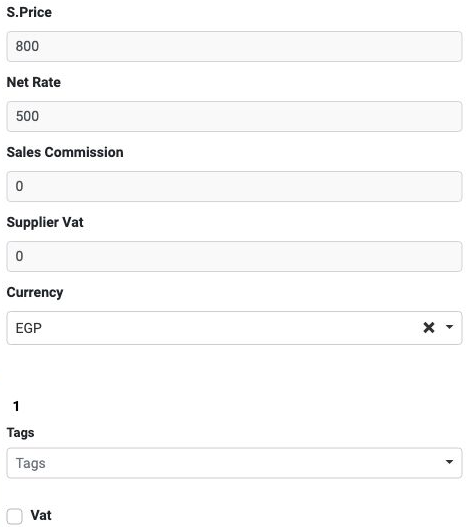
Enter the selling price in S.Price and cost in Net Rate. Select Currency and review its adjacent rate; the example shows EGP and 1.
Sales Commission records a commission value. Supplier Vat and the Vat checkbox are available for tax details; review approved values before entering them. Tags allows a tag to be selected when needed.
Client and passport details
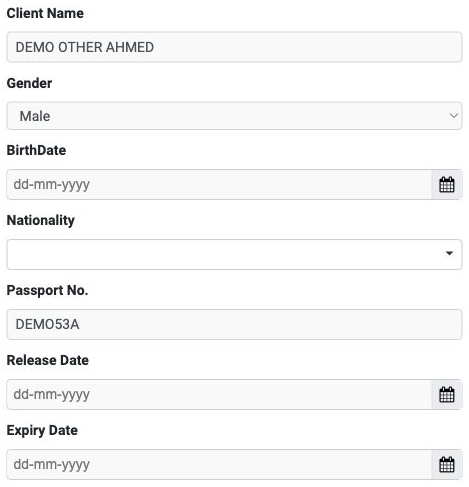
Client Name is the client name, Gender offers Male or Female, BirthDate records date of birth and Nationality identifies nationality.
Enter Passport No., its Release Date and Expiry Date. The example uses the training name DEMO OTHER AHMED and passport DEMO53A.
Trip and passenger details
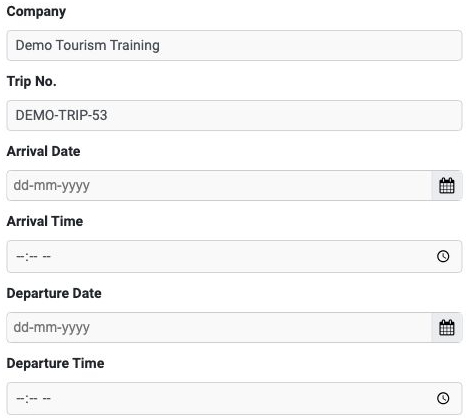
Company records the company name and Trip No. the trip number. Use Arrival Date and Arrival Time for arrival, and Departure Date and Departure Time for departure.
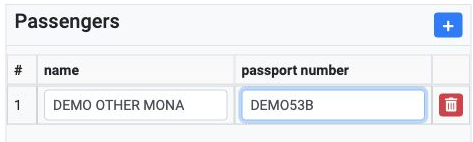
The example includes DEMO OTHER MONA and DEMO53B in an additional row. The # column shows its row number, with a trash control at the row edge.
Save and review the service
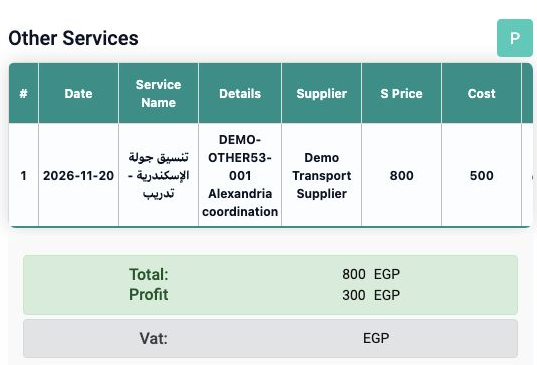
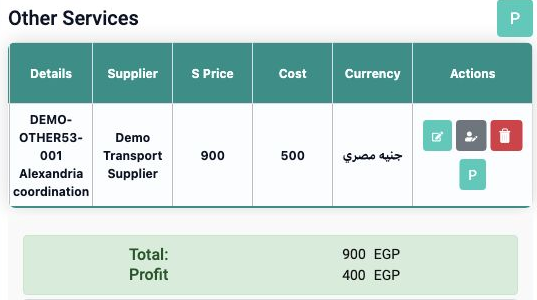
Date identifies the service date, Service Name its name, Details its description, Supplier its supplier, S Price its selling price and Cost its cost. The file footer displays Total and Profit in the selected currency.
Edit the service and passengers
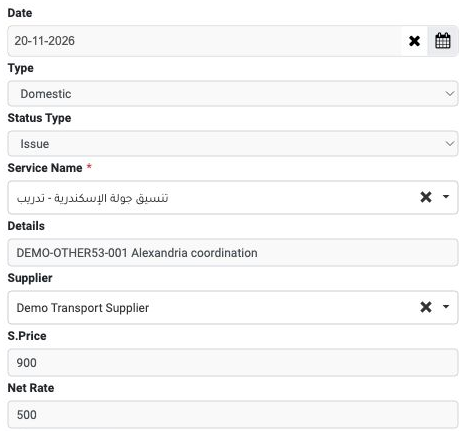
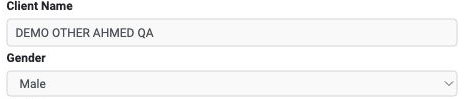
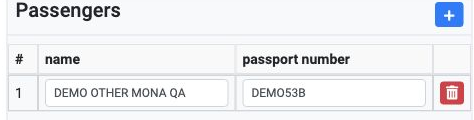
Review client and passenger details, prices and dates, then select Edit Other to save. Reopening in the example confirmed 20 November, both passport numbers, company and trip details remained.
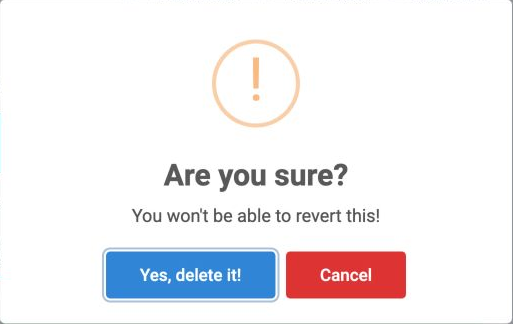
Review deletion confirmation and return
Sign in to record the lessons you have read. Sign in