Hotel contract report and permissions
On this page
This guide covers hotel room allocation and reservations statistics and exporting them to Excel. Under Contracts, open the contract’s row menu and choose Hotel. The example uses training contract 47226799 with 20 rooms.
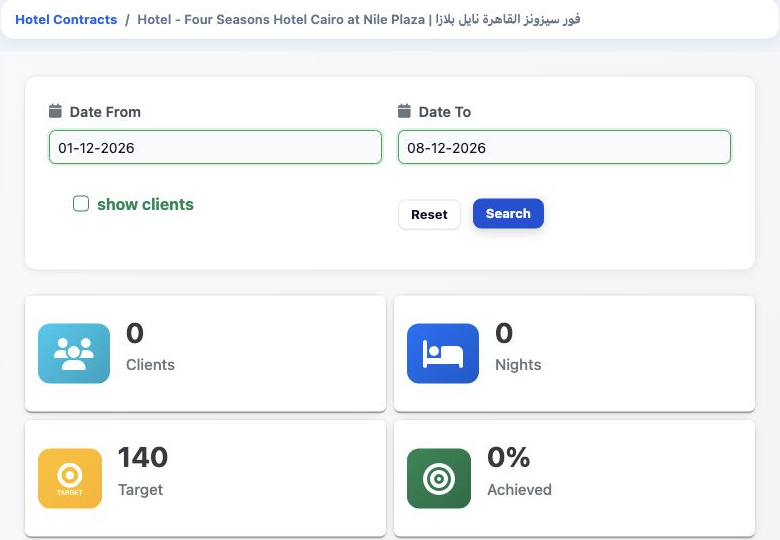
Under General in Role Permissions, View Hotel Contract Report and Export Hotel Contract Report are the report’s viewing and export permissions. Select show clients to request customer details when bookings exist.
Read room allocation
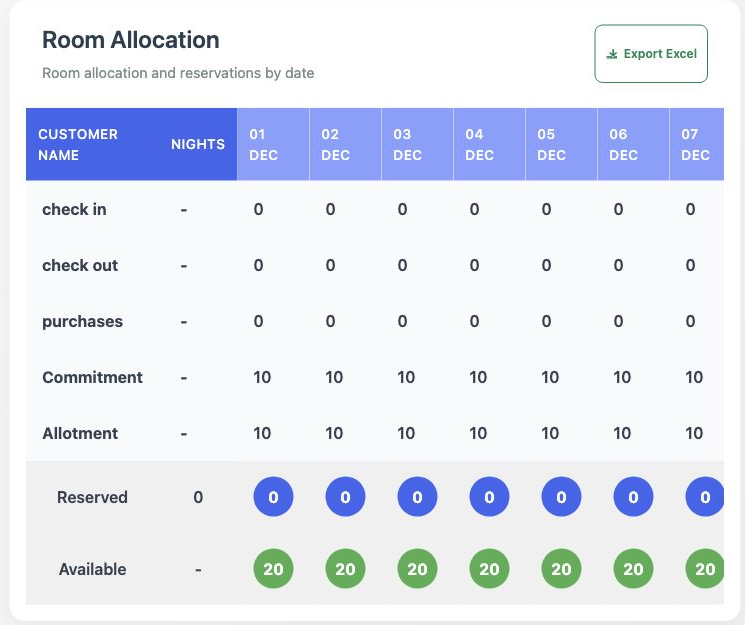
The table also includes check in, check out and purchases rows, plus Customer name and Nights columns. This example has no customer reservations against the contract.
For a summary without daily columns, return to Contracts and choose Show. Room Availability displays the room count, booked total and remaining rooms.
Export charts and reset
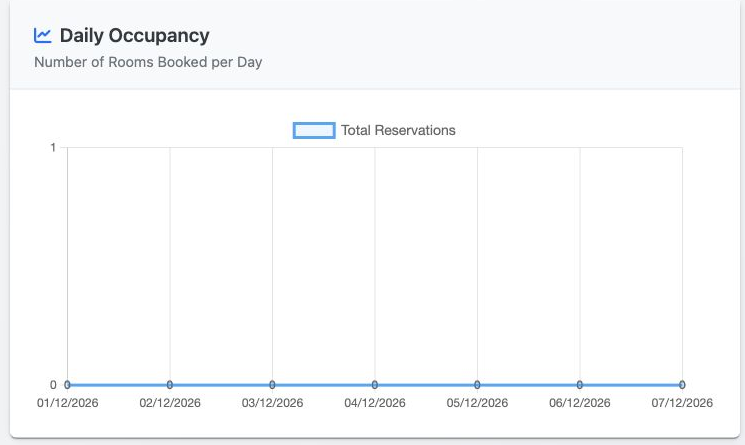
Reset restores the default dates and clears show clients. For another period, select the dates and Search. If results do not return, reload the page, select the period and Search again.
Sign in to record the lessons you have read. Sign in