Program cost calculator permissions
On this page
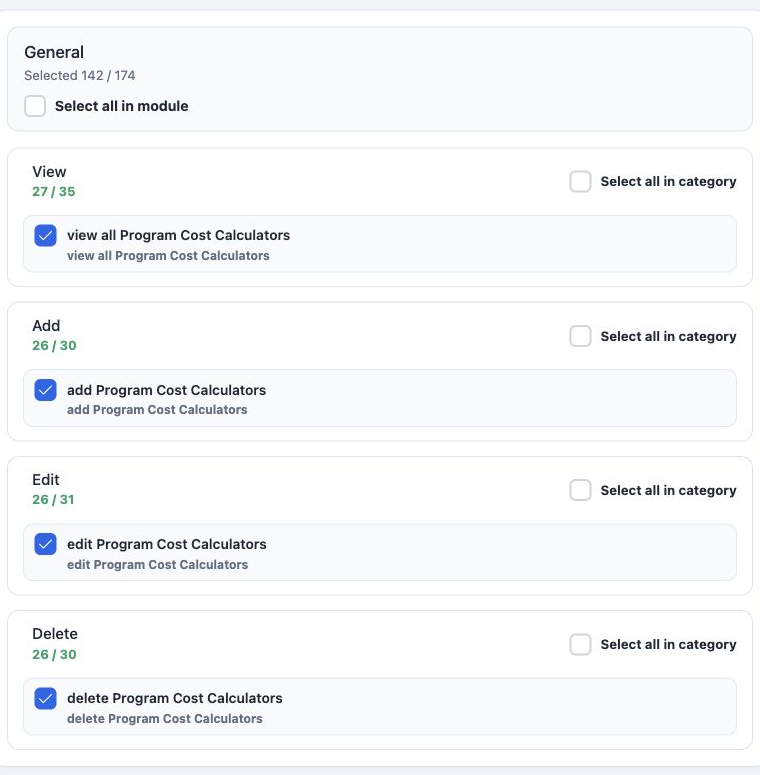
This guide covers saving, loading, editing, searching and deleting a program cost calculation, and the difference between viewing your own records and those created by other users.
Open the calculator and enter accommodation
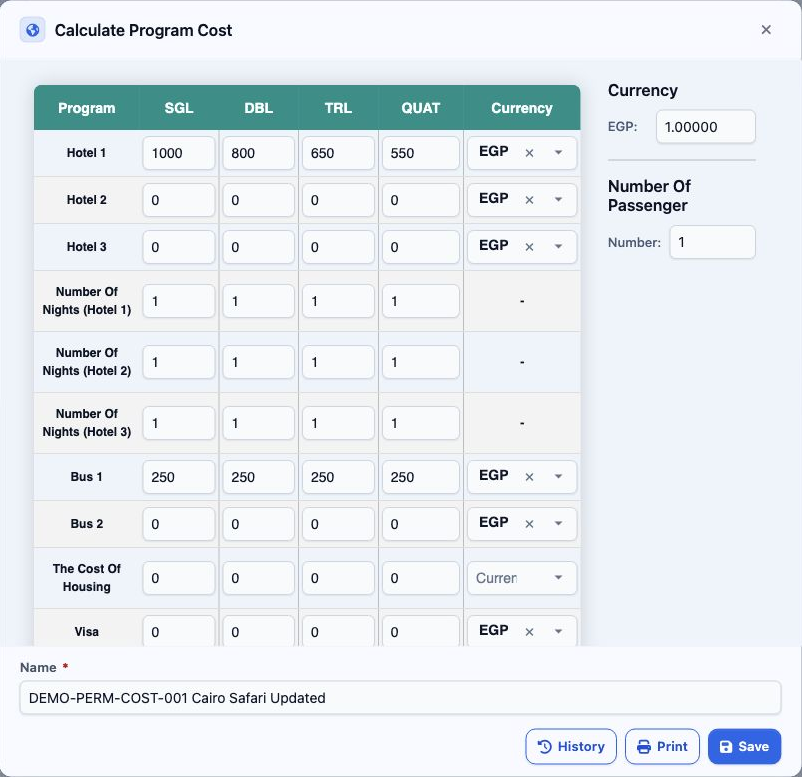
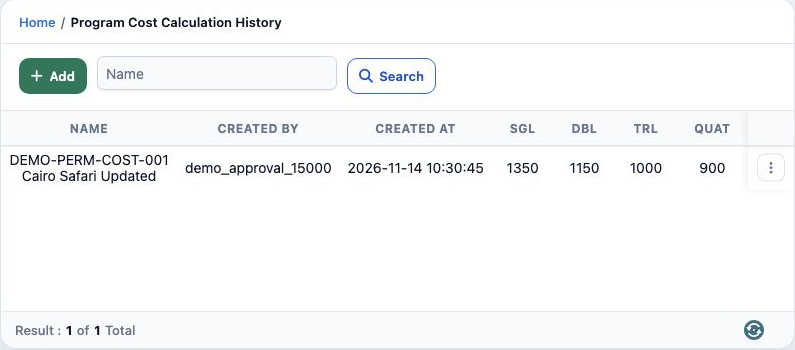
Choose a Currency for each used item and review the currency rate on the side. The example uses EGP at a rate of 1 and Number Of Passenger set to 1. The image shows the saved calculation after editing.
Complete the items and save
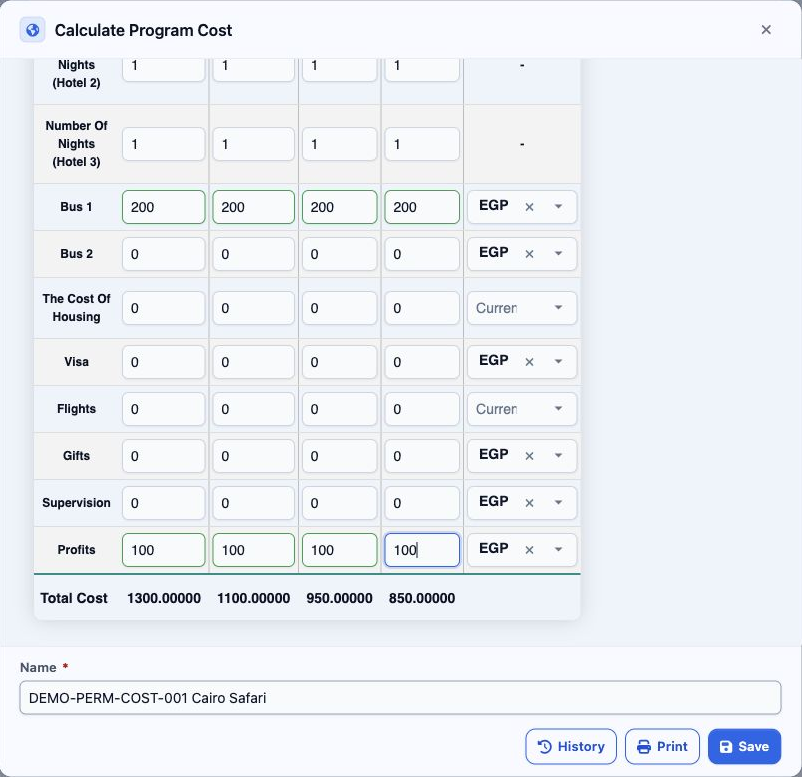
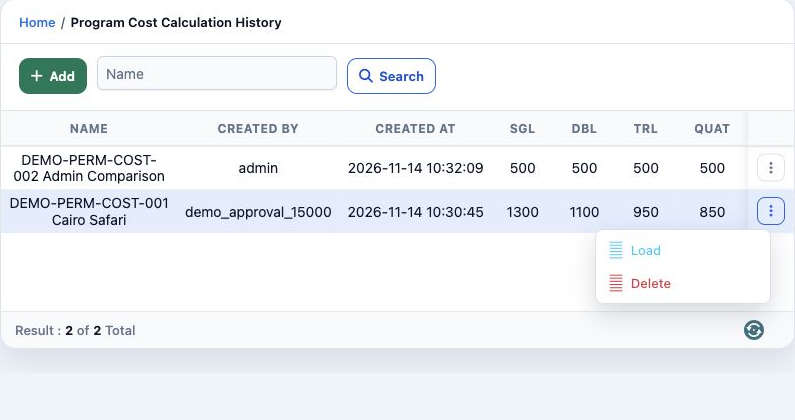
Initially, Hotel 1 was 1000, 800, 650 and 550 for one night, Bus 1 was 200 per column and Profits was 100. Results were 1300, 1100, 950 and 850. Select History to review the saved record.
Load records and understand visibility
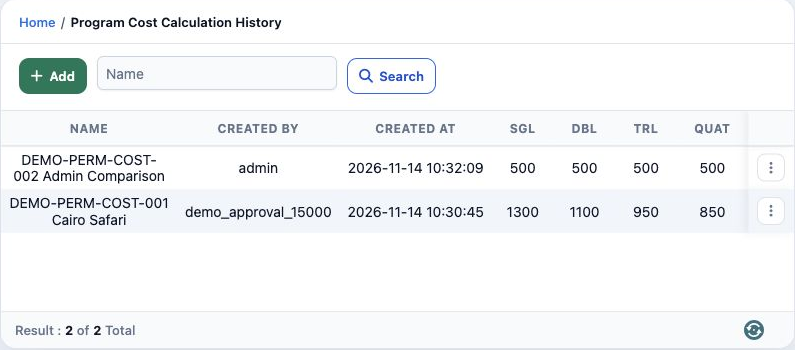
Edit values and search
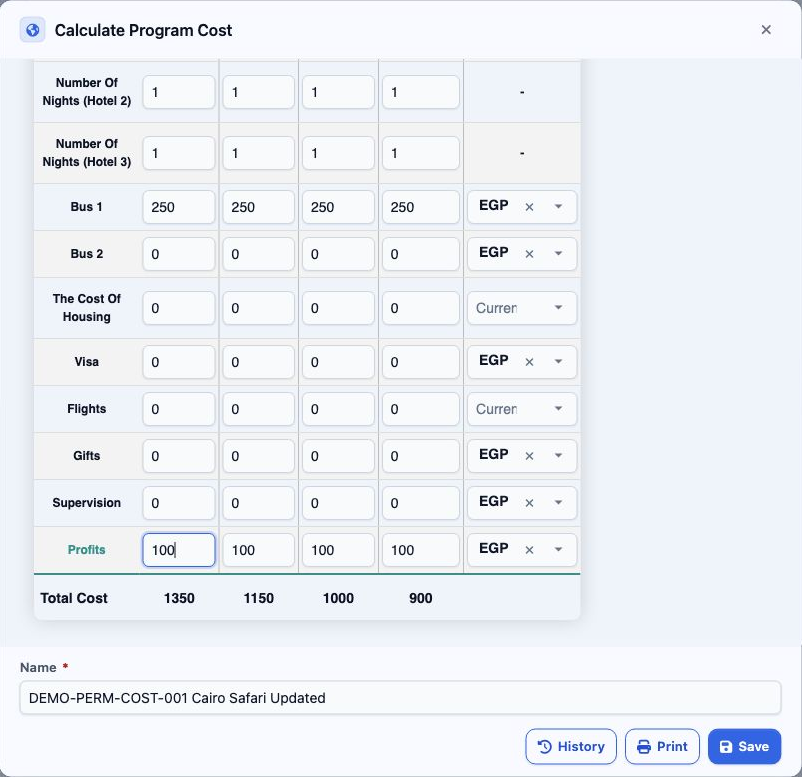
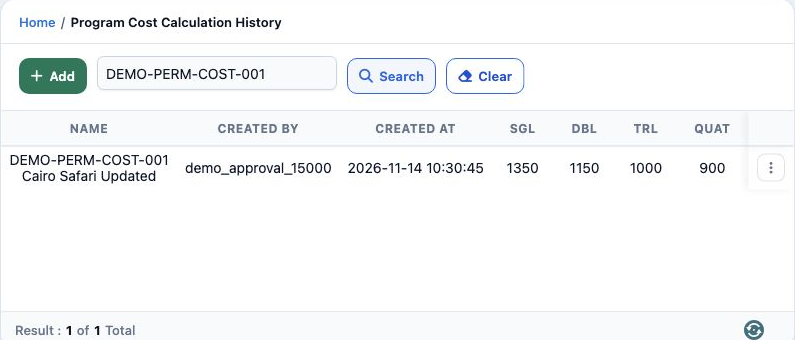
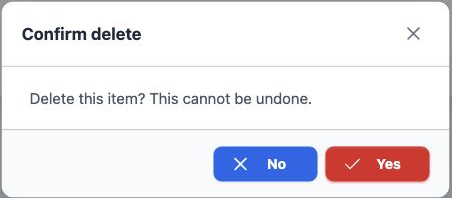
Confirm deletion
Sign in to record the lessons you have read. Sign in