Skip to content
Trio Travel guide

Role Management

On this page
  1. 1 Add and rename a role
  2. 2 Search and available actions

Create and rename a role, find it in the list and open its permission page.

1 Add and rename a role
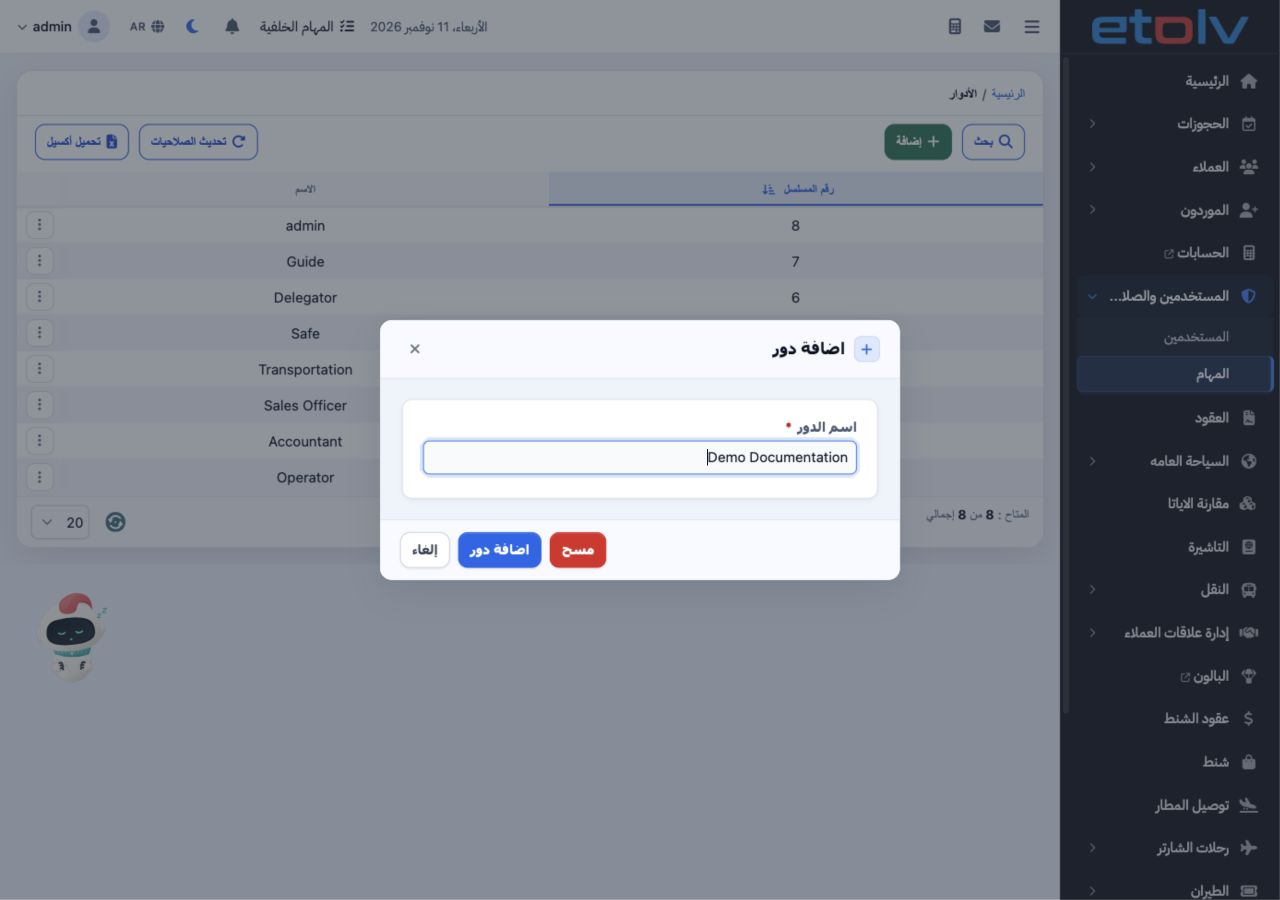
1 Open Users and Permissions, then Roles (المهام), and select Add. Enter a role name and save. The example starts with Demo Documentation. To...
Open Users and Permissions, then Roles (المهام), and select Add. Enter a role name and save. The example starts with Demo Documentation. To rename it, open the row menu, select Edit, enter the new name and save.

2 Search and available actions

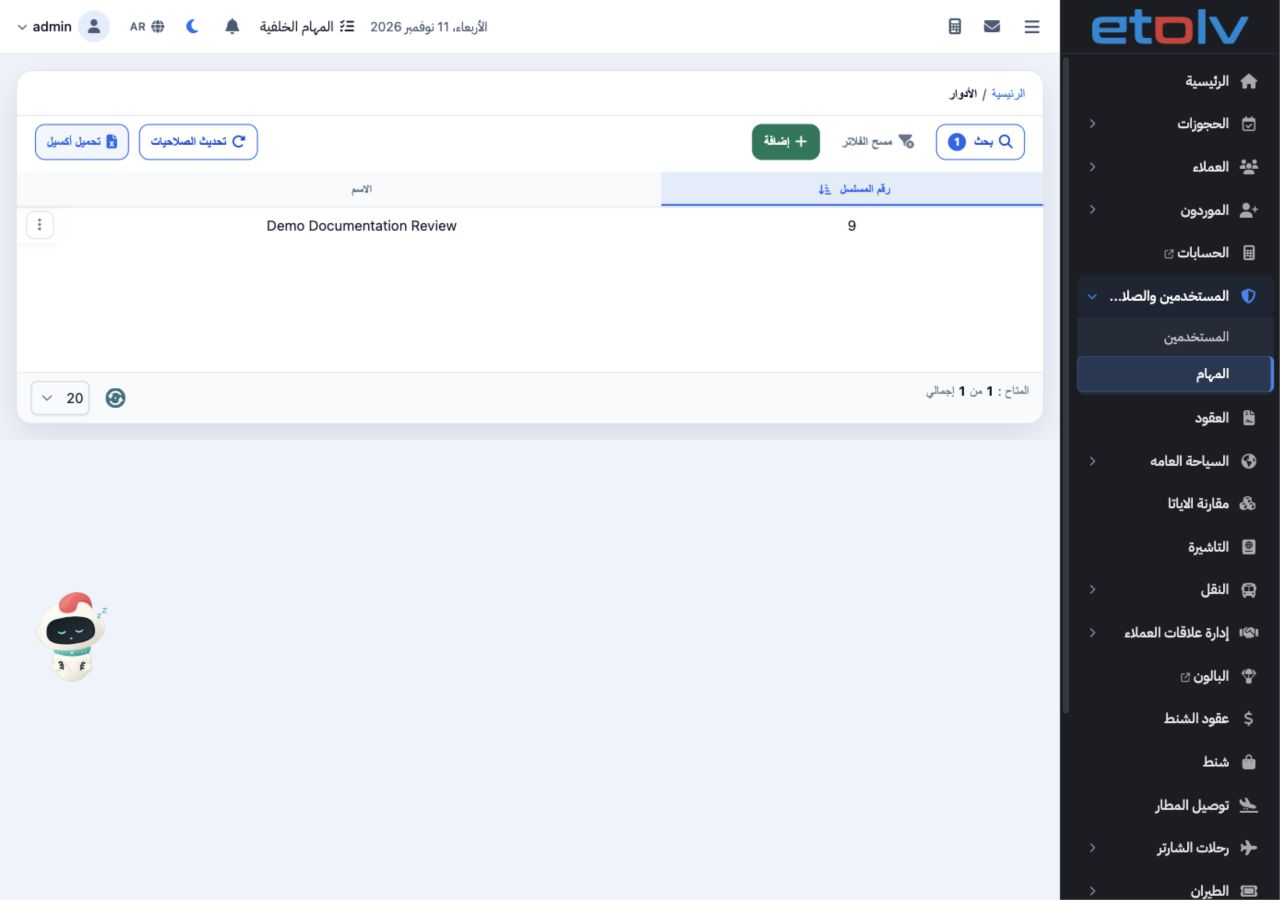
2 Select Search, enter the role name and run the search. The example returns one record, Demo Documentation Review, serial 9. Clear Filters re...
Select Search, enter the role name and run the search. The example returns one record, Demo Documentation Review, serial 9. Clear Filters restores the full list. The row menu offers Edit, Delete, Permissions and Copy Role. Choose Permissions to open the permission page. Download Excel is available above the list.

Sign in to record the lessons you have read. Sign in