Hotel contract permissions
On this page
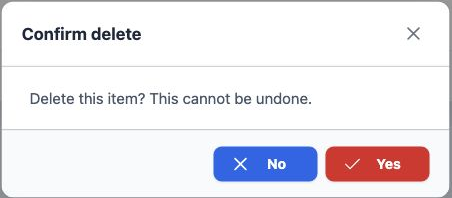
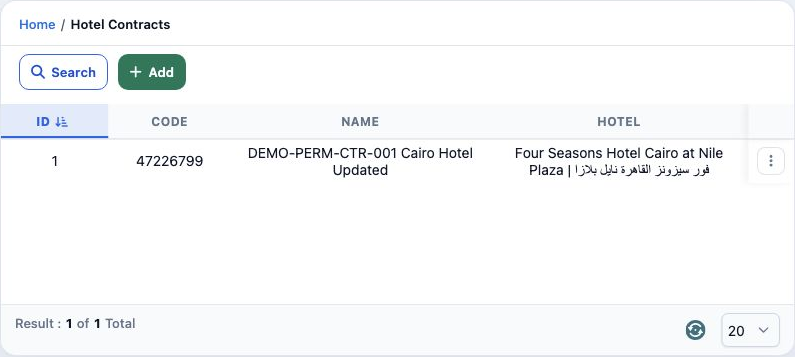
This guide covers defining a hotel contract with a period and room group, editing it, searching, reviewing availability and deleting it. Set up the hotel and season under Settings before starting.
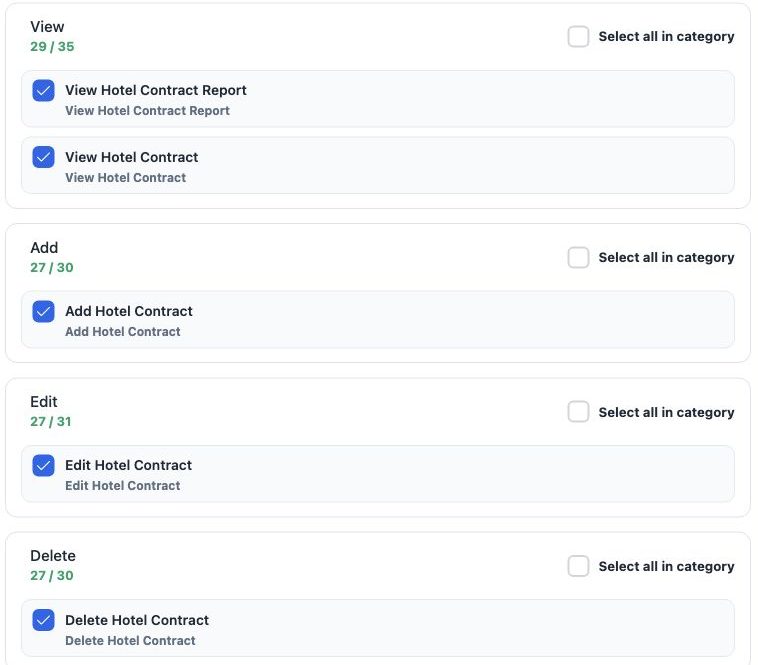
Add a contract and room group
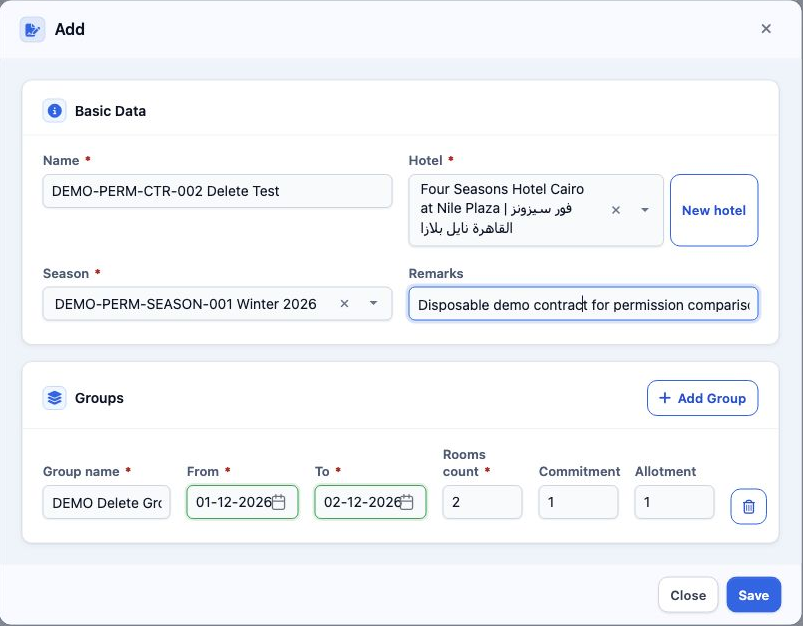
Saving requires at least one group. The image shows two rooms from 1 to 2 December 2026, with Commitment and Allotment set to 1 each. Saving created temporary contract code 47227529.
To choose a hotel or season, type part of its name and select the result. If it does not appear, select Search at the bottom of the selector.
Edit the contract
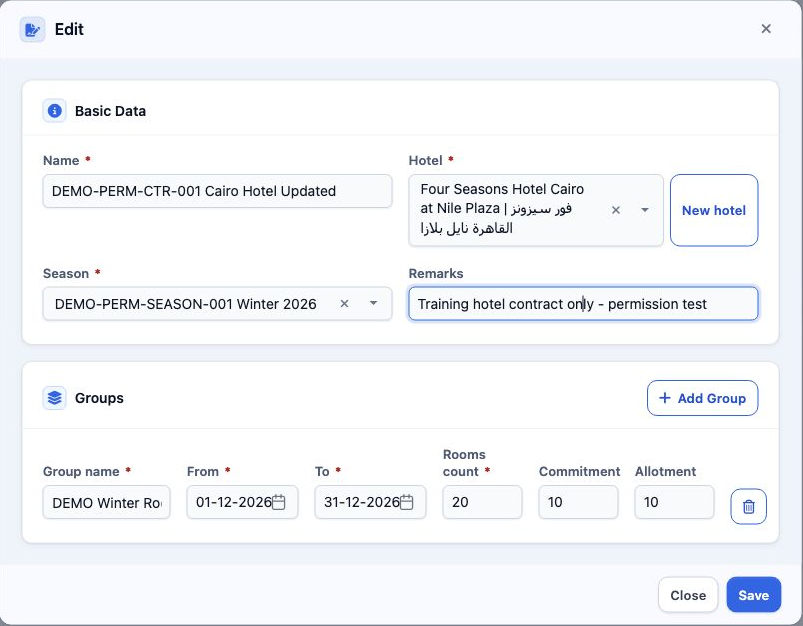
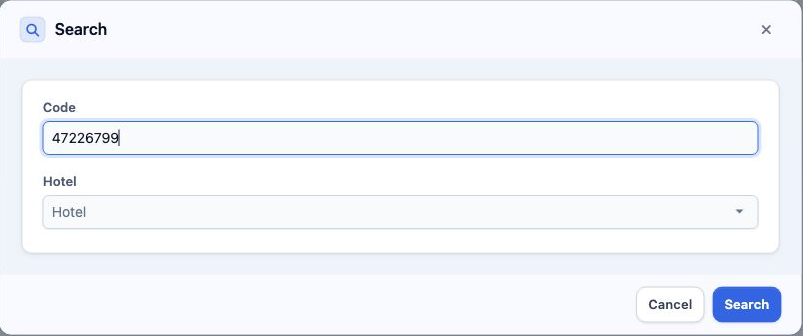
For main contract 47226799, the saved name was DEMO-PERM-CTR-001 Cairo Hotel Updated, Rooms count was 20, and Commitment and Allotment were 10 each, from 1 to 31 December 2026. Select Close after saving to return to the list.
Add Group adds another group to the contract. The bin icon beside a group belongs to that row within the form.
Search and review availability
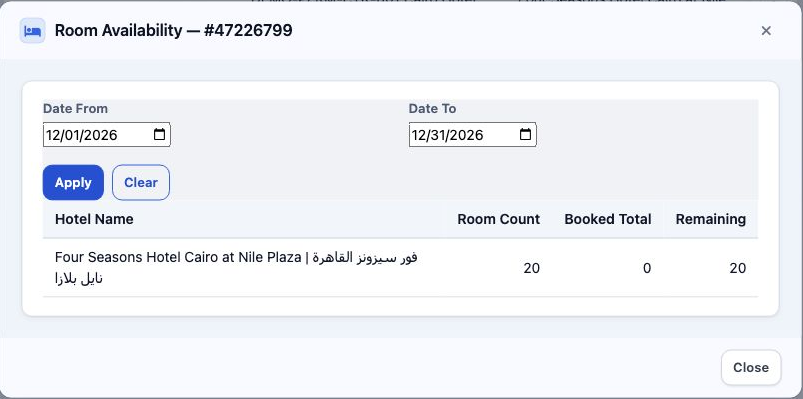
Confirm deletion
Hotel statistics and attachments
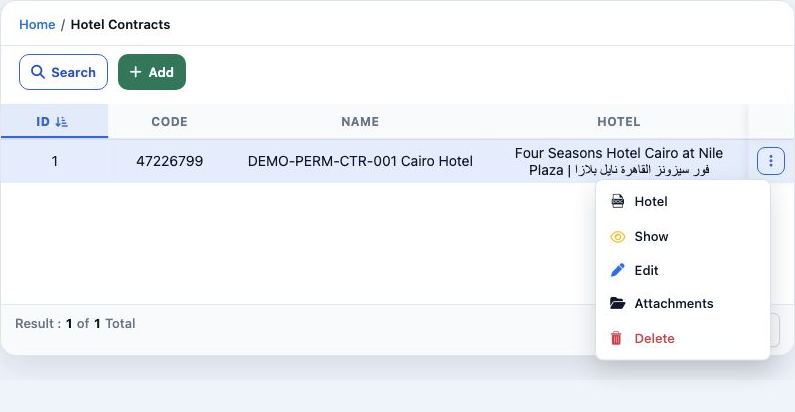
Attachments opens a dialog with Choose A File, Description and Save for selecting a file and describing it. Close returns to the contract.
Sign in to record the lessons you have read. Sign in