Hotel Categories permissions guide
On this page
Configure and use Hotel Categories permissions. The example uses demo_approval_15000 and the Demo Documentation Review role.
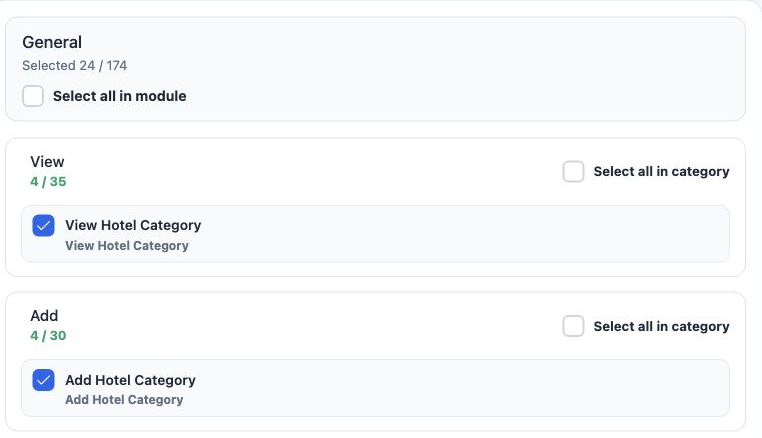
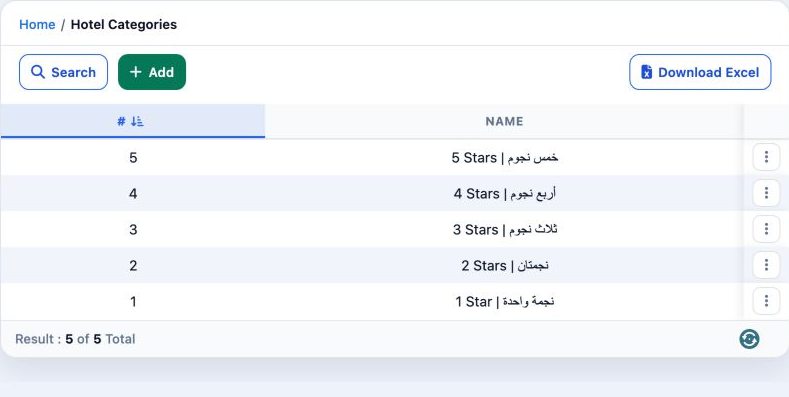
View Hotel Category
View defined hotel categories.
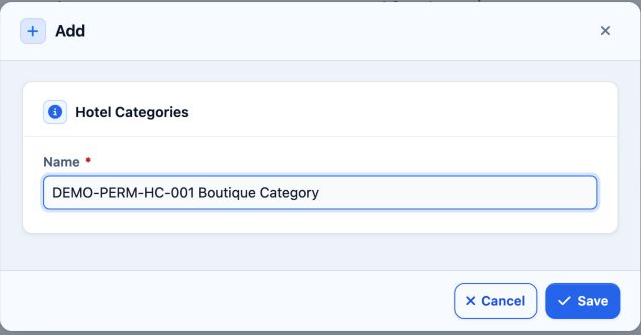
Add Hotel Category
Create a named category.
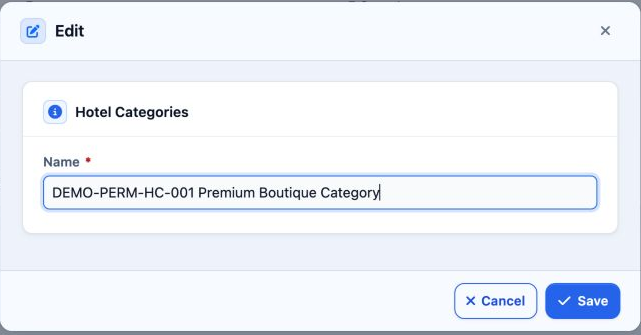
Edit Hotel Category
Change the category name.
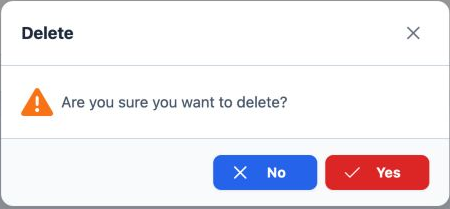
Delete Hotel Category
Delete the selected category.
Export Hotel Category
Download list data.
Print Hotel Category
A separate option in role permissions.
Add and edit
Search and export
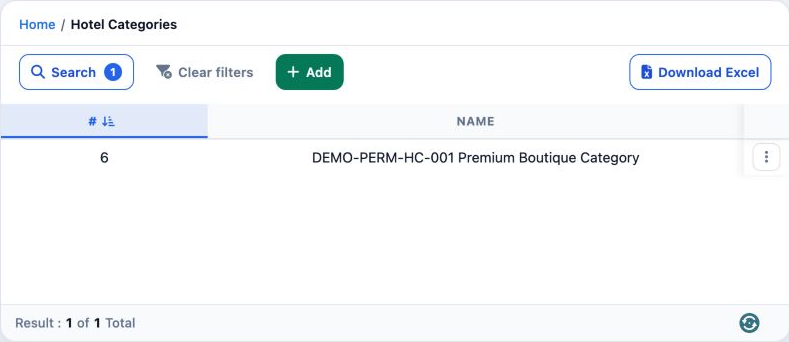
Use Clear Filters to return to all categories. The downloaded result follows the current filters.
https://portal.etolv.net/newportal/settings/hotel-category
Delete and review the list
Sign in to record the lessons you have read. Sign in