Meal plan permissions guide
On this page
This guide explains how meal plan permissions relate to a role and how to use viewing, adding, editing, deleting and exporting. The example uses demo_approval_15000 with the Demo Documentation Review role.
Open role permissions
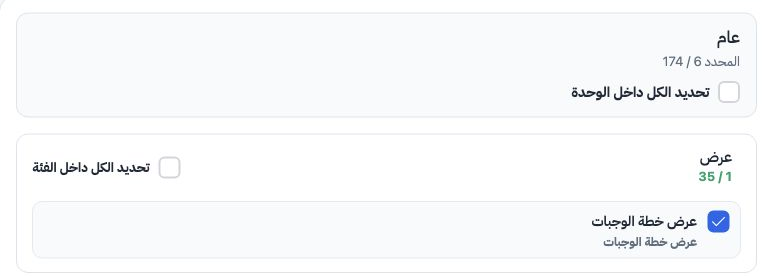
Select each required action separately, then Save Changes. This example selects only the six meal plan permissions within General.
View permission alone
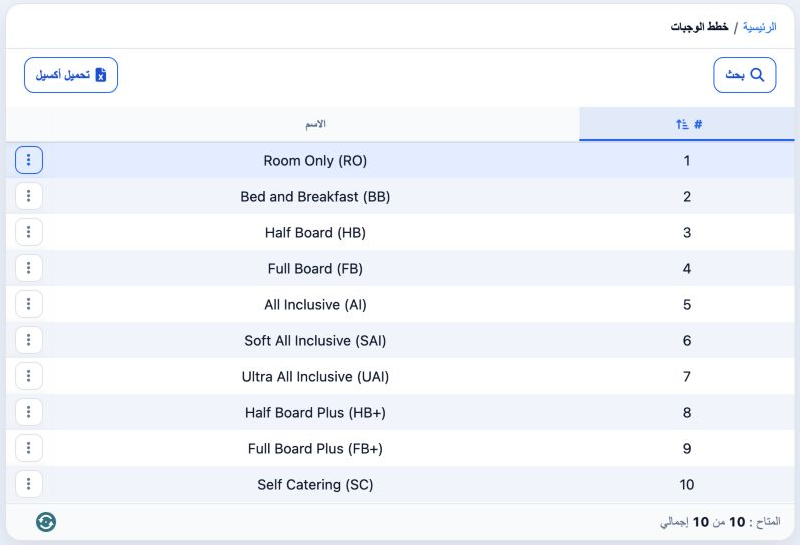
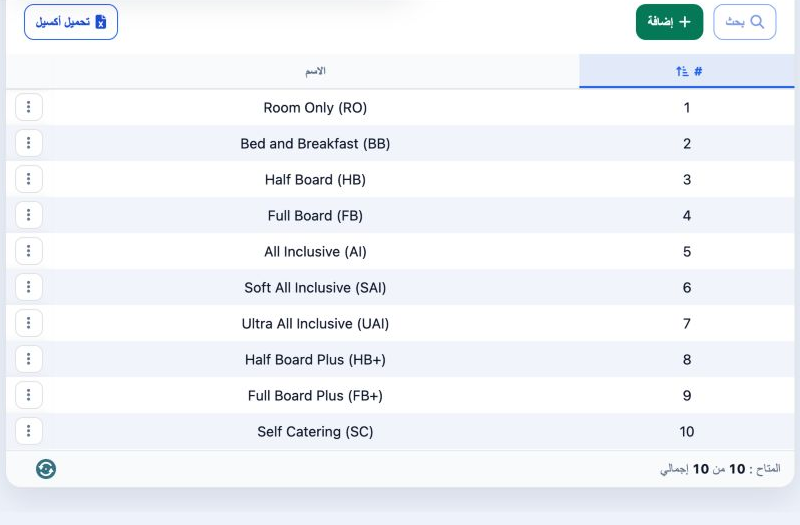
https://portal.etolv.net/newportal/settings/meal-plan
View permits reading the list. The administrator selects the additional actions required by the user.
Add and edit permissions
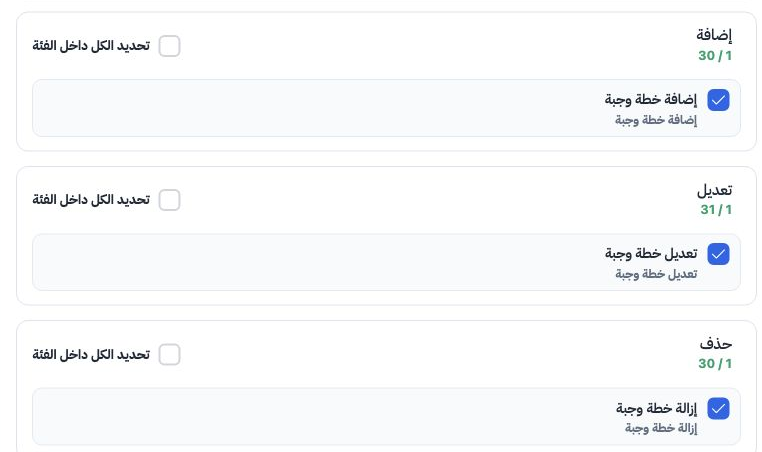
Add a meal plan
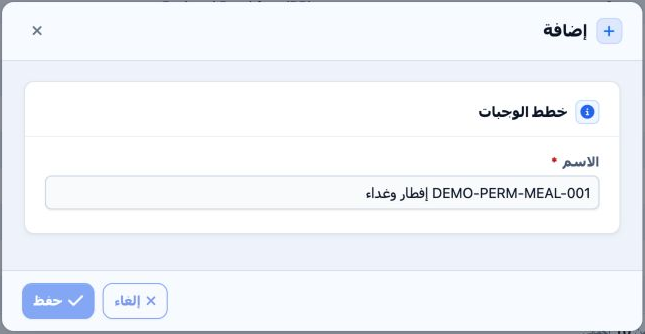
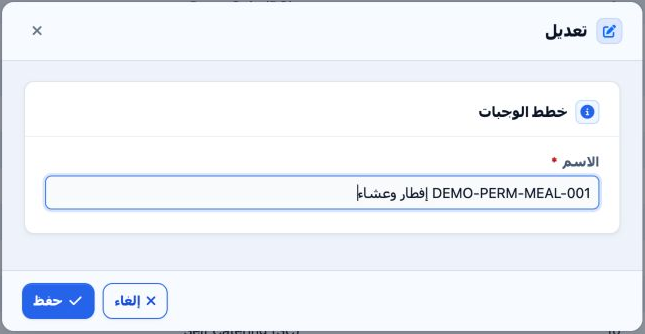
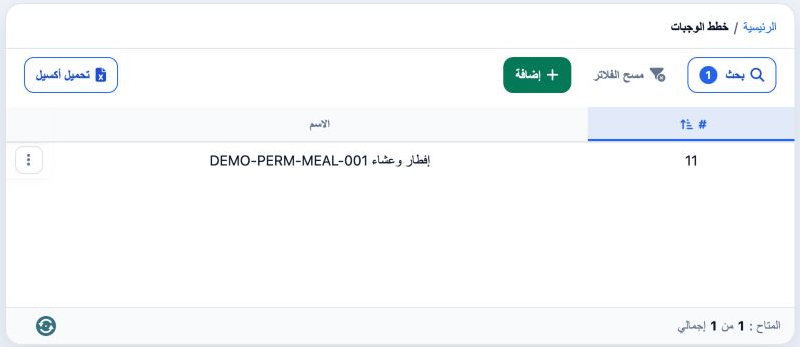
After saving, return to the list and verify the name. The training record was created as serial 11.
Edit and find the plan
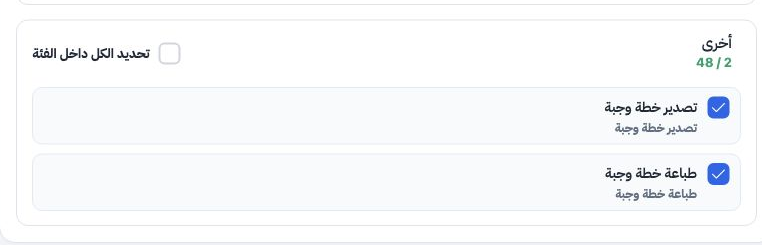
Export and the print permission
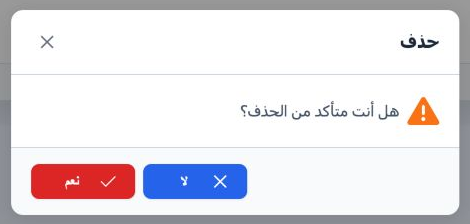
Delete the training record
Sign in to record the lessons you have read. Sign in