Hotel setup and permissions guide
On this page
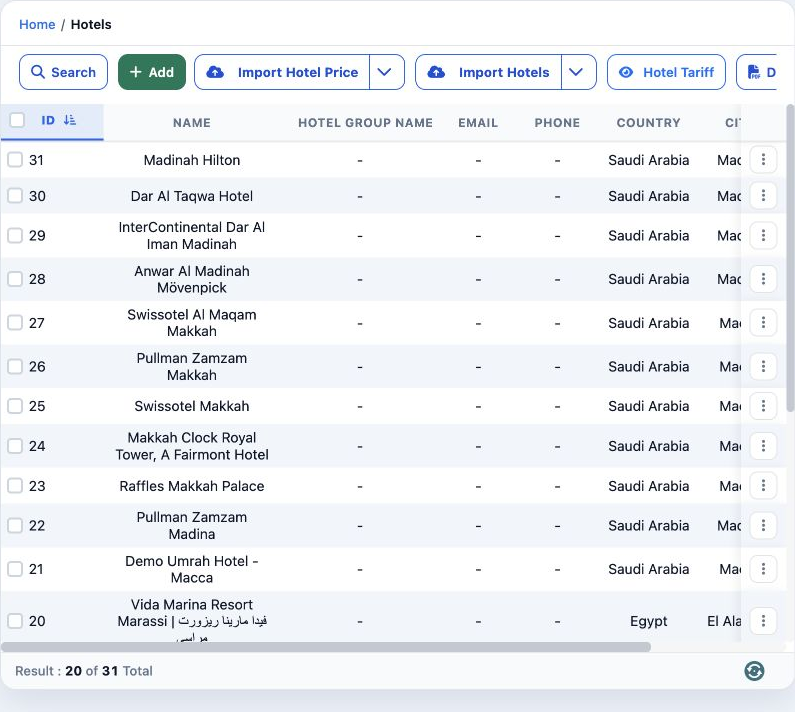
Open Settings, Hotels. This example uses Demo Documentation Review and a disposable training hotel. Hotel prices and hotel charts have separate permissions.
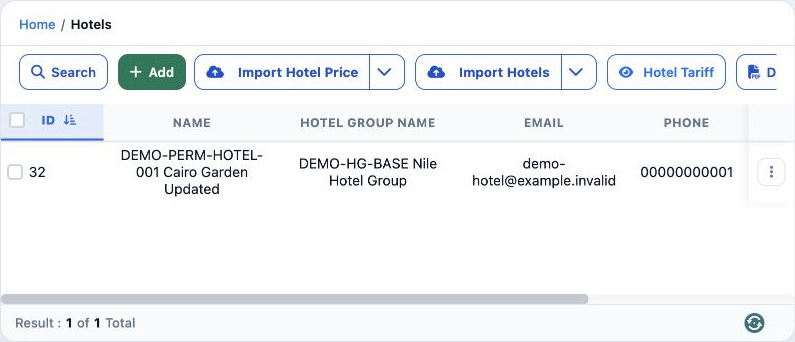
In Roles, Permissions, General, search Hotel, choose the required permissions and save.
View Hotel — read hotel details.
Add Hotel / Edit Hotel — create and change hotels.
Delete Hotel — delete the selected hotel.
Export Hotel / Print Hotel — export and print permissions.
Add a hotel
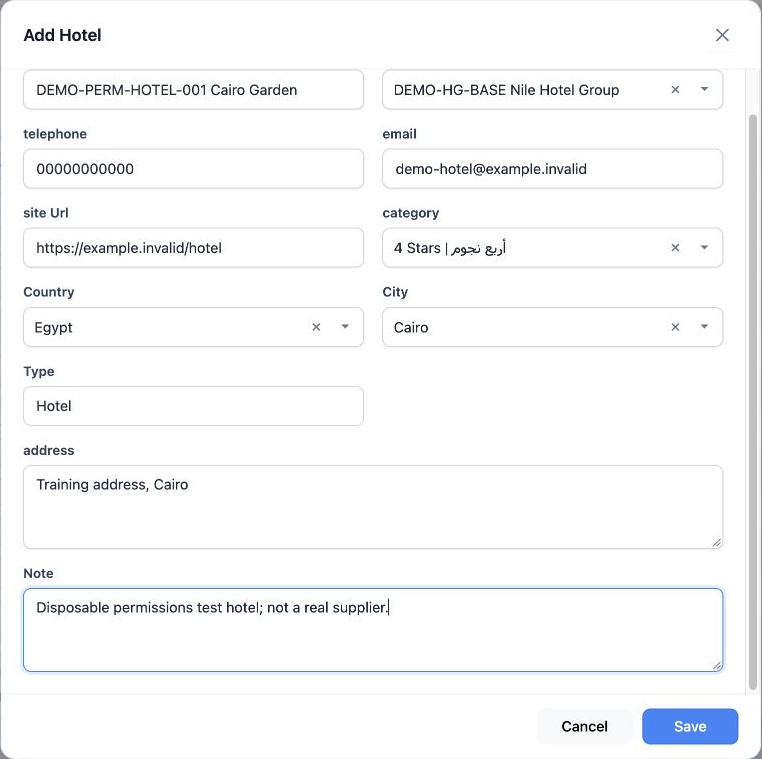
Hotel name has a required marker. The form includes telephone, email, website, address and note. Type offers Hotel or Cruise; this example uses Hotel.
Choose a search result in the country and city selectors. The Arabic add image is a cancelled draft; actual saving used English.
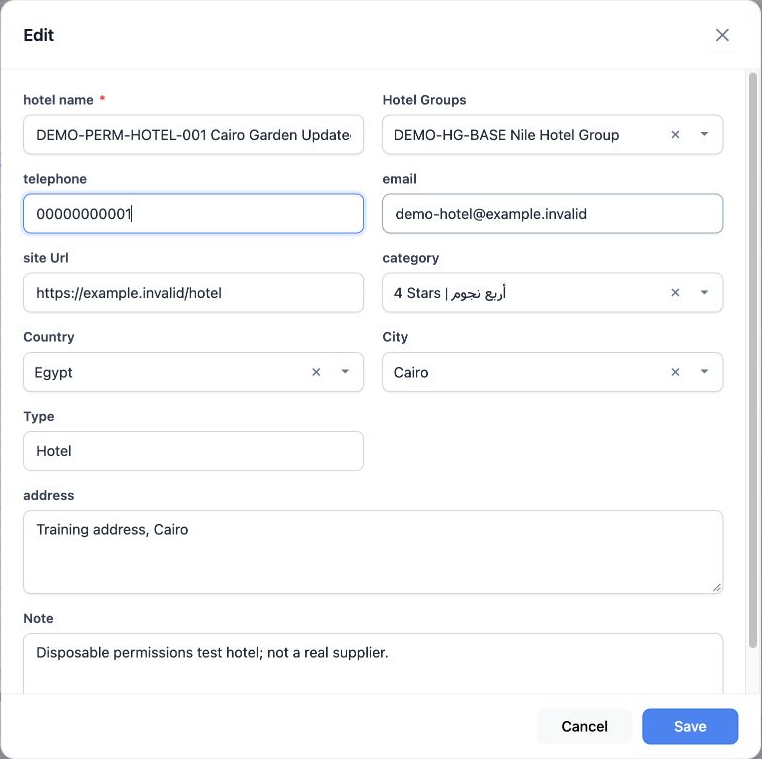
Edit and search
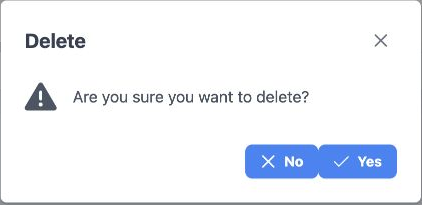
Delete a hotel
Sign in to record the lessons you have read. Sign in