Pricing list permissions
On this page
This guide covers viewing, adding, editing and deleting transport pricing lists, then selecting a list in customer details. Appropriate customer permissions are also needed to edit a customer.
Enable access
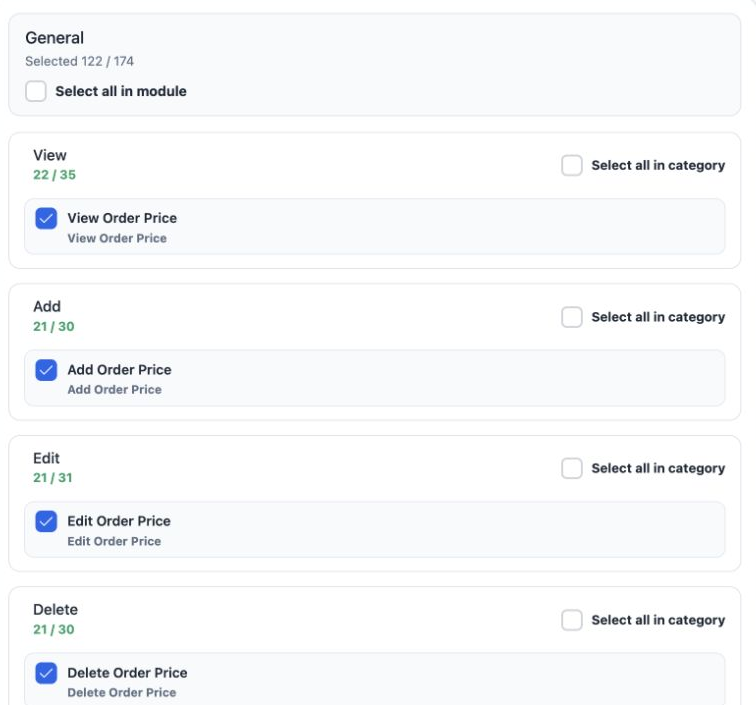
Enable Add Order Price, Edit Order Price and Delete Order Price according to the user’s duties. In this workflow, View Transportation Reservation is also needed to make the Transportation section accessible.
Create a pricing list
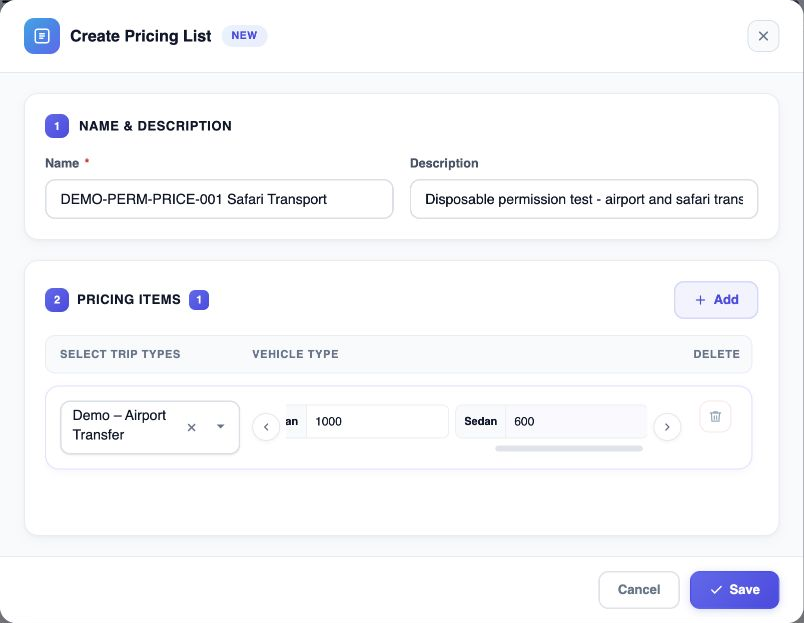
The training example uses Demo – Airport Transfer with numeric prices of 600 for Sedan, 1000 for Passenger Van, 1500 for Minibus and 2500 for Coach.
Edit and inspect list items
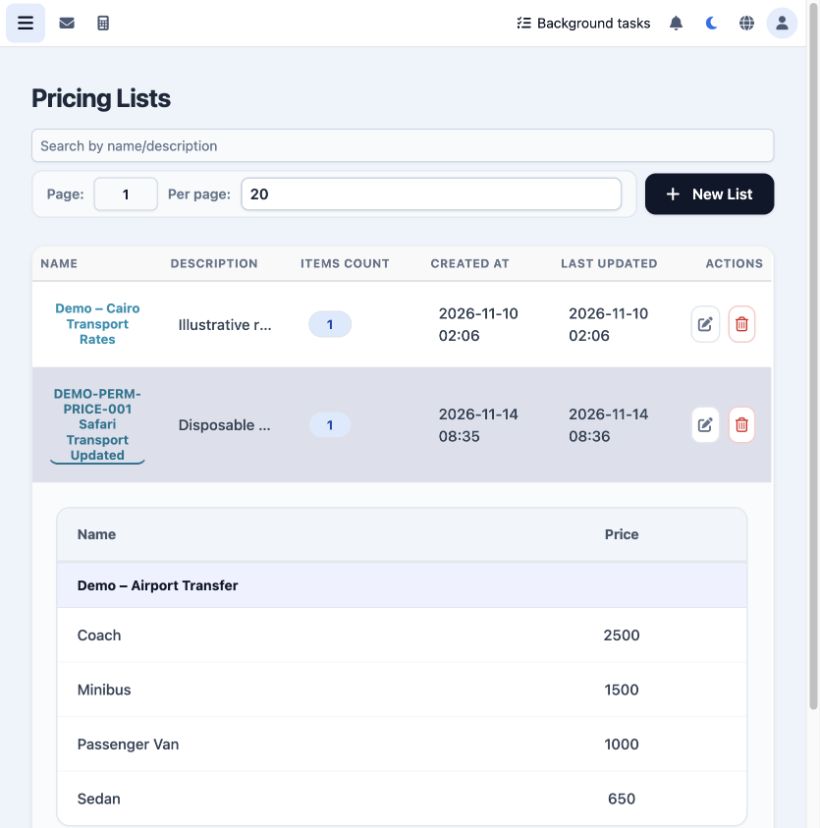
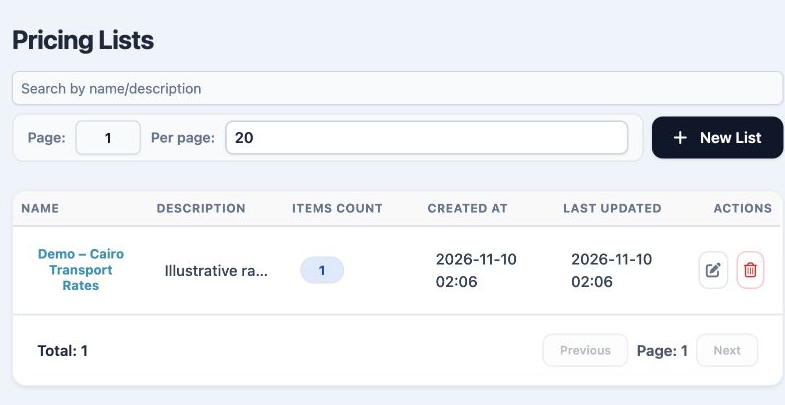
Use Search by name/description to locate a list. The page number and number of records per page can be adjusted.
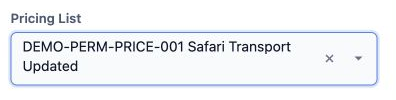
Select a list in customer details
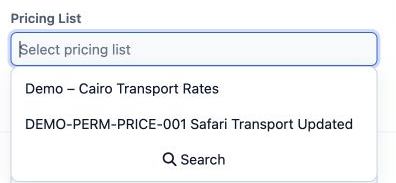
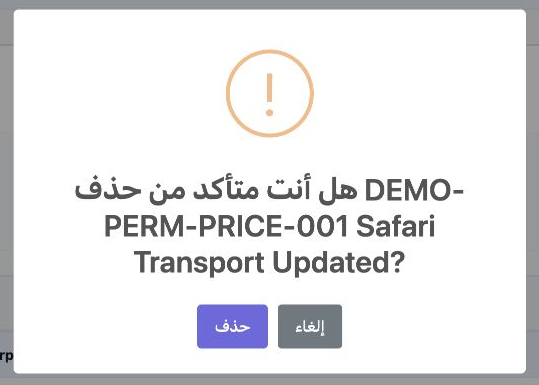
Delete a pricing list
Sign in to record the lessons you have read. Sign in