Language settings permissions guide
On this page
Configure and use permissions for language records. The example uses demo_approval_15000 and the Demo Documentation Review role.
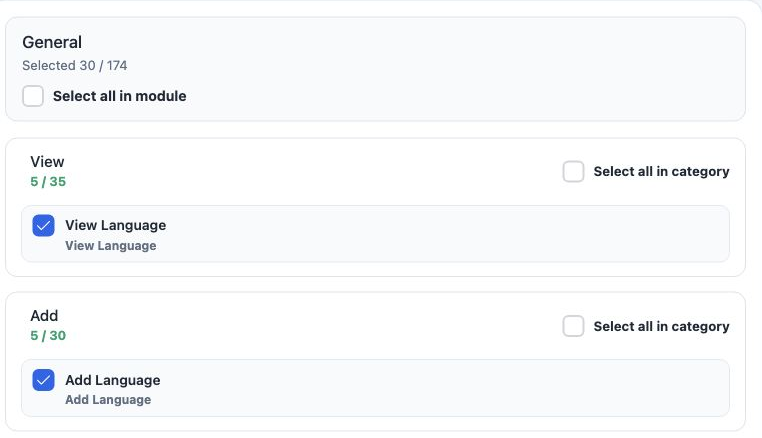
View Language
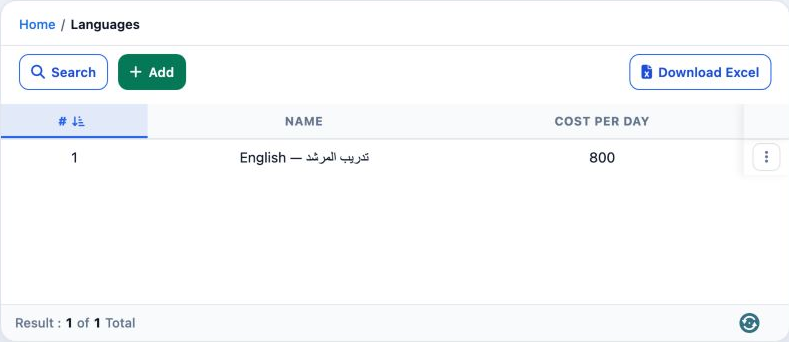
View language names and their recorded daily cost.
Add Language
Create a language record.
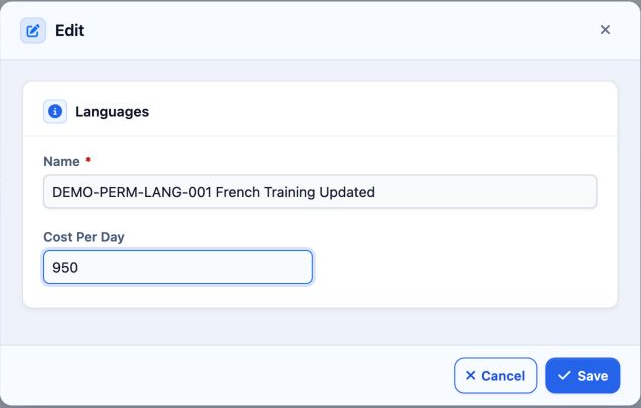
Edit Language
Edit its name and daily cost.
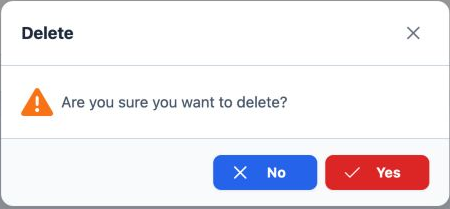
Delete Language
Delete the selected language record.
Export Language
Download list data.
Print Language
A separate option in role permissions.
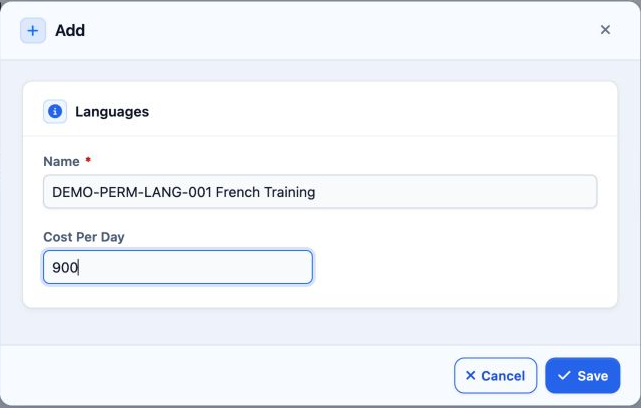
Add and edit
Search and export
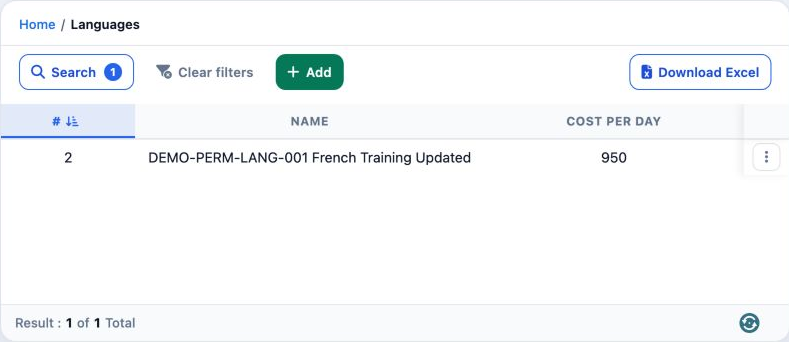
Name is required. Cost Per Day stores the numeric value on the record. Use Clear Filters to return to the complete list.
https://portal.etolv.net/newportal/settings/language
Delete and review the list
Sign in to record the lessons you have read. Sign in