Skip to content
Trio Travel guide

Vehicle types and permissions guide

On this page
  1. Add and find a type
  2. Edit a type name
  3. Delete and review the list

Define, find and manage a vehicle type. The example uses demo_approval_15000 for adding and searching, and admin for editing and deleting.
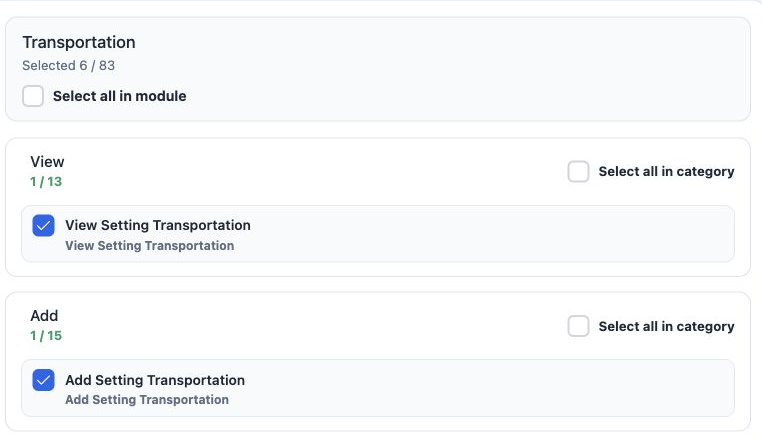
1 1  Open Roles and Permissions for the intended role. Under Transportation, search Setting Transportation, select the required permissions an...
1 Open Roles and Permissions for the intended role. Under Transportation, search Setting Transportation, select the required permissions and Save Changes. The image shows part of the group.

View Setting Transportation — view the vehicle type list.

Add Setting Transportation — create a type.

Edit Setting Transportation — edit a type name.

Delete Setting Transportation — delete the selected type.

Export Setting Transportation — download list data.

Print Setting Transportation — a separate option in role permissions.

Add and find a type
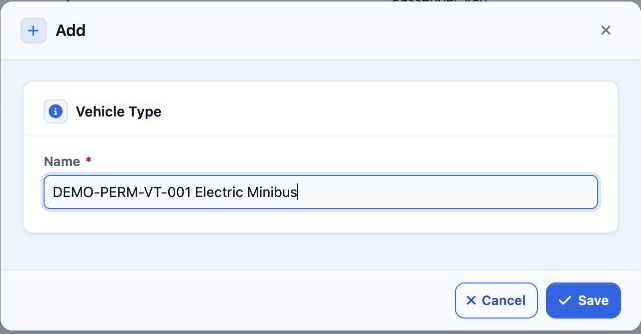
2 2  Open Settings, Vehicles Type and Add. Enter the required Name and Save. demo_approval_15000 saved DEMO-PERM-VT-001 Electric Minibus as se...
2 Open Settings, Vehicles Type and Add. Enter the required Name and Save. demo_approval_15000 saved DEMO-PERM-VT-001 Electric Minibus as serial 5.
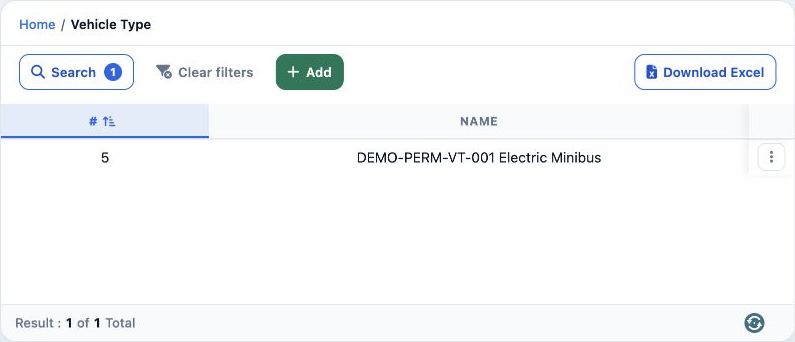
3 3  Select Search, enter DEMO-PERM-VT-001 in Name and run Search. One record appears. Download Excel produces a filtered CSV. Clear Filters r...
3 Select Search, enter DEMO-PERM-VT-001 in Name and run Search. One record appears. Download Excel produces a filtered CSV. Clear Filters restores the full list.

Edit a type name

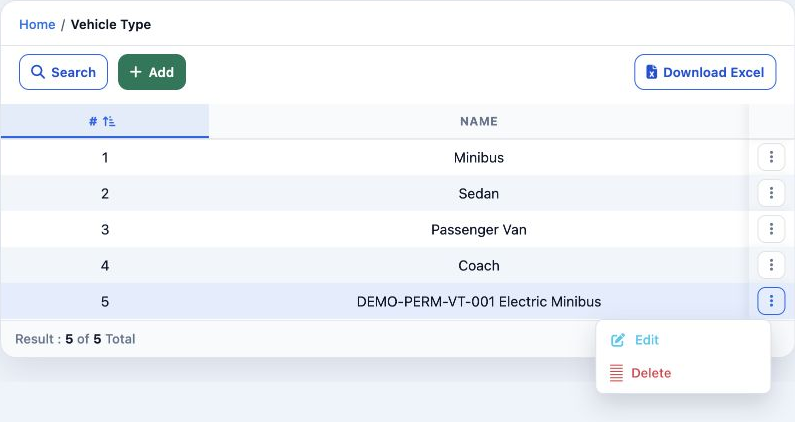
4 4  Open the intended row menu and choose Edit. The image shows the menu using admin.
4 Open the intended row menu and choose Edit. The image shows the menu using admin.
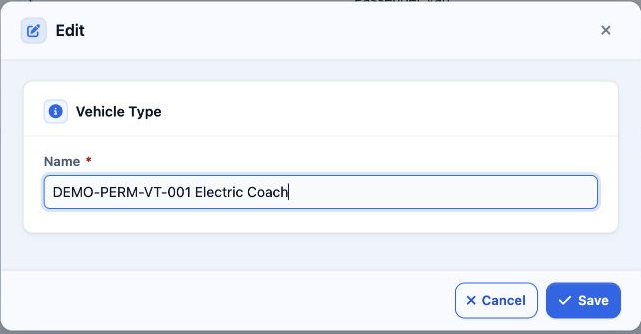
5 5  admin changed the name to DEMO-PERM-VT-001 Electric Coach and saved it. Reopening the Arabic form confirmed the saved value.
5 admin changed the name to DEMO-PERM-VT-001 Electric Coach and saved it. Reopening the Arabic form confirmed the saved value.

If Edit or Delete is unavailable, contact your permissions administrator. These two actions remained unavailable to the test user in this example.

Delete and review the list
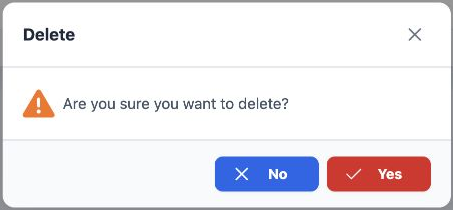
6 6  As admin, choose Delete for test type 5. No returns without deleting; Yes confirms deletion after you verify the intended record.
6 As admin, choose Delete for test type 5. No returns without deleting; Yes confirms deletion after you verify the intended record.
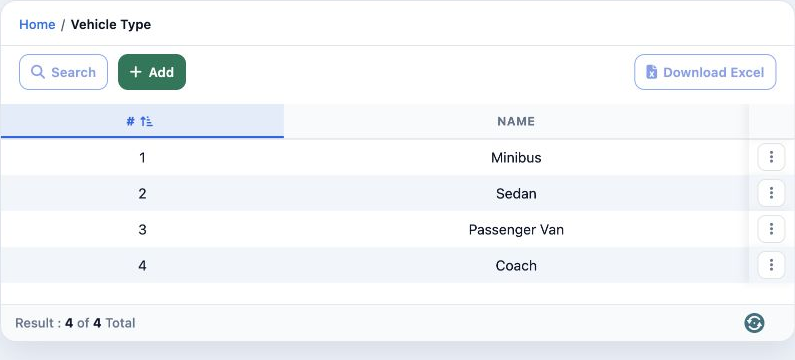
7 7  Only test type 5 was deleted. The original four types Minibus, Sedan, Passenger Van and Coach remained unchanged.
7 Only test type 5 was deleted. The original four types Minibus, Sedan, Passenger Van and Coach remained unchanged.

Sign in to record the lessons you have read. Sign in