Customers and permissions guide
On this page
Path: Customers, Customers. This example creates, edits and finds a corporate customer, explains deletion confirmation and assigns the user permissions.
Assign permissions
In Roles, Permissions, General, search Customer. Select the permissions needed by the role and choose Save Changes. Sign in again as the user to review the result.
View Customer: open and search the customer list.
Add Customer: create a customer.
Edit Customer: update customer details.
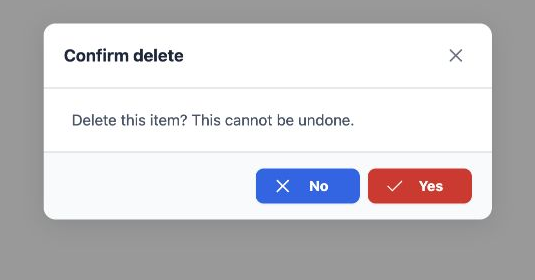
Delete Customer: delete a customer after confirmation.
Export Customer / Print Customer: export and print permissions.
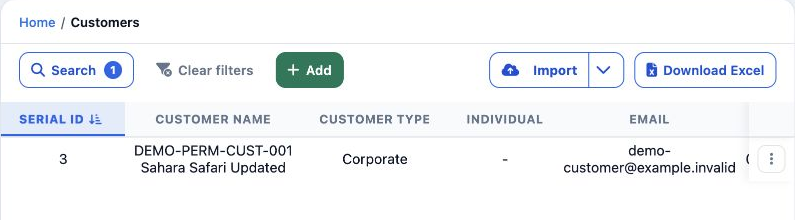
Enabling View alone made Customers available. Enabling the remaining permissions exposed Add, Edit, Delete and Download Excel.
Create a corporate customer
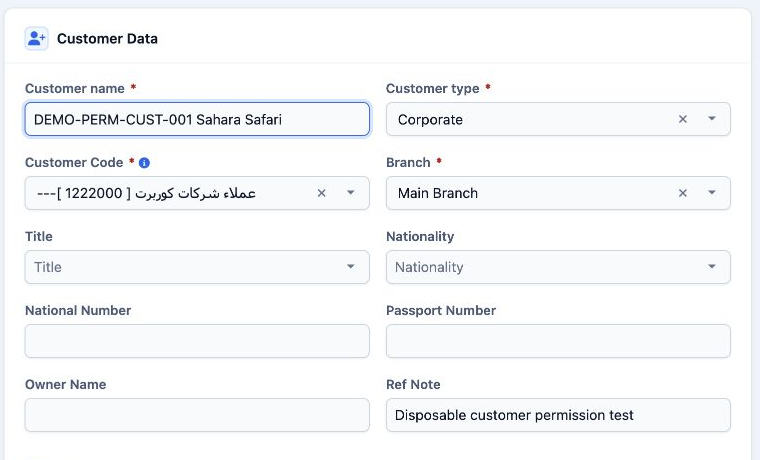
The saved example used DEMO-PERM-CUST-001 Sahara Safari, Main Branch and corporate customers group 1222000 in Customer Code. During creation this field selects an account group; do not enter an arbitrary number.
Complete contact details, address and currency as needed. The example used EGP. Select Add Customer to save. Accounting code 12220000001 appeared after saving.
Other columns show branch, phone, email, country, city, tax and identity details, status, creator and creation date. Serial number, record ID and accounting code are distinct identifiers.
Edit the customer and review form sections
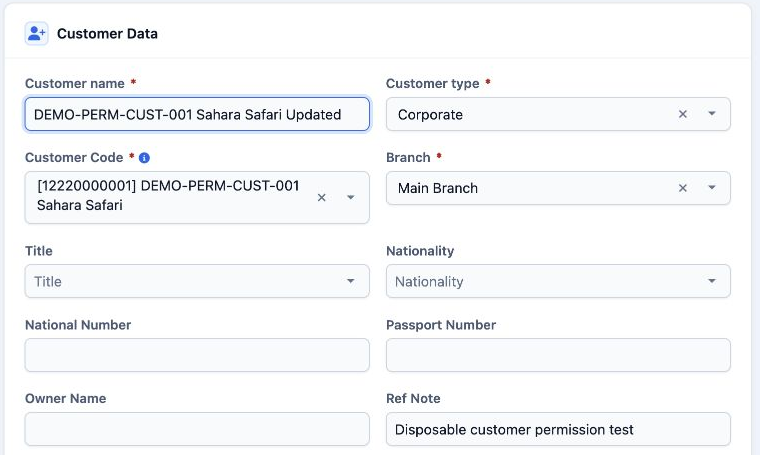
Customer Data includes title, nationality, identity and passport numbers, owner and reference notes. Commercial Data includes credit limit and term, cost plus, commission, currency and price list.
Location Data includes country, city, addresses, building number and postal code. Contact Data includes two phone numbers, email, fax and website.
Accounting Data shows account code, account manager, tax and license numbers. Integration Data includes Galileo code and Amadeus office. Invoice remarks and contact persons are also available.
Search and deletion confirmation
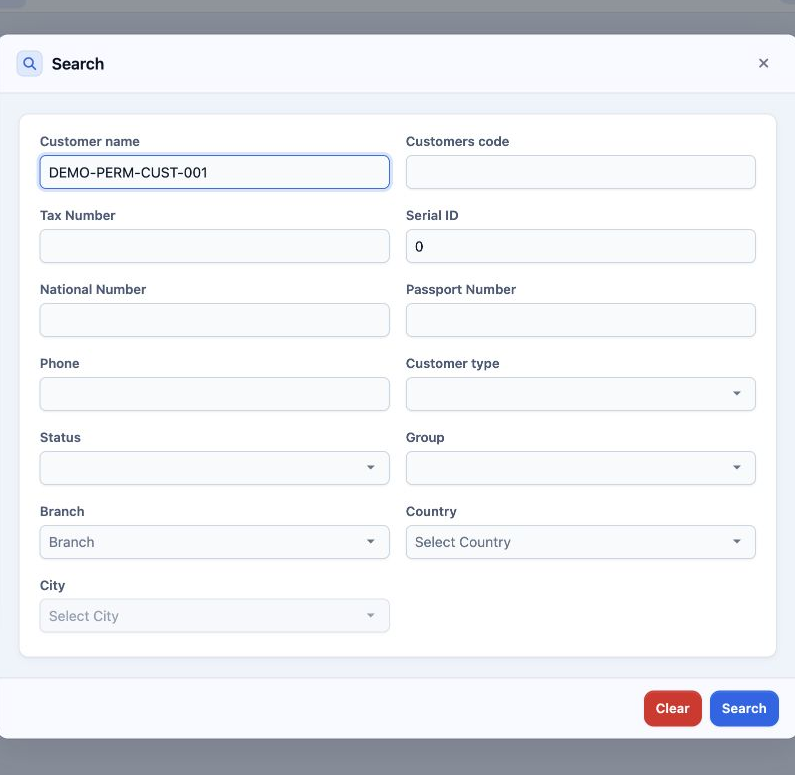
Other filters cover code, serial number, identity, passport, phone, type, status, group, branch and location. To show all records, clear the criteria and run Search again.
Sign in to record the lessons you have read. Sign in