Accounting settings: departments
On this page
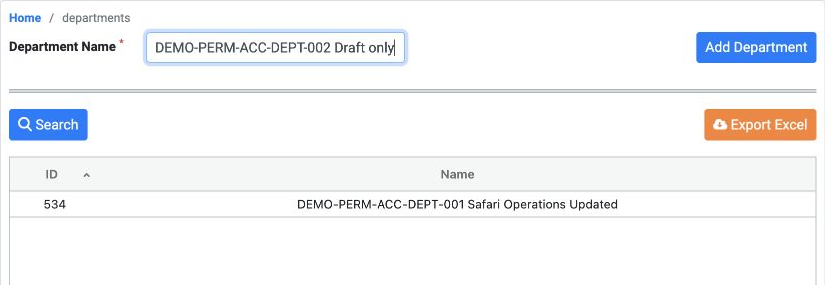
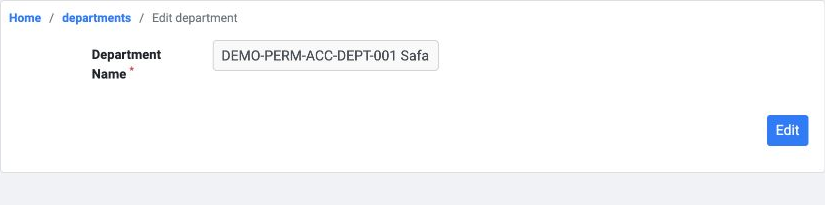
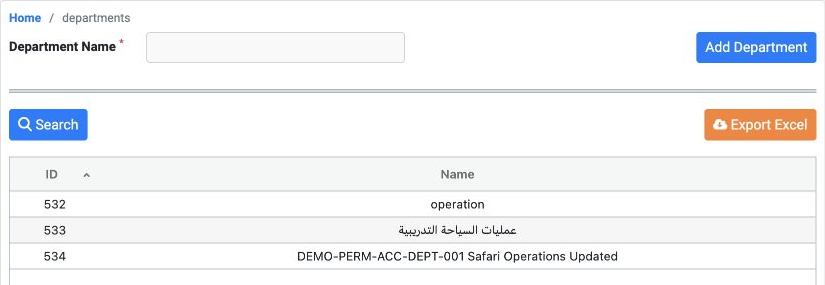
Administrative path: Accounting, Settings, Departments. This example creates, edits and finds a training department, exports the list and deletes the disposable record.
Role permissions
In Roles, Permissions, General, search Department and assign the required View, Add, Edit, Delete, Export and Print permissions. Save changes and sign in again as the user.
View reads the list; Add creates a department; Edit changes its name; Delete requests its removal. Export downloads data; Print is a separate permission.
Distinguish this screen from Human Resources, Managements (Departments). The same example record appeared in both interfaces.
Edit, search and export
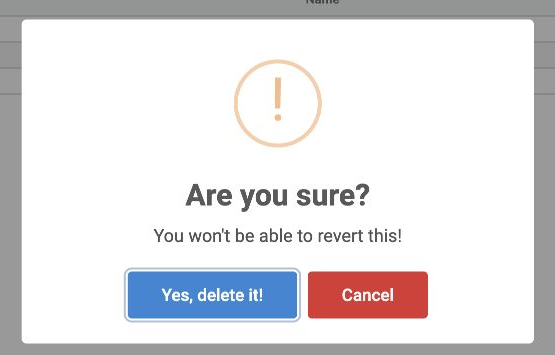
Choosing Delete from the row menu opens confirmation. Select Cancel to keep the record or Yes, delete it! to delete it permanently.
Sign in to record the lessons you have read. Sign in