Skip to content
Trio Travel guide

Seasons and permissions guide

On this page
  1. Add and edit a season
  2. Search and export
  3. Delete and review the result

Manage season names using demo_approval_15000 and the Demo Documentation Review role.
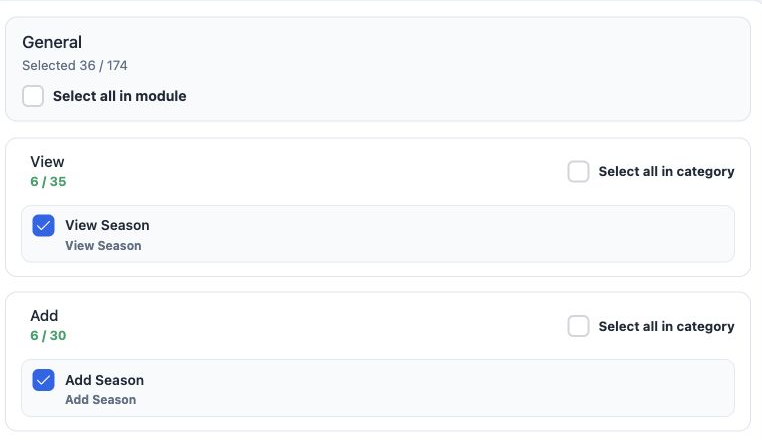
1 1  Open Roles and Permissions. Under General, search Season and expand the action categories. Select the required permissions and Save Chang...
1 Open Roles and Permissions. Under General, search Season and expand the action categories. Select the required permissions and Save Changes. The image shows the View and Add portion.

View Season — read season names.

Add Season — create a season.

Edit Season — change a season name.

Delete Season — delete the selected season.

Export Season — download list data.

Print Season — a separate option in role permissions.

Add and edit a season
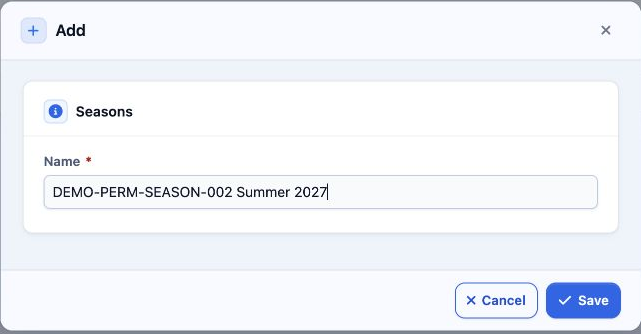
2 2  Open Settings, Seasons and Add. Enter the required Name and Save. DEMO-PERM-SEASON-002 Summer 2027 was saved as serial 2.
2 Open Settings, Seasons and Add. Enter the required Name and Save. DEMO-PERM-SEASON-002 Summer 2027 was saved as serial 2.
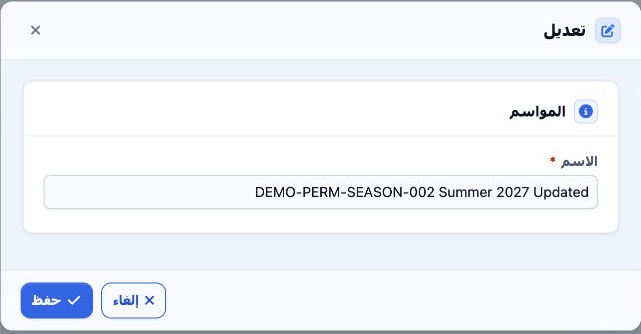
3 3  Choose Edit from the row menu. Updated was appended to the name and saved. The Arabic reopening shown here confirms the saved value.
3 Choose Edit from the row menu. Updated was appended to the name and saved. The Arabic reopening shown here confirms the saved value.

Search and export

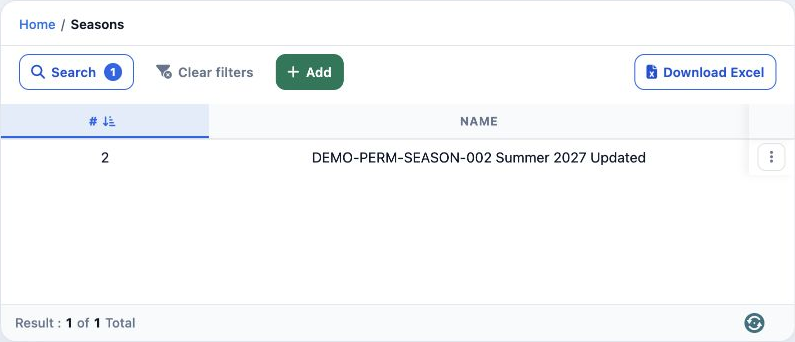
4 4  Select Search, enter DEMO-PERM-SEASON-002 in Name, then run Search. One result appears with the updated name.
4 Select Search, enter DEMO-PERM-SEASON-002 in Name, then run Search. One result appears with the updated name.

Download Excel downloads the filtered list as a CSV containing serial and Name. Use Clear Filters to return to all seasons.

The season form in this example contains Name only. Including the year in the name can make the record easier to identify.

Delete and review the result
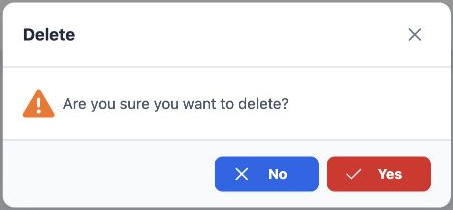
5 5  Choose Delete from the row menu. Verify the intended record, then select Yes to delete or No to return without changing it.
5 Choose Delete from the row menu. Verify the intended record, then select Yes to delete or No to return without changing it.
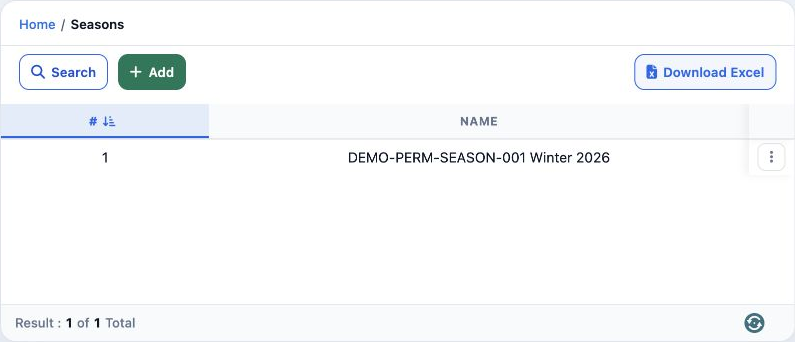
6 6  Only test record 2 was deleted. Reference training season 1 remained unchanged as DEMO-PERM-SEASON-001 Winter 2026.
6 Only test record 2 was deleted. Reference training season 1 remained unchanged as DEMO-PERM-SEASON-001 Winter 2026.

Sign in to record the lessons you have read. Sign in