Restaurant meal prices and permissions guide
On this page
Each meal price list belongs to a restaurant. The example uses DEMO-PERM-REST-001 Nile Garden Updated.
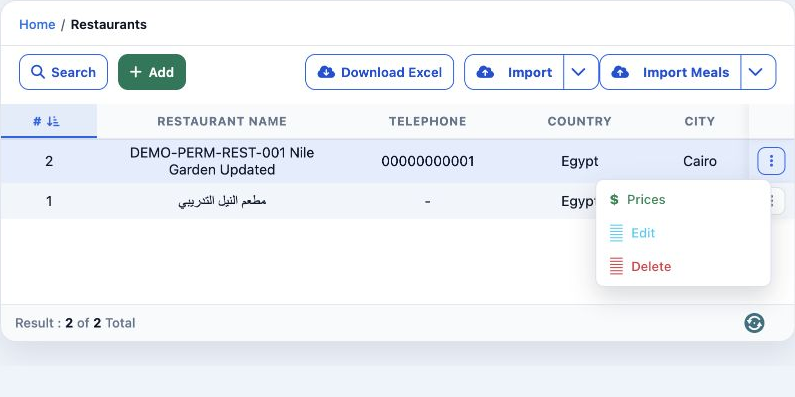
Under Roles, Permissions and General, search Restaurant, select the required Restaurant Price permissions, then save.
View Restaurant Price — open the meal price list.
Add / Edit / Delete Restaurant Price — create, change and delete meal entries.
Export / Print Restaurant Price — export and print permissions in Other.
Add and edit a meal
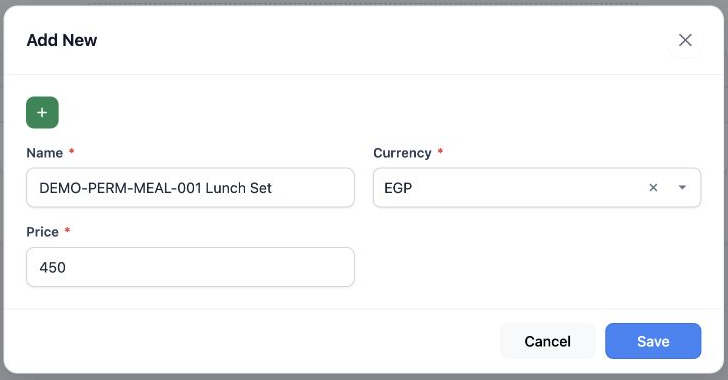
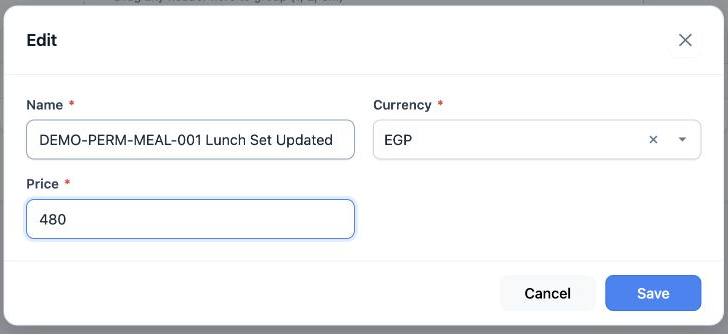
Actual add and edit saving used English. The Arabic add image is a cancelled draft; no duplicate was saved.
Review and delete
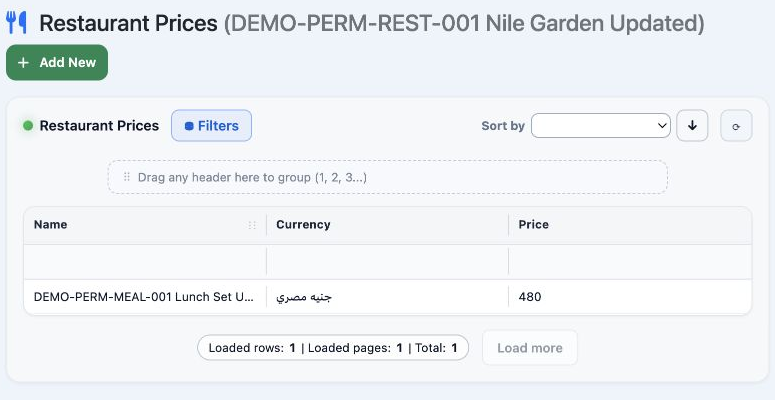
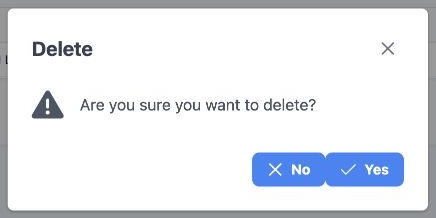
After deleting the meal, its test restaurant was removed. The original reference restaurant remained unchanged.
Sign in to record the lessons you have read. Sign in