Skip to content
Trio Travel guide

User Chart of Accounts Permissions

Review account groups assigned to a user.

Open and review account groups
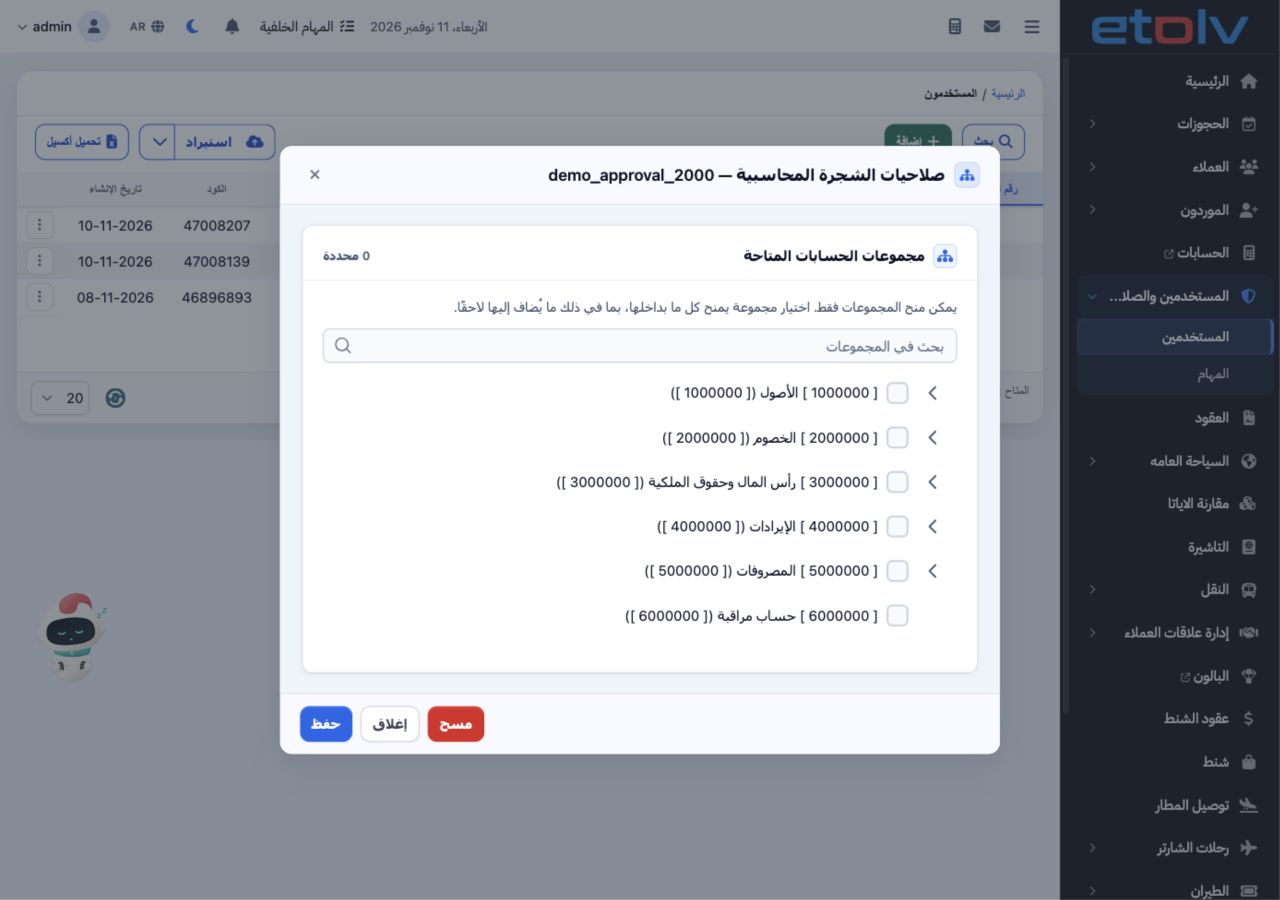
1 From the user’s row menu, choose Chart of Accounts Permissions. Search for a group and review its branches. The interface states that only g...
From the user’s row menu, choose Chart of Accounts Permissions. Search for a group and review its branches. The interface states that only groups can be granted and that selecting a group includes all its contents, including accounts added later. Review the user and group scope before selecting it and choosing Save. Close exits the dialog.

Sign in to record the lessons you have read. Sign in