Booking Movement to Work Order
On this page
- 1 Select the file movement
- 2 Assign the guide
- 3 Assign the representative
- 4 Prepare the transport request
- 5 Continue to the timetable
- 6 Complete timetable details
- 7 Open the work order from the calendar
- 8 Complete the work order
- 9 Times details and saving
- 10 Review the saved order
- 11 Follow the order in Transportation
- 12 Set the transport revenue account
- 13 Select the service
- 14 Confirm the work order
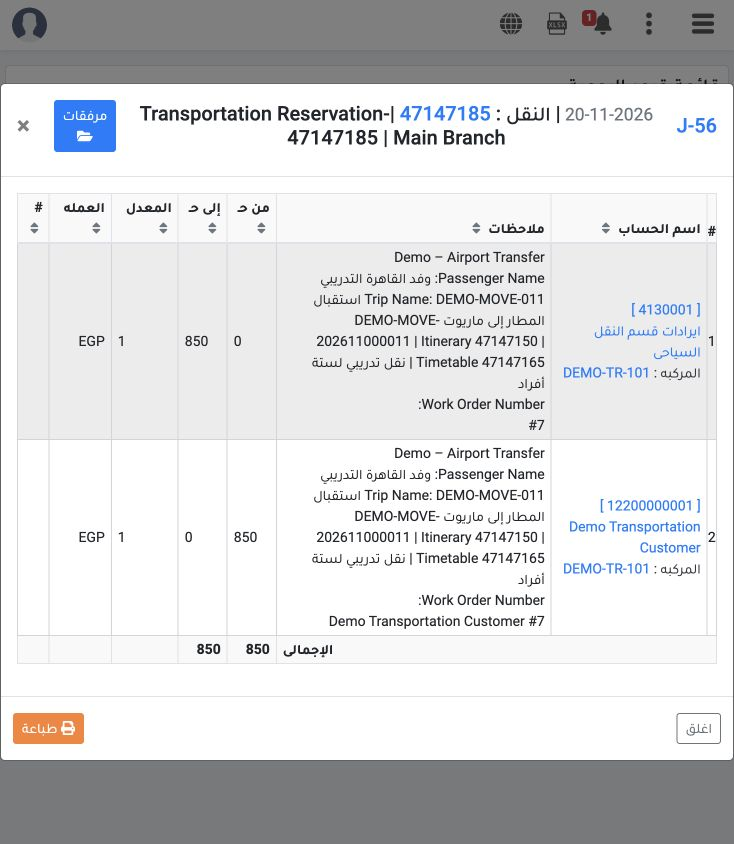
- 15 Verify completed posting
- 16 Reconcile the generated journal
Assign the movement team, send the transport request and prepare a work order for one training Booking file.
1 Select the file movement
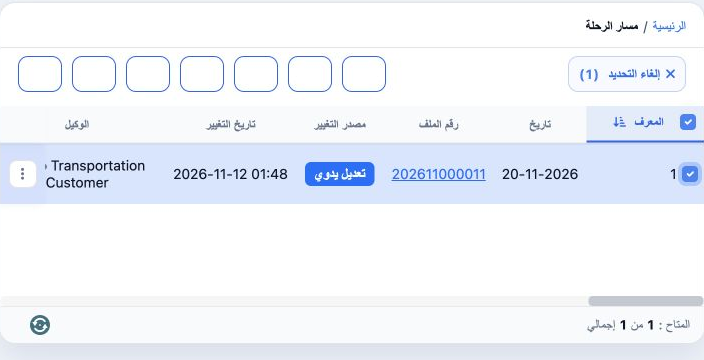
2 Assign the guide

3 Assign the representative
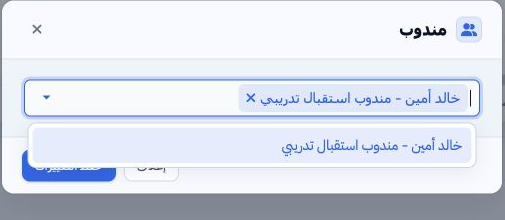
4 Prepare the transport request
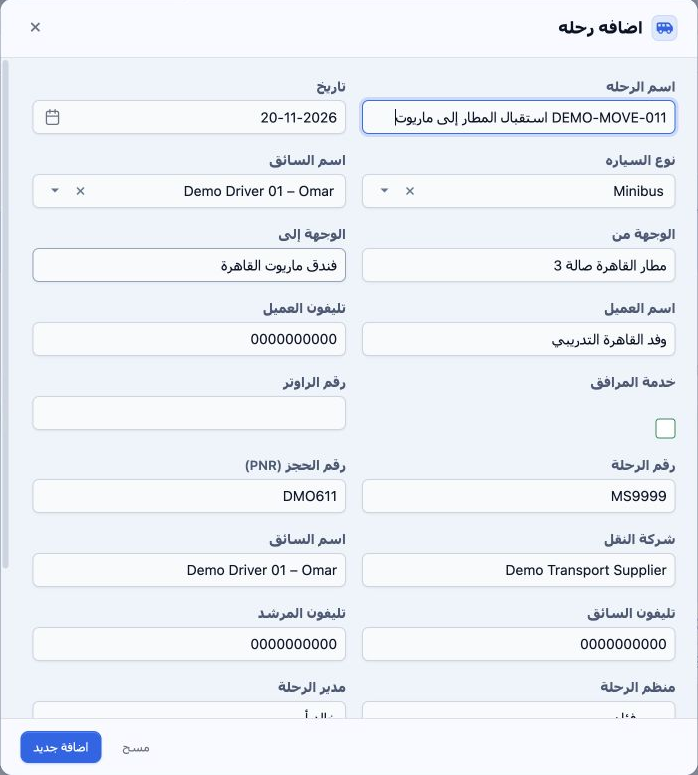
5 Continue to the timetable
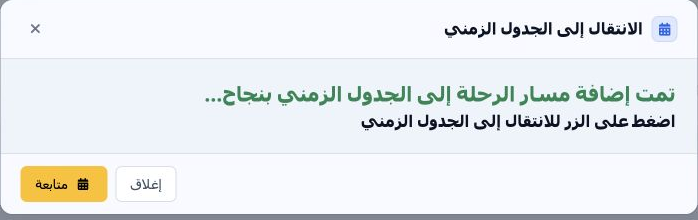
6 Complete timetable details

7 Open the work order from the calendar
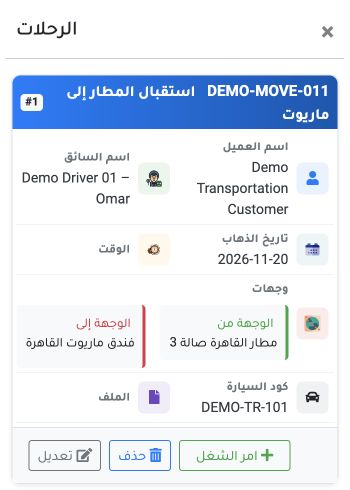
8 Complete the work order
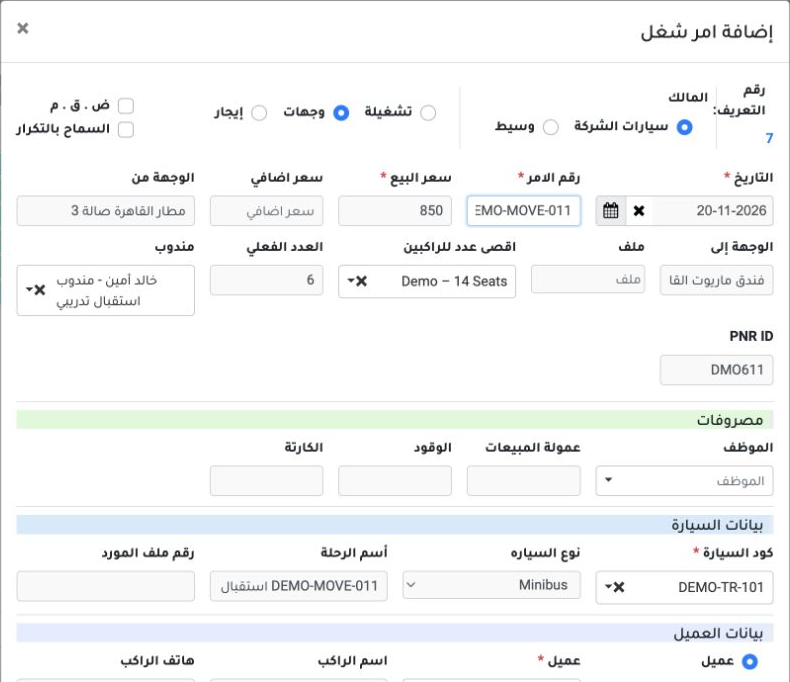
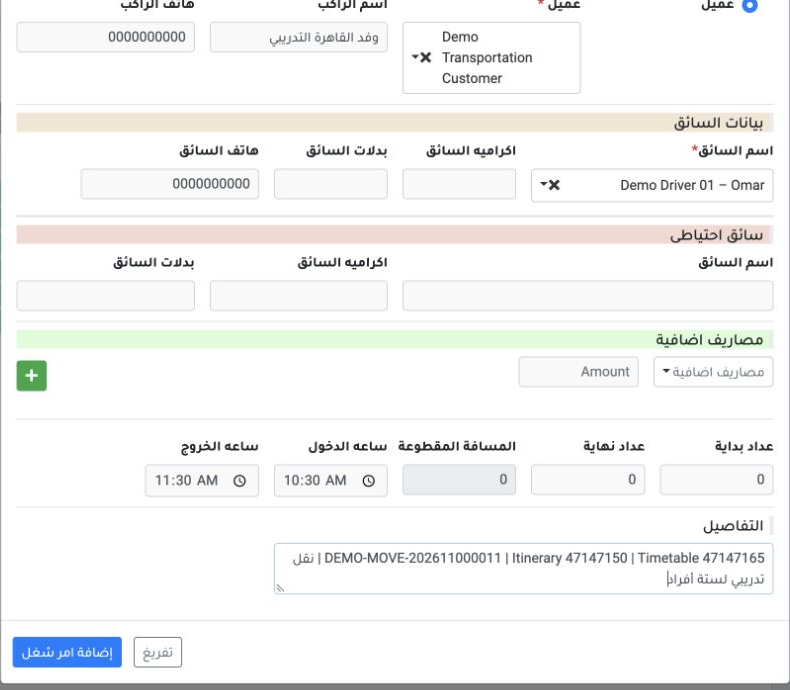
9 Times details and saving
10 Review the saved order
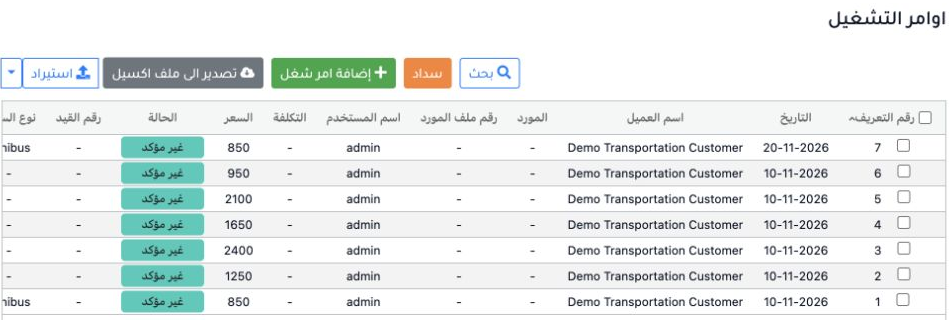
11 Follow the order in Transportation
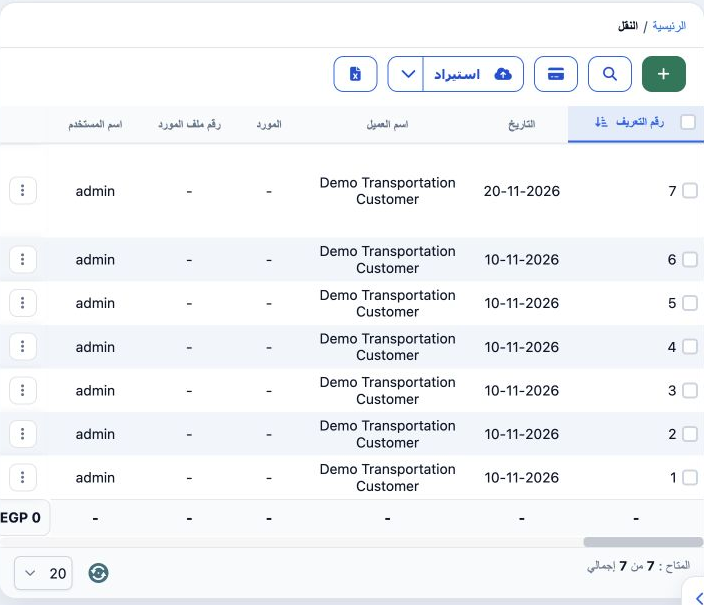
12 Set the transport revenue account

13 Select the service
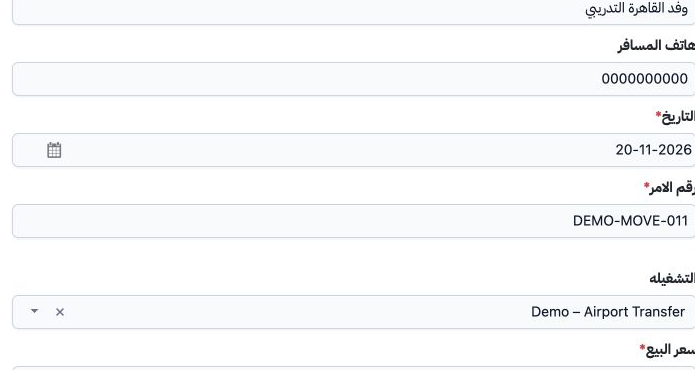
14 Confirm the work order
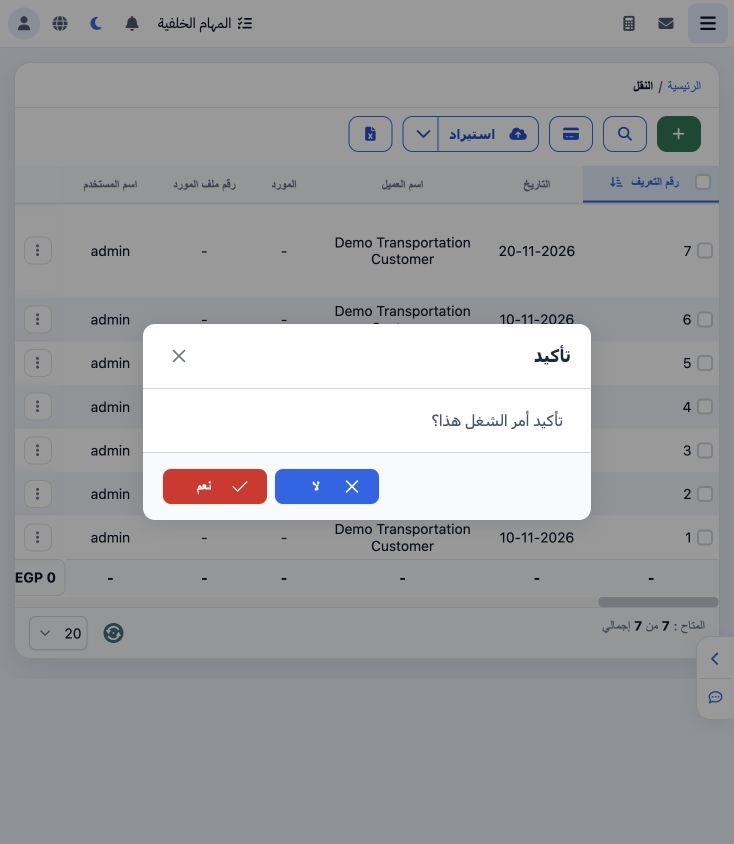
15 Verify completed posting
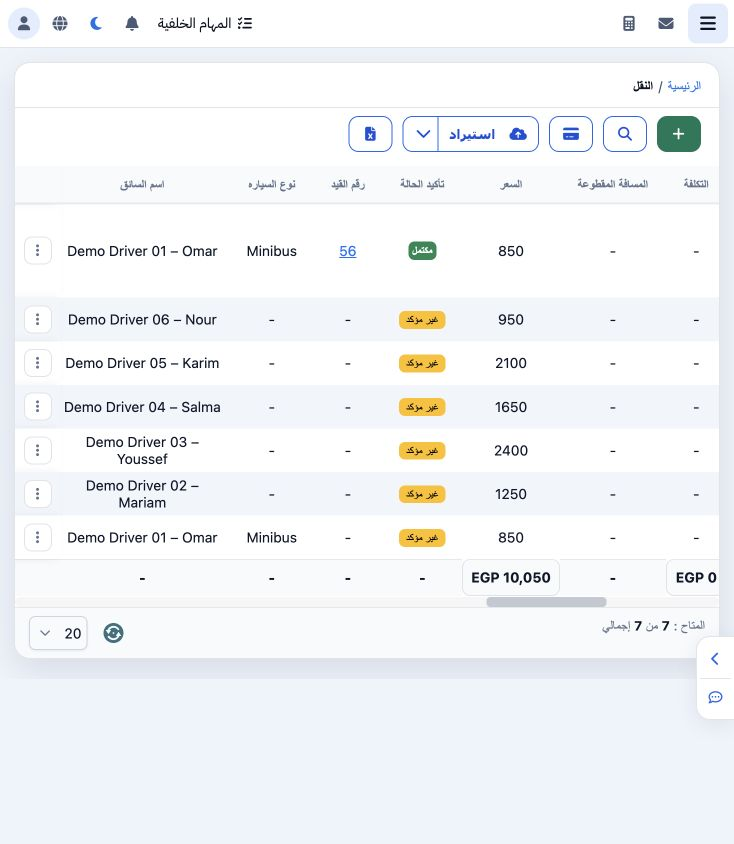
16 Reconcile the generated journal
Sign in to record the lessons you have read. Sign in