Skip to content
Trio Travel guide

Extra Services in a Package

On this page
  1. 1 Access and prerequisites
  2. 2 Fields editing and removal
  3. 3 Review the generated file service

1 Access and prerequisites

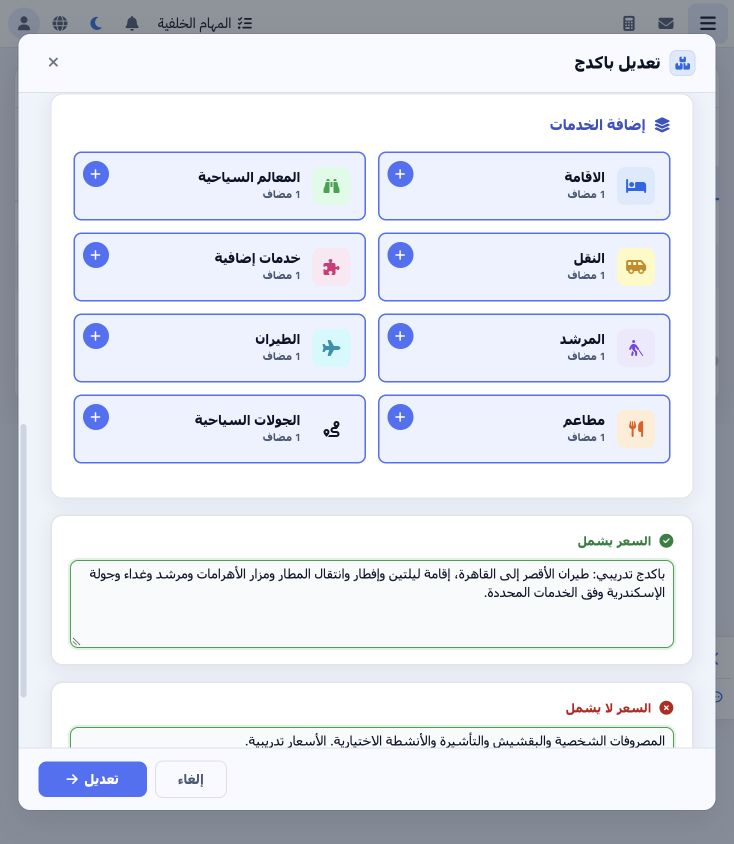
1 Edit the package and open Extra Services. Choose its plus to add a card or open the section to review a saved card. Define the service in Se...
Edit the package and open Extra Services. Choose its plus to add a card or open the section to review a saved card. Define the service in Settings → Extra Services and prepare its supplier and currency. The example uses تنسيق جولة الإسكندرية - تدريب on day 3.

2 Fields editing and removal

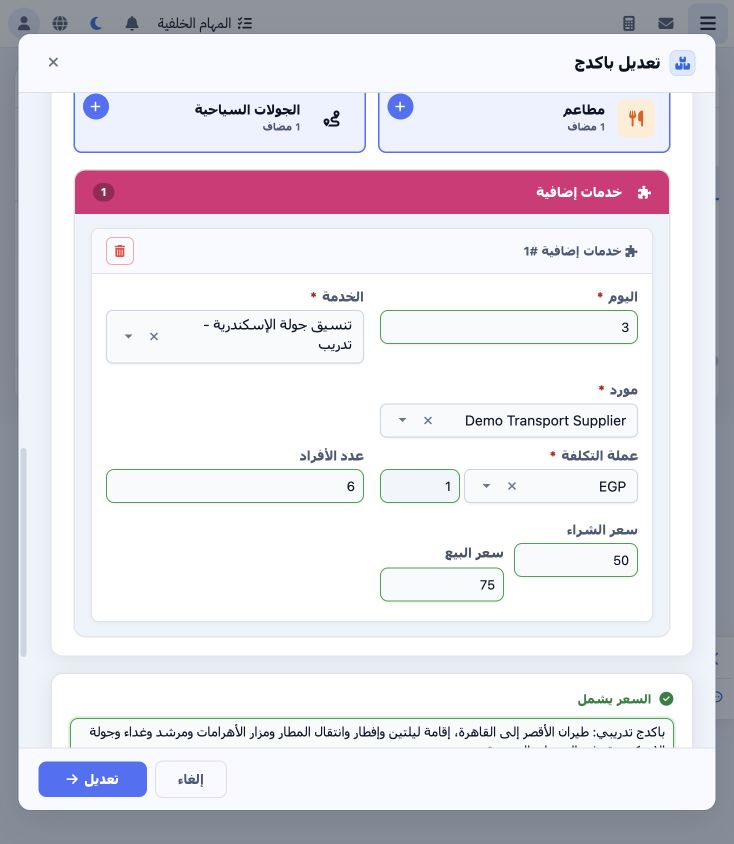
2 Select day 3, the service and Demo Transport Supplier, then EGP at rate 1. Enter six people, purchase price 50 and selling price 75 as train...
Select day 3, the service and Demo Transport Supplier, then EGP at rate 1. Enter six people, purchase price 50 and selling price 75 as training values. Review any cost loaded from the service definition before changing it. Save the package and reopen the card to verify it.

3 Review the generated file service

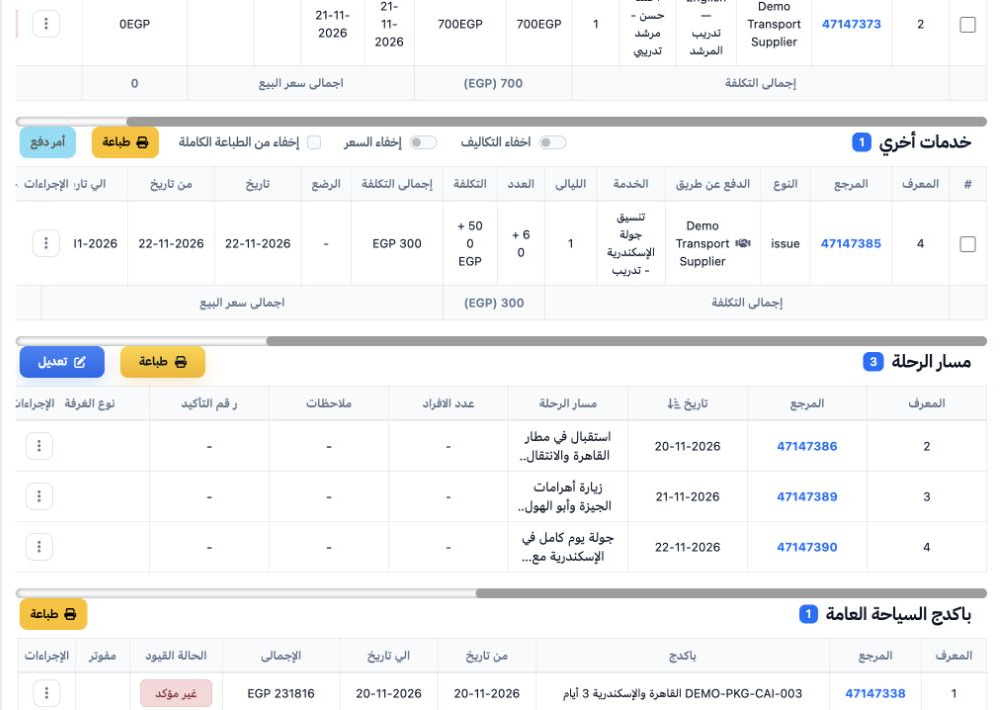
3 Open Extra Services in file 202611000012 and review day 3, quantity, supplier and item 47147385. Distinguish an included package service fro...
Open Extra Services in file 202611000012 and review day 3, quantity, supplier and item 47147385. Distinguish an included package service from an optional or mandatory pricing add-on configured in pricing.

Sign in to record the lessons you have read. Sign in