Skip to content
Trio Travel guide

Flight in a Package

On this page
  1. 1 Access and prerequisites
  2. 2 Fields editing and removal
  3. 3 Review the generated file service

1 Access and prerequisites

1 Edit the package and open Flight. Choose its plus to add a card or open the section to review a saved card. Prepare the airline, departure a...
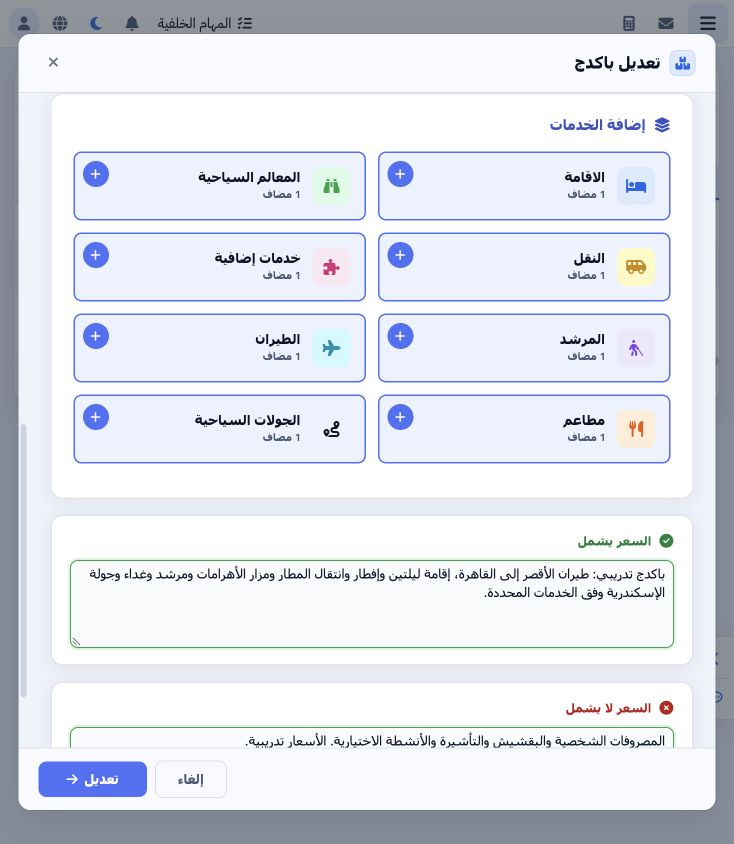
Edit the package and open Flight. Choose its plus to add a card or open the section to review a saved card. Prepare the airline, departure and arrival airports, supplier and currency. The example uses Egyptair, Luxor (LXR) and Cairo (CAI). These are training values; the item does not issue a real flight ticket.

2 Fields editing and removal

2 Select day 1, the airline, departure/arrival airports and supplier. Set EGP at rate 1 and choose 08:00 in the time picker. Enter six passeng...
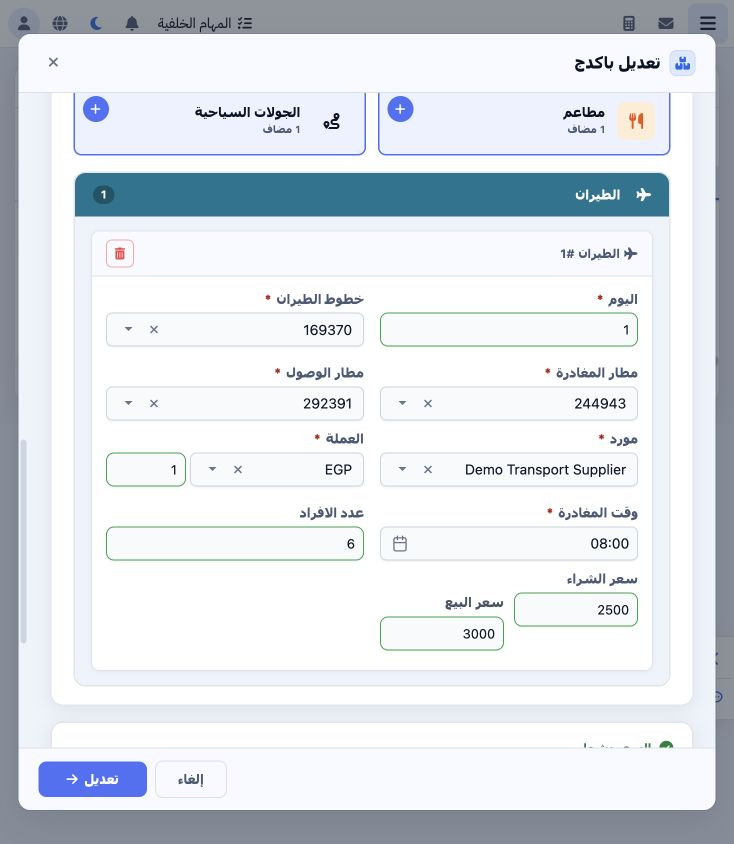
Select day 1, the airline, departure/arrival airports and supplier. Set EGP at rate 1 and choose 08:00 in the time picker. Enter six passengers, cost 2500 and selling price 3000. Ensure the required-field warning has cleared before saving. Reopen the card to edit and save the package.

3 Review the generated file service

3 Open Flight in the generated file and review the supplier, airline, airports, times, passenger count and status. The example item is 4714736...
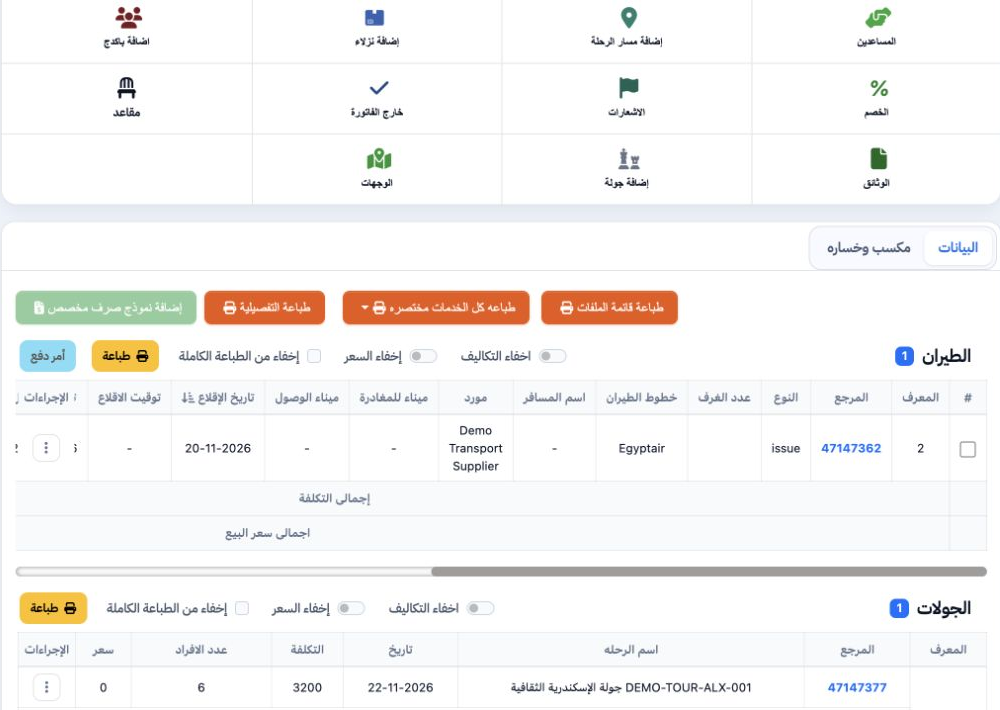
Open Flight in the generated file and review the supplier, airline, airports, times, passenger count and status. The example item is 47147362 dated 20 November. Compare unit cost, total cost and total selling price before posting the reservation.

Sign in to record the lessons you have read. Sign in