Skip to content
Trio Travel guide

Booking Service Disbursement Forms

On this page
  1. 1 Review service costs
  2. 2 Update the supplier invoice reference
  3. 3 Find a service
  4. 4 Review the remainder and select the service
  5. 5 Prepare a disbursement form
  6. 6 Review the saved form

1 Review service costs

1 Open General Tourism → Reports → Disbursement Forms. The list shows customer, supplier, service cost, total forms, remaining amount, file nu...
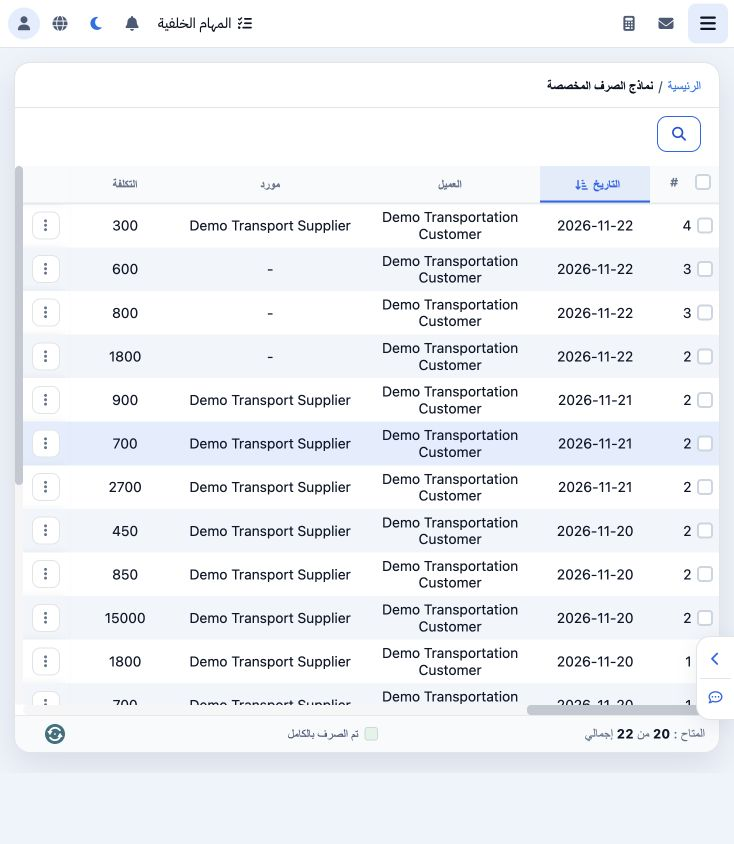
Open General Tourism → Reports → Disbursement Forms. The list shows customer, supplier, service cost, total forms, remaining amount, file number, currency, service type and invoice references.

2 Update the supplier invoice reference

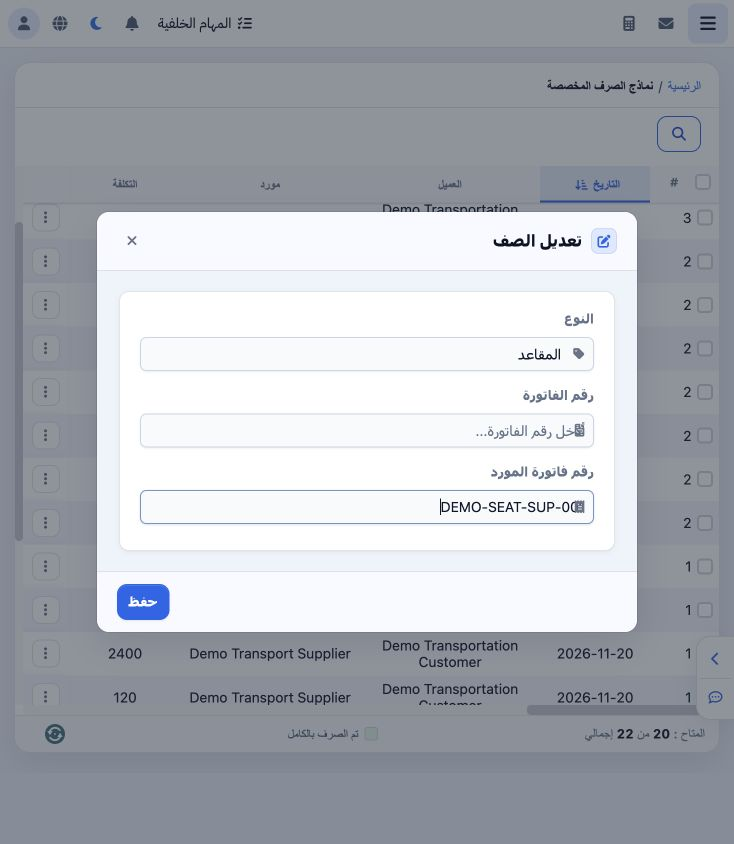
2 Choose Edit from the row menu. Review the service type, enter the supplier invoice reference and Save. DEMO-SEAT-SUP-001 was saved against t...
Choose Edit from the row menu. Review the service type, enter the supplier invoice reference and Save. DEMO-SEAT-SUP-001 was saved against the Seat service in file 202611000014.

3 Find a service

3 Search supports file number, customer, supplier, cost and sale currencies, supplier invoice reference, service type and dates. Enter the tra...
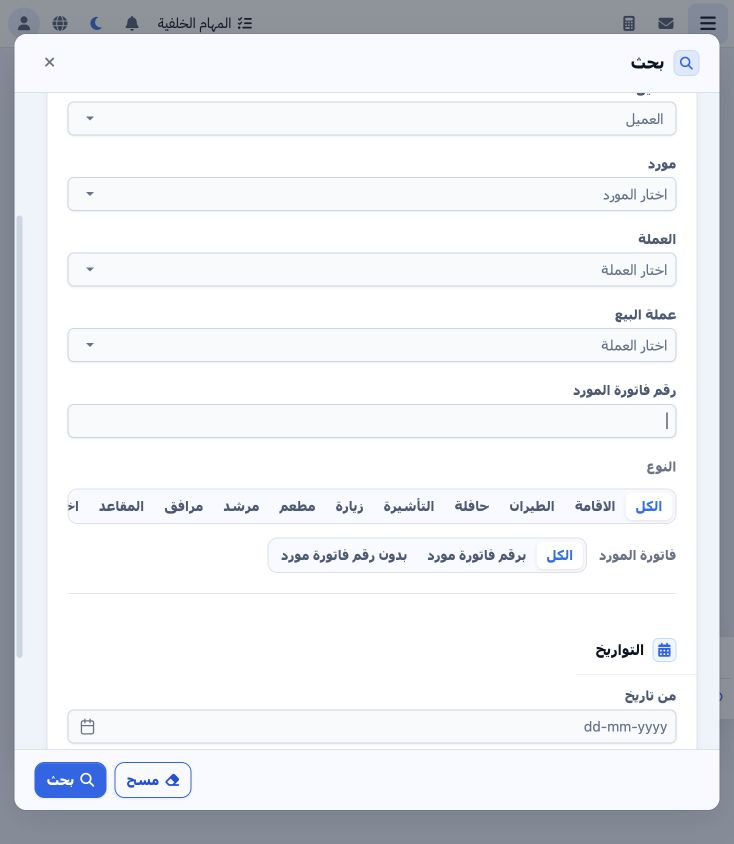
Search supports file number, customer, supplier, cost and sale currencies, supplier invoice reference, service type and dates. Enter the training reference and select Search.

4 Review the remainder and select the service

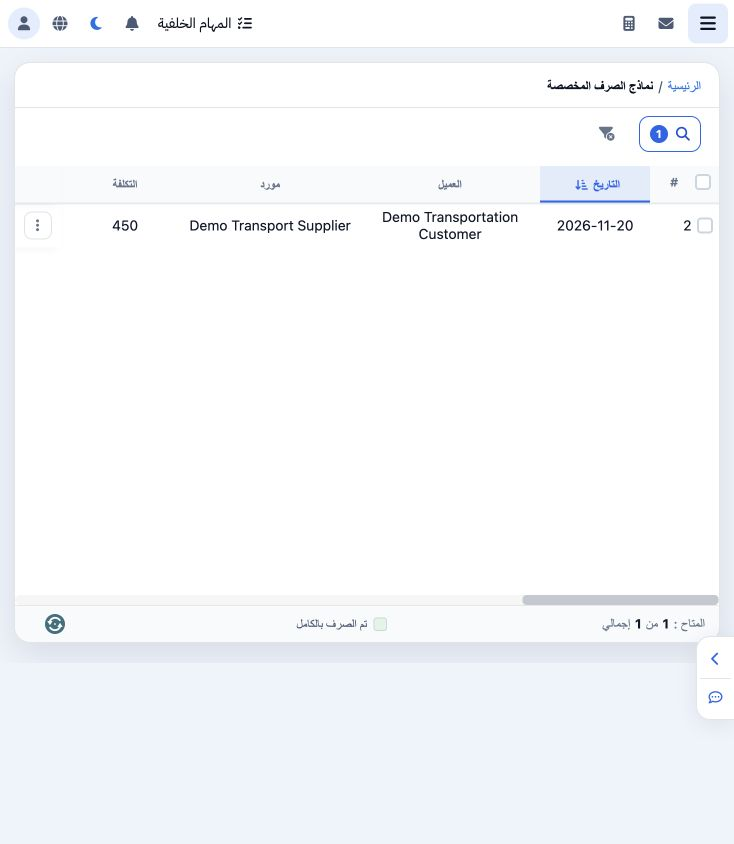
4 The search returns one service: cost EGP 450 and remaining after forms EGP 450. Select its row checkbox to reveal Add Designated Disbursemen...
The search returns one service: cost EGP 450 and remaining after forms EGP 450. Select its row checkbox to reveal Add Designated Disbursement Form. View Forms opens the forms associated with the service.

5 Prepare a disbursement form

5 Select the service and Add Form. Enter a statement, select payment method, branch and treasury, then invoice date. Review supplier, file and...
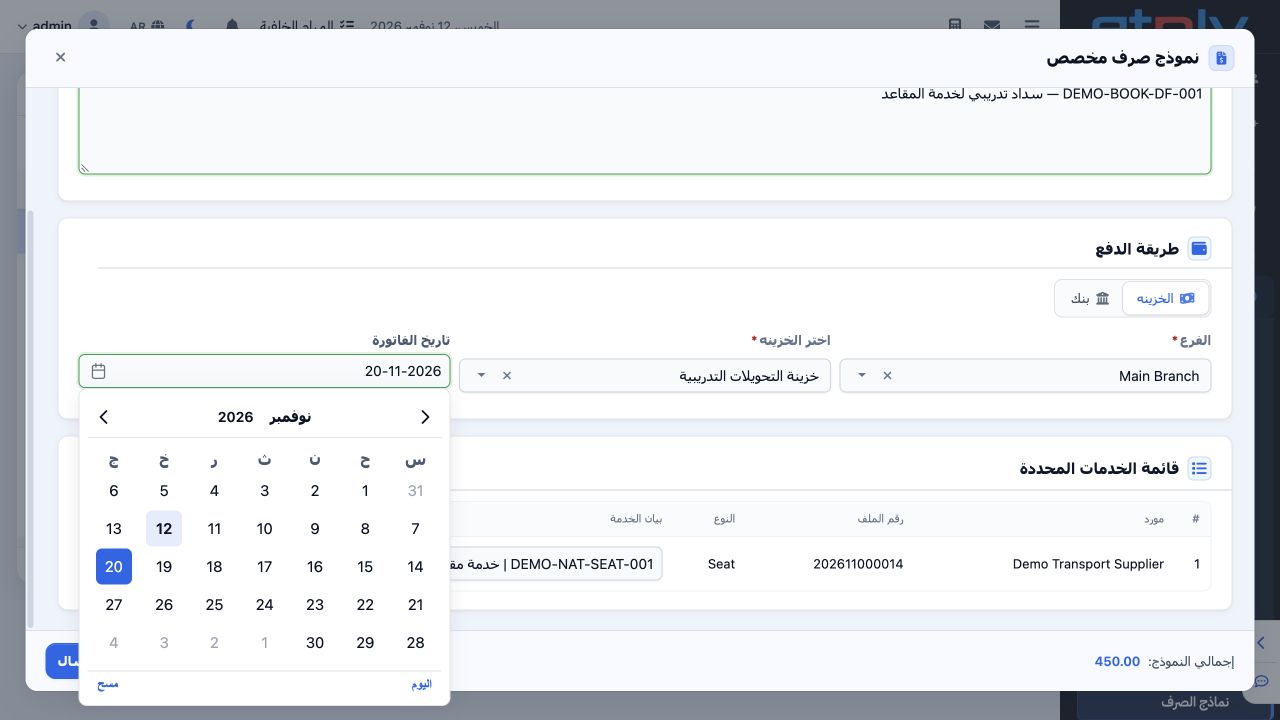
Select the service and Add Form. Enter a statement, select payment method, branch and treasury, then invoice date. Review supplier, file and amount and choose Save and Send. The example is EGP 450 on the training transfers treasury.

6 Review the saved form

6 Open View Forms. The saved training form is serial 1 and Unconfirmed, showing treasury method, treasury, currency, supplier and service type...
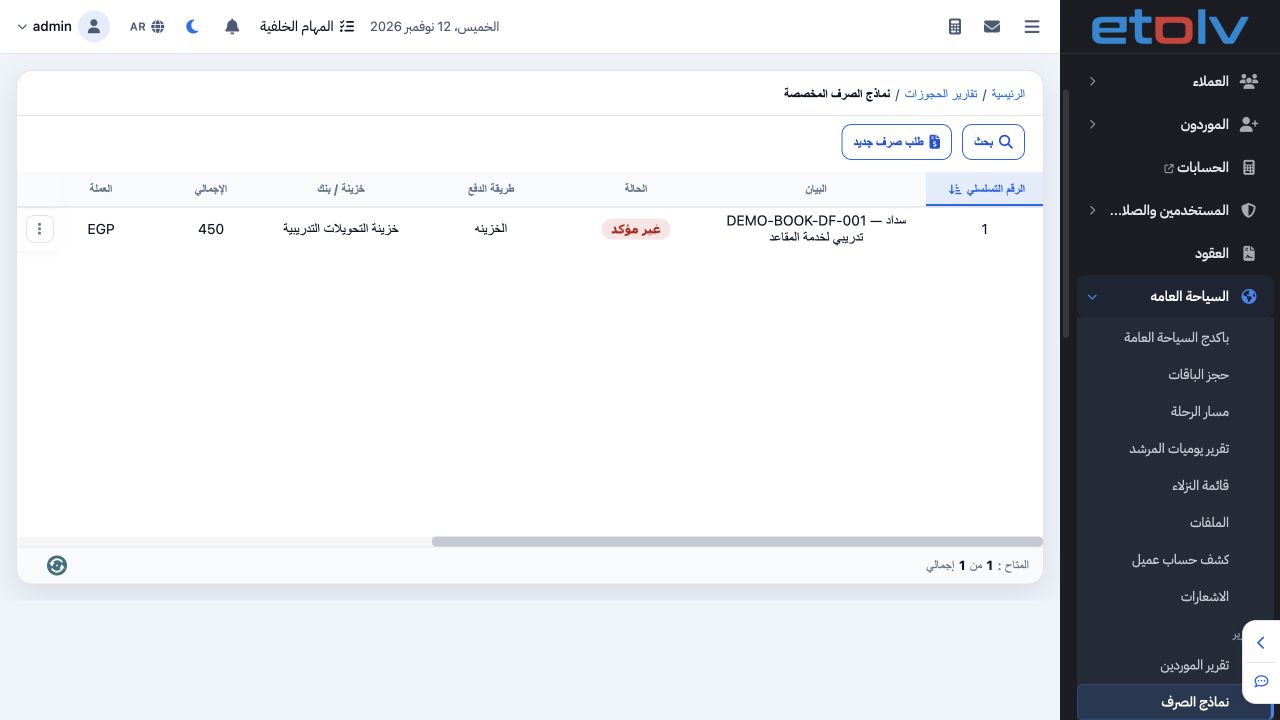
Open View Forms. The saved training form is serial 1 and Unconfirmed, showing treasury method, treasury, currency, supplier and service type. The source list now shows total forms of 450.

Sign in to record the lessons you have read. Sign in