Skip to content
Trio Travel guide

Booking Tours Report

On this page
  1. 1 Open the Tour report
  2. 2 Search fields and resetting the view
  3. 3 Review cost and quantity
  4. 4 Row actions
  5. 5 Choose output columns

1 Open the Tour report

1 Open General Tourism → Reports → Reports and select Tours. The title becomes Tour. The example contains a saved tour inside package file 202...
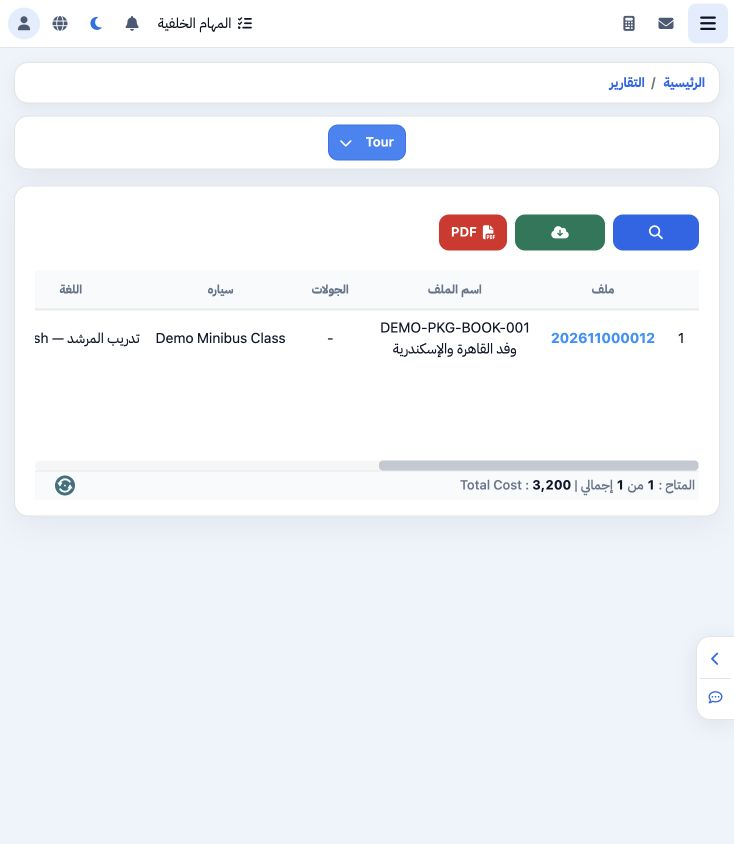
Open General Tourism → Reports → Reports and select Tours. The title becomes Tour. The example contains a saved tour inside package file 202611000012. Review file, vehicle class, language, quantities, values and date.

2 Search fields and resetting the view

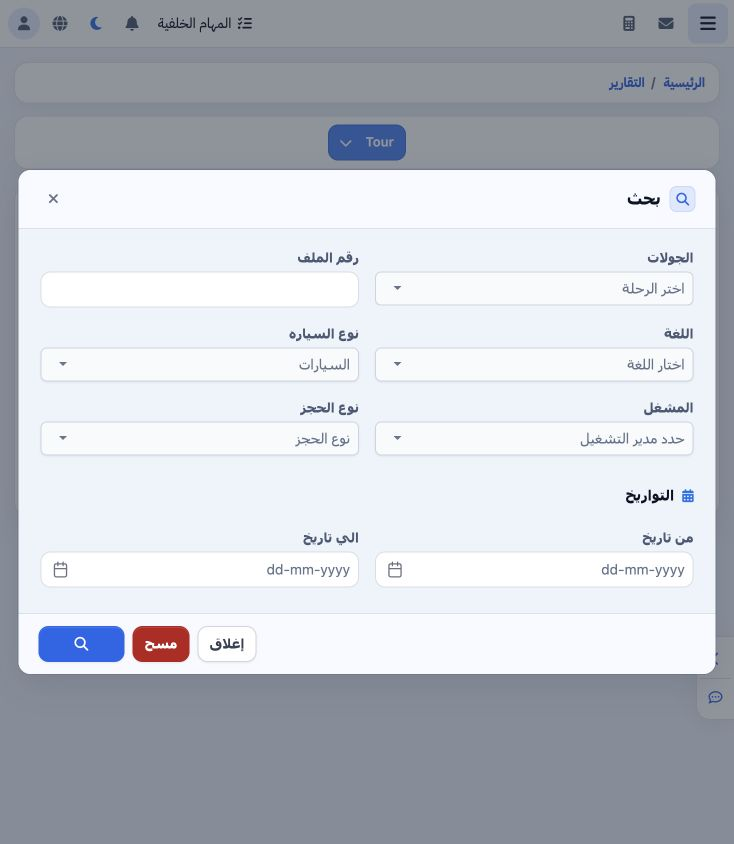
2 Open Search to review tour, file number, language, vehicle class, operator, booking type and date fields. To restore the full view, select C...
Open Search to review tour, file number, language, vehicle class, operator, booking type and date fields. To restore the full view, select Clear then the Search icon at the bottom. The saved example tour reappeared after clearing the criteria.

3 Review cost and quantity

3 The tour covers six people on 22 November and shows a cost of EGP 3200. Vehicle class is Demo Minibus Class and language is English — traini...
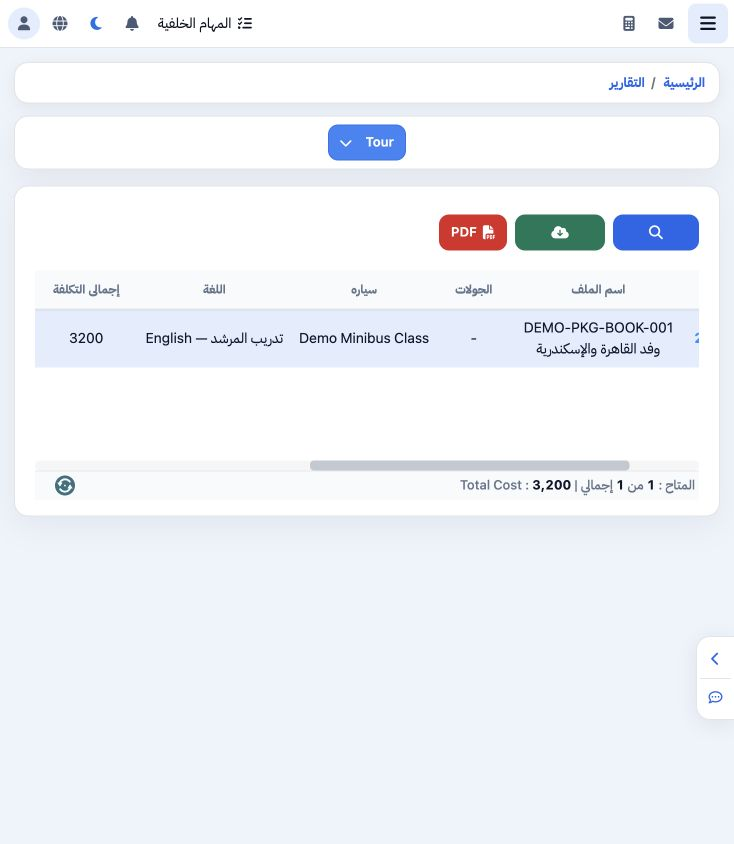
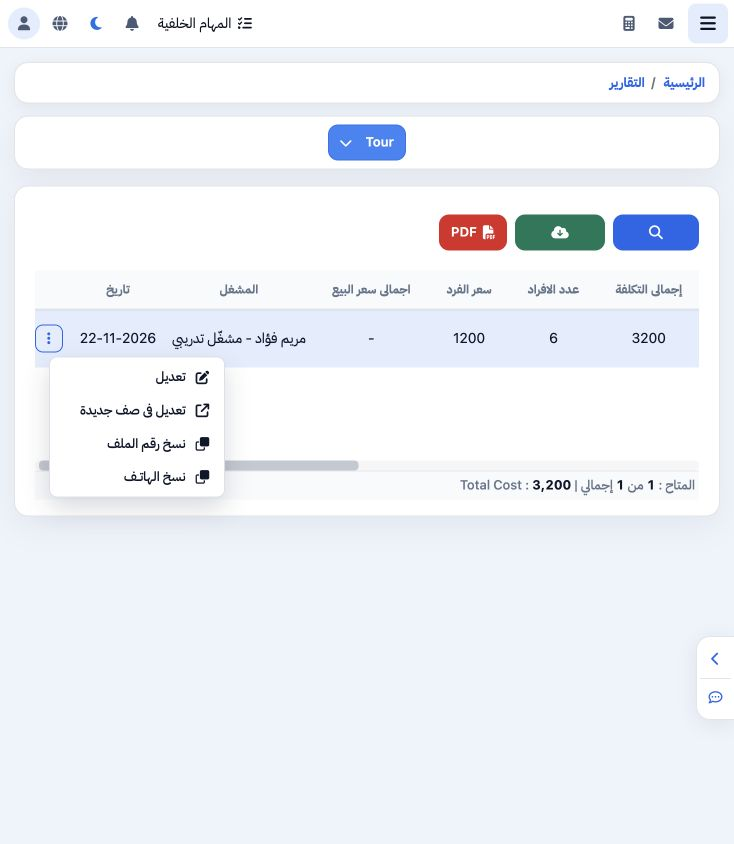
The tour covers six people on 22 November and shows a cost of EGP 3200. Vehicle class is Demo Minibus Class and language is English — training guide. Reconcile the item with the tour and its linked services inside the file. The cost footer matches the row.

4 Row actions

4 Open the row’s three-dot menu for Edit, Edit in New Page, Copy File Number and Copy Phone. The example successfully copied 202611000012.
Open the row’s three-dot menu for Edit, Edit in New Page, Copy File Number and Copy Phone. The example successfully copied 202611000012.

5 Choose output columns

5 Select PDF to open the 14-field list. This example selects file number, tour, cost total, pax, per-person price, selling total and date. For...
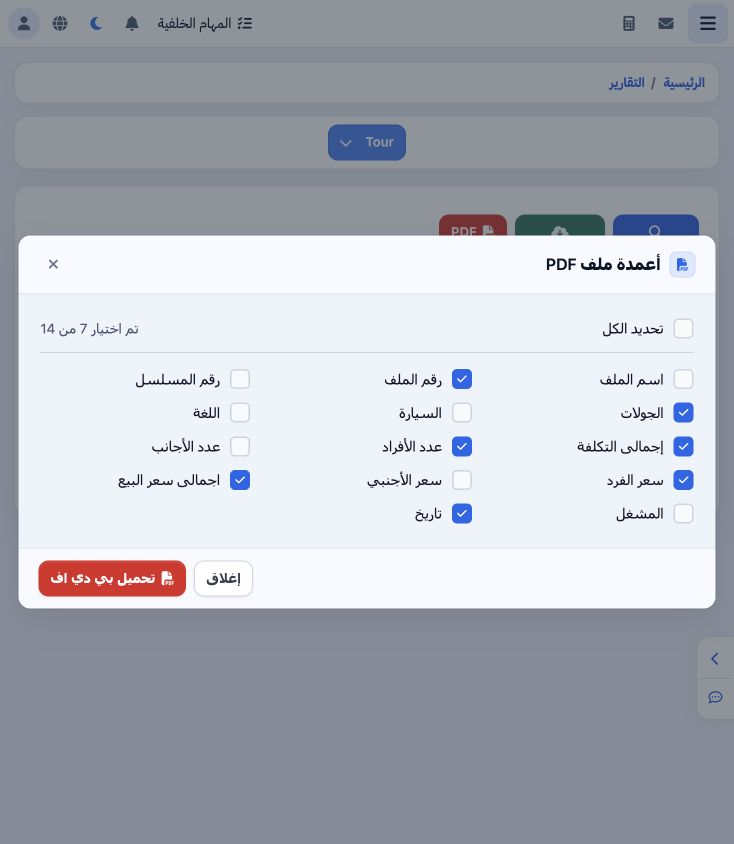
Select PDF to open the 14-field list. This example selects file number, tour, cost total, pax, per-person price, selling total and date. Foreigner, vehicle, language and operator fields are also available. Download PDF appears at the bottom.

Sign in to record the lessons you have read. Sign in