Skip to content
Trio Travel guide

Income Statement

On this page
  1. Open the income statement
  2. Set the dates and tag
  3. Review an expense and open its account
Open the income statement

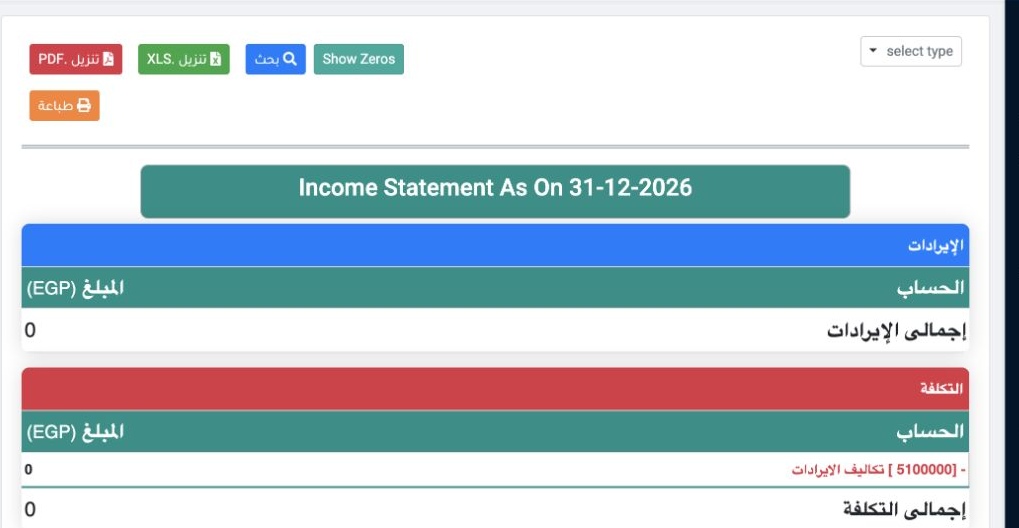
1 In Financial Reports → Income Statement, review the report date and sections for revenue, cost and expenses. Download as XLS or PDF, or prin...
In Financial Reports → Income Statement, review the report date and sections for revenue, cost and expenses. Download as XLS or PDF, or print.

Set the dates and tag

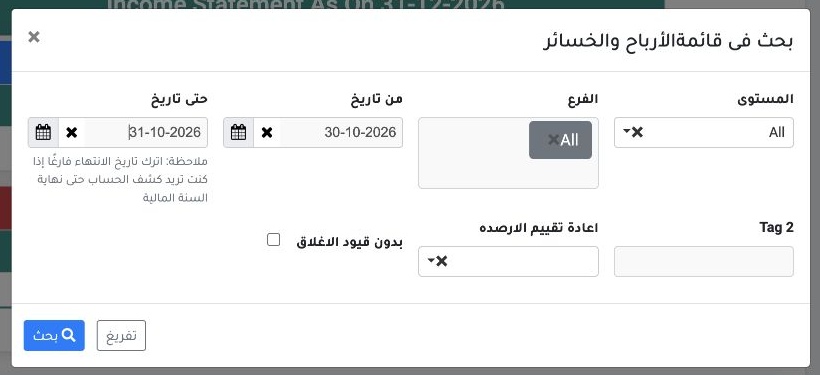
2 Select Search, then set From Date and Through Date. Choose a branch or Tag2 as needed, then apply the search.
Select Search, then set From Date and Through Date. Choose a branch or Tag2 as needed, then apply the search.

Review an expense and open its account

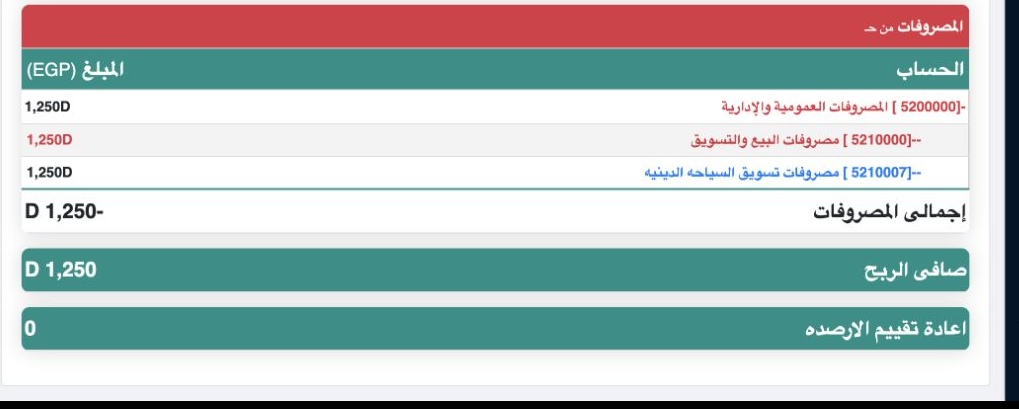
3 In the example, Religious Tourism Marketing Expense shows EGP 1,250. Select the account name to open its statement in a new tab. In that sta...
In the example, Religious Tourism Marketing Expense shows EGP 1,250. Select the account name to open its statement in a new tab. In that statement, set a period that includes the entry date.

Sign in to record the lessons you have read. Sign in