Accounting Link Settings
On this page
Review the mapping sections
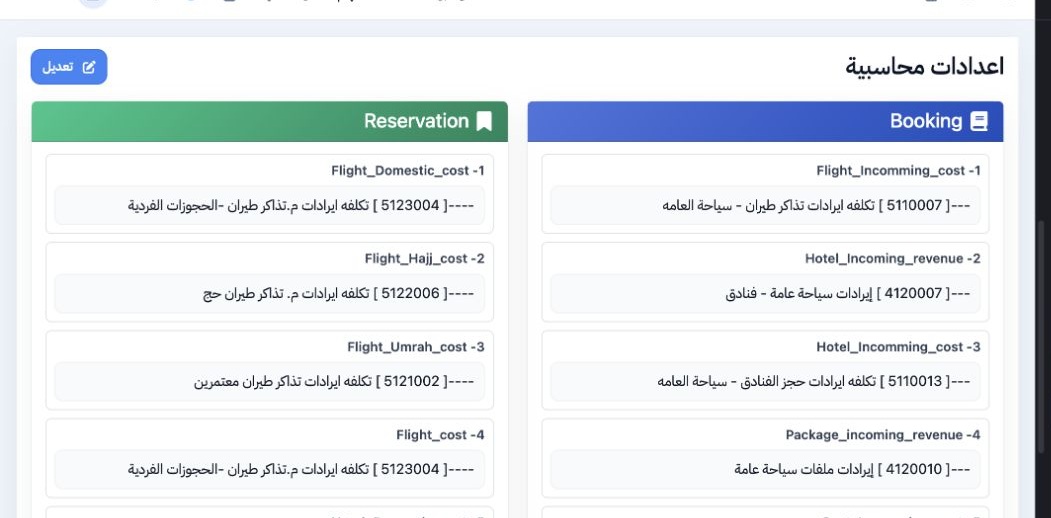
Edit an account mapping
Supplier parent account

Select the account and verify it was saved
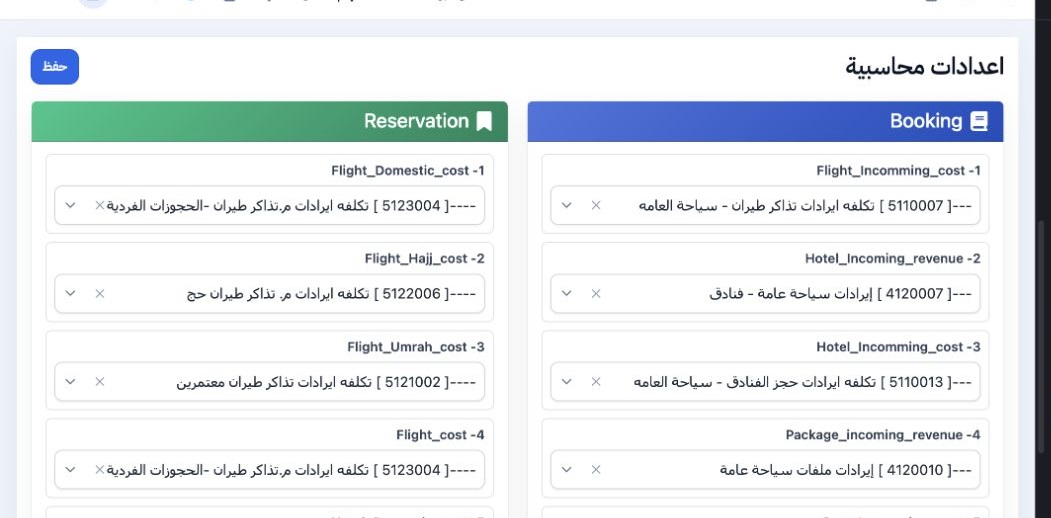
Choose Edit. Under Transportation, locate tourism_transport_revenues and open its account picker. Select the appropriate posting account from the chart, then Save.
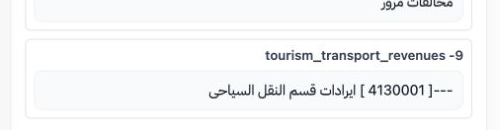
Check the account name and its place in the chart, then reopen the settings to verify the selection remains. In this demo, an Airline Revenue group displayed the same code, so the code alone was insufficient to identify the intended account.
Check the work-order result
Open Transportation, then Work Orders. After confirming an order and waiting for processing, check its status and journal number. In Progress does not mean posting is complete.
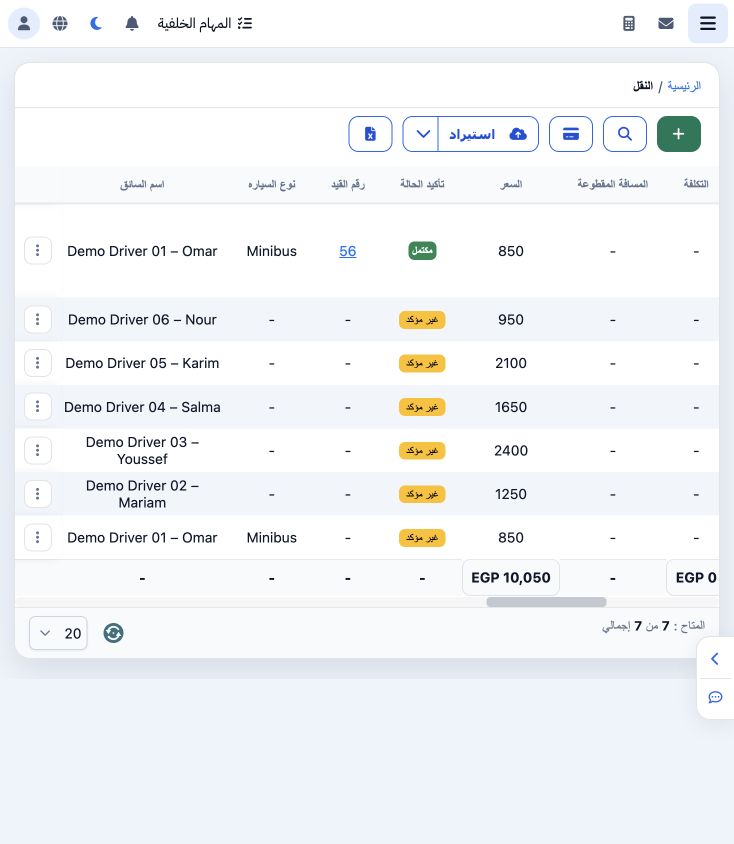
Open the journal number to review the revenue account and the customer line.
Reconcile the journal to the order
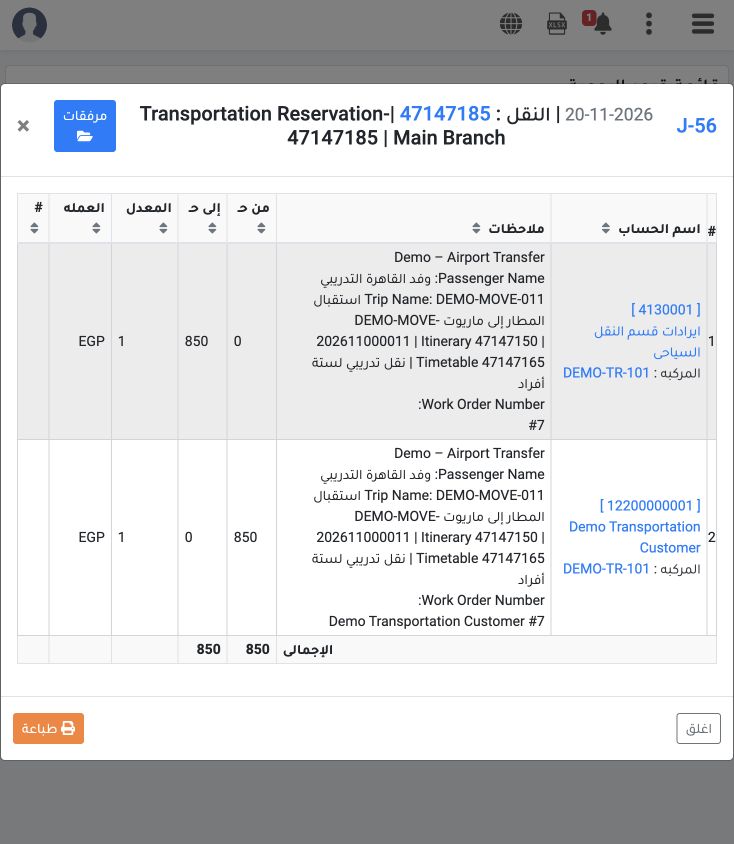
Debit: 12200000001, Demo Transportation Customer, EGP 850. Credit: 4130001, ايرادات قسم النقل السياحى, EGP 850. Each side totals 850. No expenses were entered for this order, so this journal contains the customer and revenue lines only.
Sign in to record the lessons you have read. Sign in