Skip to content
Trio Travel guide

Deduction Types

On this page
  1. 1 Add a type
  2. 2 Update the name
  3. 3 Search and export
  4. 4 Deletion confirmation
  5. 5 Assign the type to an employee

Define the type, update its name, search and export the list.

1 Add a type
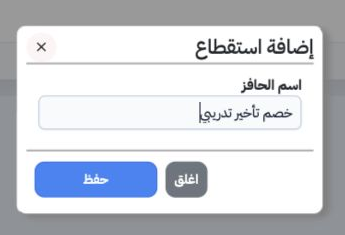
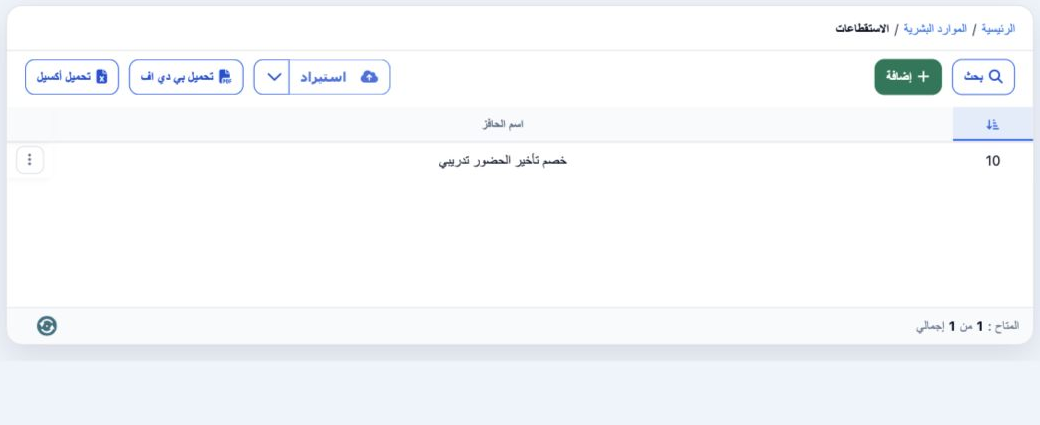
1 Open Human Resources, Settings, then Deduction Types (الاستقطاعات). Select Add, enter خصم تأخير تدريبي in the field labelled اسم الحافز and...
Open Human Resources, Settings, then Deduction Types (الاستقطاعات). Select Add, enter خصم تأخير تدريبي in the field labelled اسم الحافز and save. This form records the type’s name.

2 Update the name

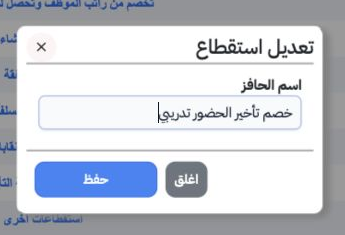
2 Open the intended record’s row menu and choose Edit. The example renames the type خصم تأخير الحضور تدريبي. Save and check the updated name i...
Open the intended record’s row menu and choose Edit. The example renames the type خصم تأخير الحضور تدريبي. Save and check the updated name in the list.

3 Search and export

3 Select Search, enter the full name and choose the magnifier inside the dialog. The example returns one record. Download Excel exports an XLS...
Select Search, enter the full name and choose the magnifier inside the dialog. The example returns one record. Download Excel exports an XLSX. Clear (تفريغ) inside Search removes the filter.

4 Deletion confirmation

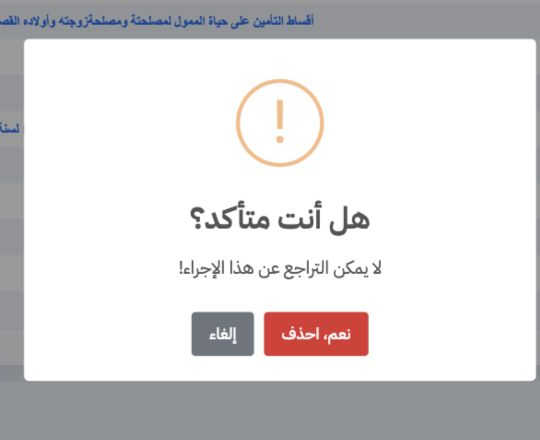
4 Choose Delete from the row menu. Review the selected record and warning before Yes, Delete, or select Cancel to retain it. Deletion was canc...
Choose Delete from the row menu. Review the selected record and warning before Yes, Delete, or select Cancel to retain it. Deletion was cancelled and the training type remains available.

5 Assign the type to an employee

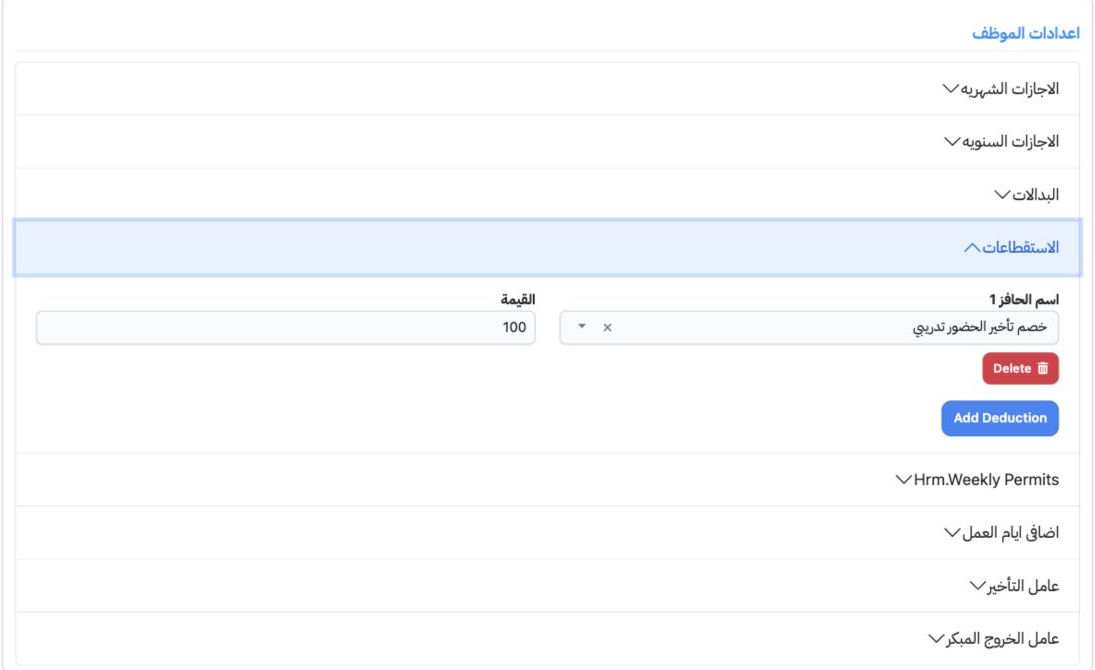
5 Open Human Resources, Employees, then Edit for the intended employee. Under Employee Settings, expand Deduction Types and choose Add Deducti...
Open Human Resources, Employees, then Edit for the intended employee. Under Employee Settings, expand Deduction Types and choose Add Deduction. Select the type, enter its value and save the employee. This training employee uses 100 for the deduction. Reopen the employee to check that the type and value remain saved.

Sign in to record the lessons you have read. Sign in