Skip to content
Trio Travel guide

Monthly Report

On this page
  1. Read the report
  2. Set the report filters

Read the report

1 Open Transportation → Reports → Monthly Report. Review the month’s results by date and vehicle. Scroll horizontally to see more vehicle colu...
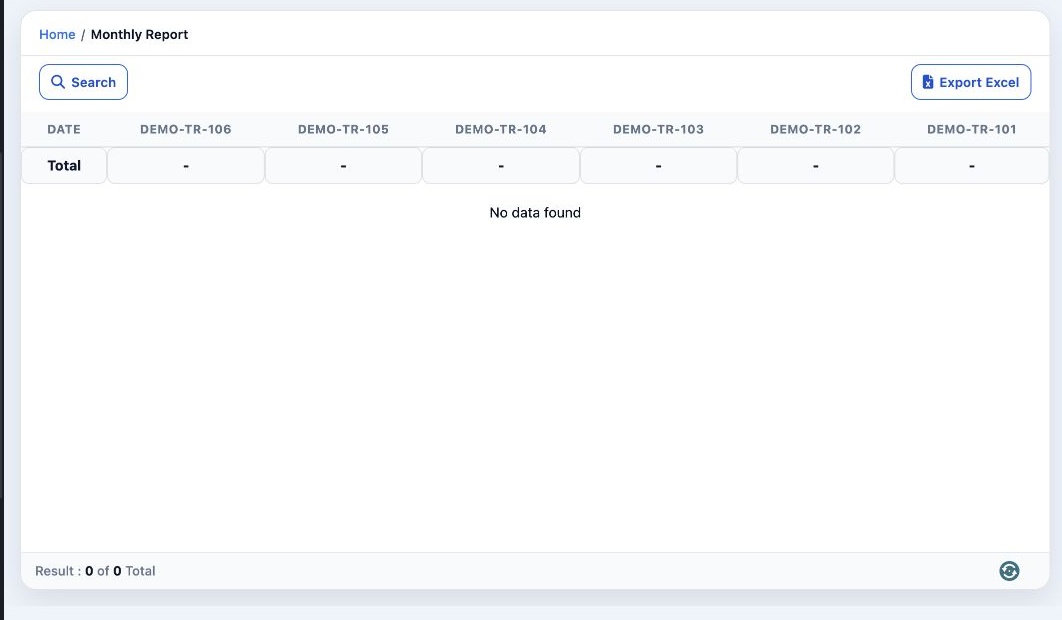
Open Transportation → Reports → Monthly Report. Review the month’s results by date and vehicle. Scroll horizontally to see more vehicle columns. Select Export Excel to download the report as a spreadsheet.

Set the report filters

2 Select Search. Choose Month and enter Year. Select Search in the dialog to run the report, or Clear to reset the criteria.
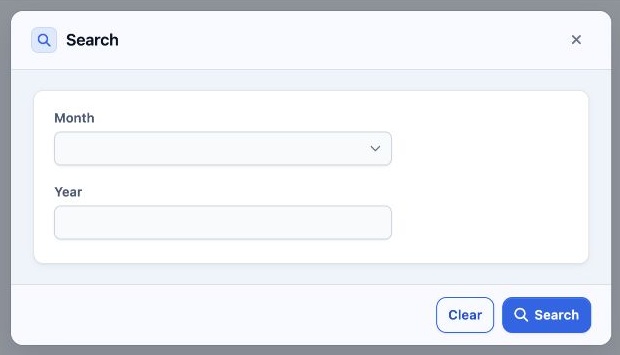
Select Search. Choose Month and enter Year. Select Search in the dialog to run the report, or Clear to reset the criteria.

Sign in to record the lessons you have read. Sign in