Skip to content
Trio Travel guide

Pilgrim Payments and Account Reconciliation

On this page
  1. 1 Use the pilgrim payment action
  2. 2 Enter and edit the payment
  3. 3 Customer payment order and cash receipt
  4. 4 Review the collection journal
  5. 5 Reconcile paid and outstanding amounts
1 Use the pilgrim payment action

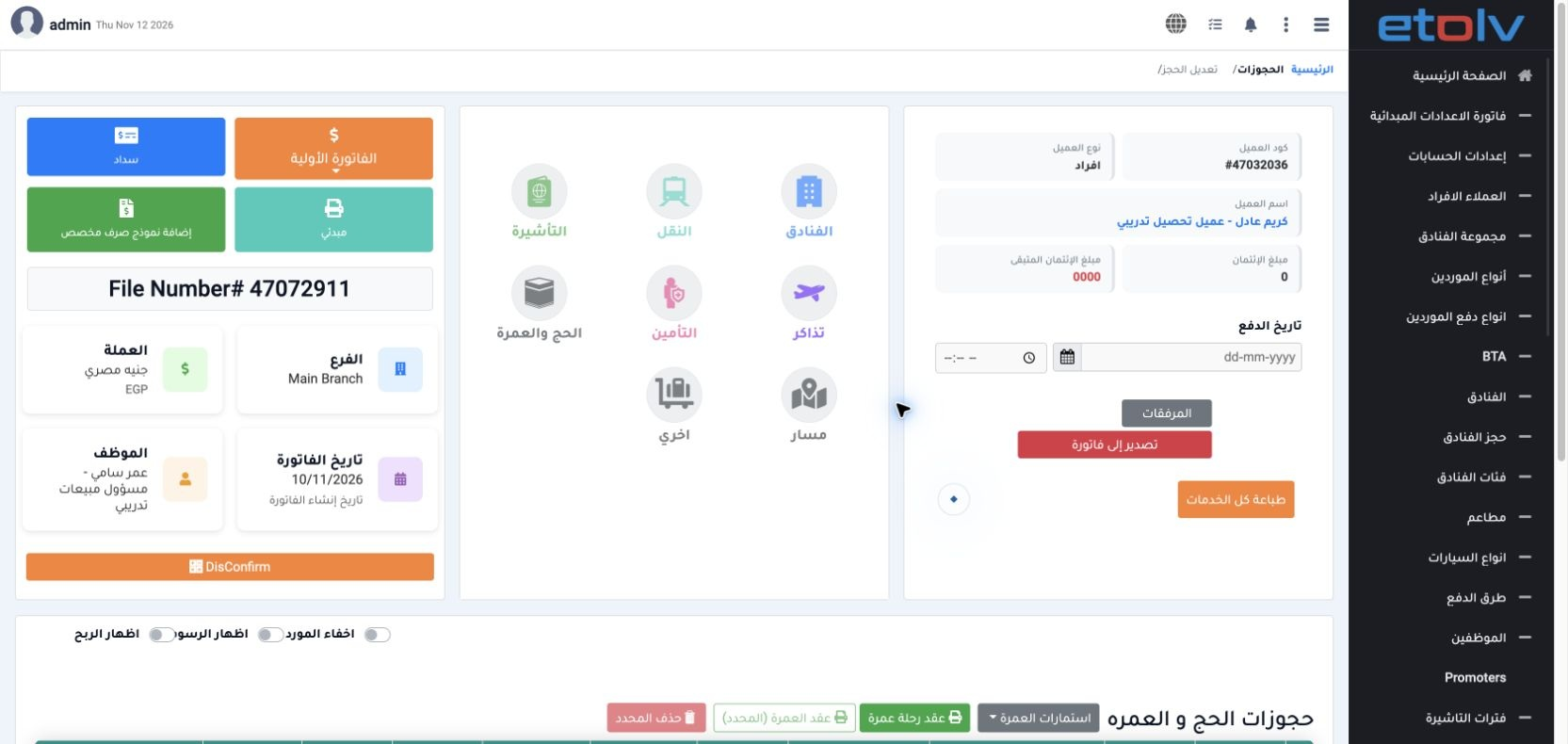
1 Open the reservation and select P+ on the intended pilgrim row. This links the payment to the pilgrim for paid/outstanding reports. The head...
Open the reservation and select P+ on the intended pilgrim row. This links the payment to the pilgrim for paid/outstanding reports. The header Payment action records an on-account customer payment. This example uses Ahmed, pilgrim reference 47072942 in reservation 47072911.

2 Enter and edit the payment

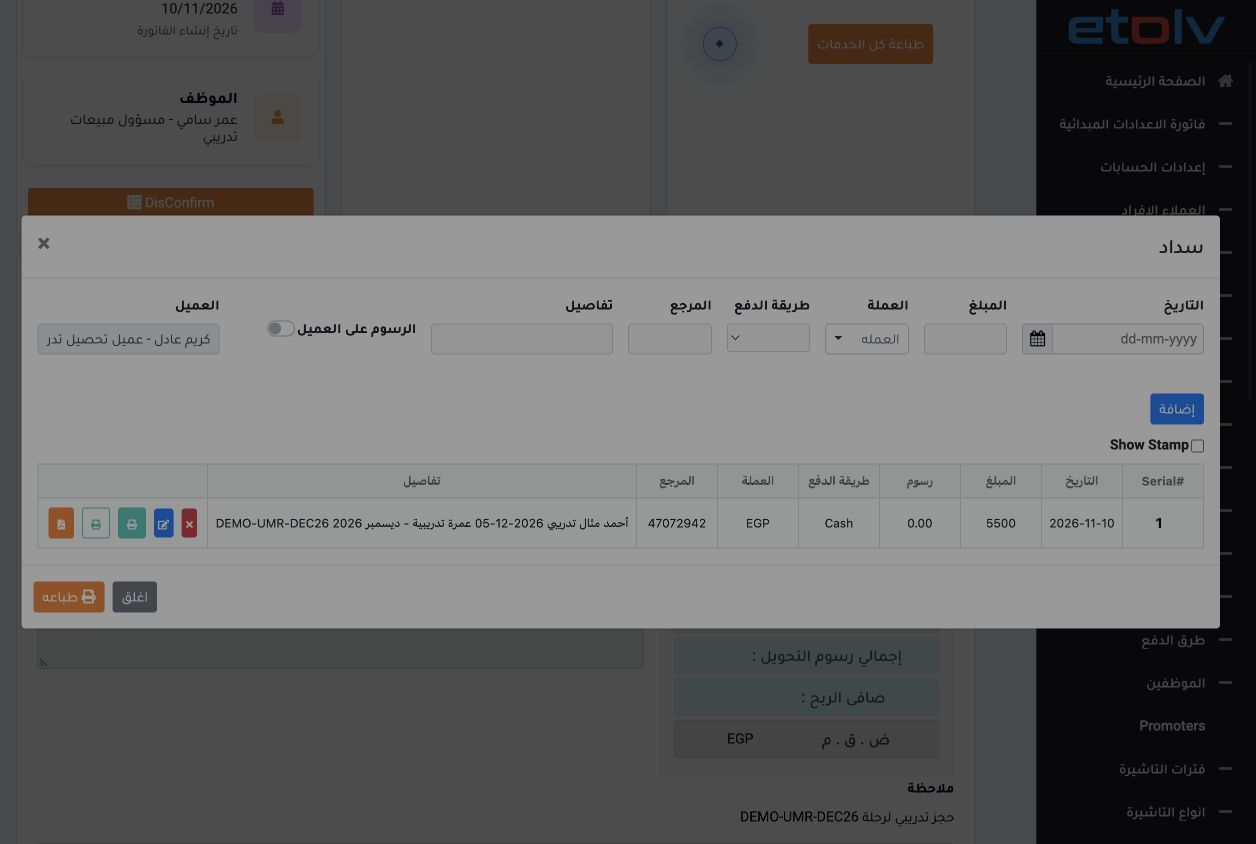
2 Enter date, amount, currency, payment method, reference and details, then add the payment. Use its edit action to update a saved payment and...
Enter date, amount, currency, payment method, reference and details, then add the payment. Use its edit action to update a saved payment and review the new amount. The example starts at EGP 5000 Cash, then edits the same payment to 5500.

3 Customer payment order and cash receipt

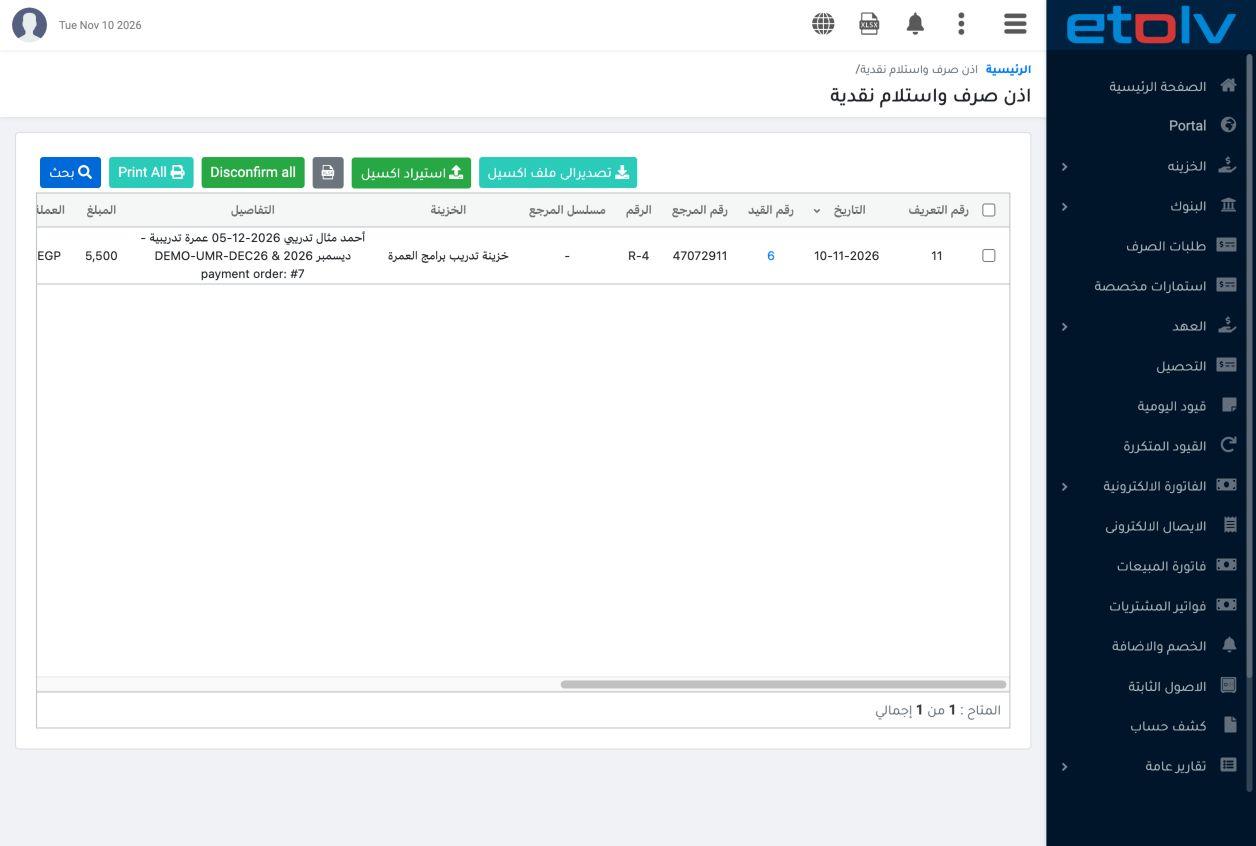
3 Open Treasury → Customer Payment Orders and locate the order linked to the reservation and pilgrim. Explicitly select the cash safe, then sa...
Open Treasury → Customer Payment Orders and locate the order linked to the reservation and pilgrim. Explicitly select the cash safe, then save and post. Order 7 created cash receipt R-4 for 5500. Confirm the receipt to complete accounting collection and review its status and journal reference.

4 Review the collection journal

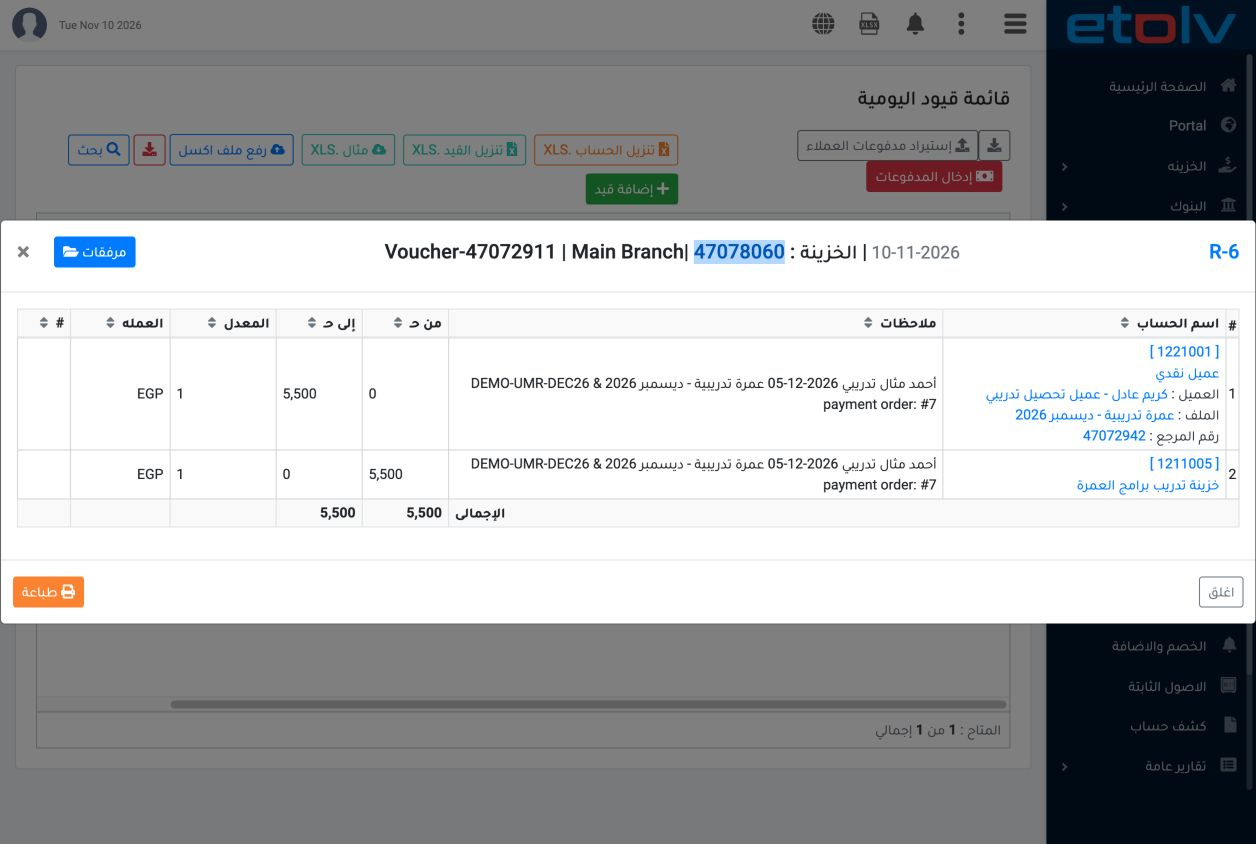
4 View journal R-6 linked to the receipt. It debits cash safe account 1211005 for 5500 and credits customer account 1221001 with Karim for 550...
View journal R-6 linked to the receipt. It debits cash safe account 1211005 for 5500 and credits customer account 1221001 with Karim for 5500. Collection reduces the customer receivable and increases cash by the same amount.

5 Reconcile paid and outstanding amounts

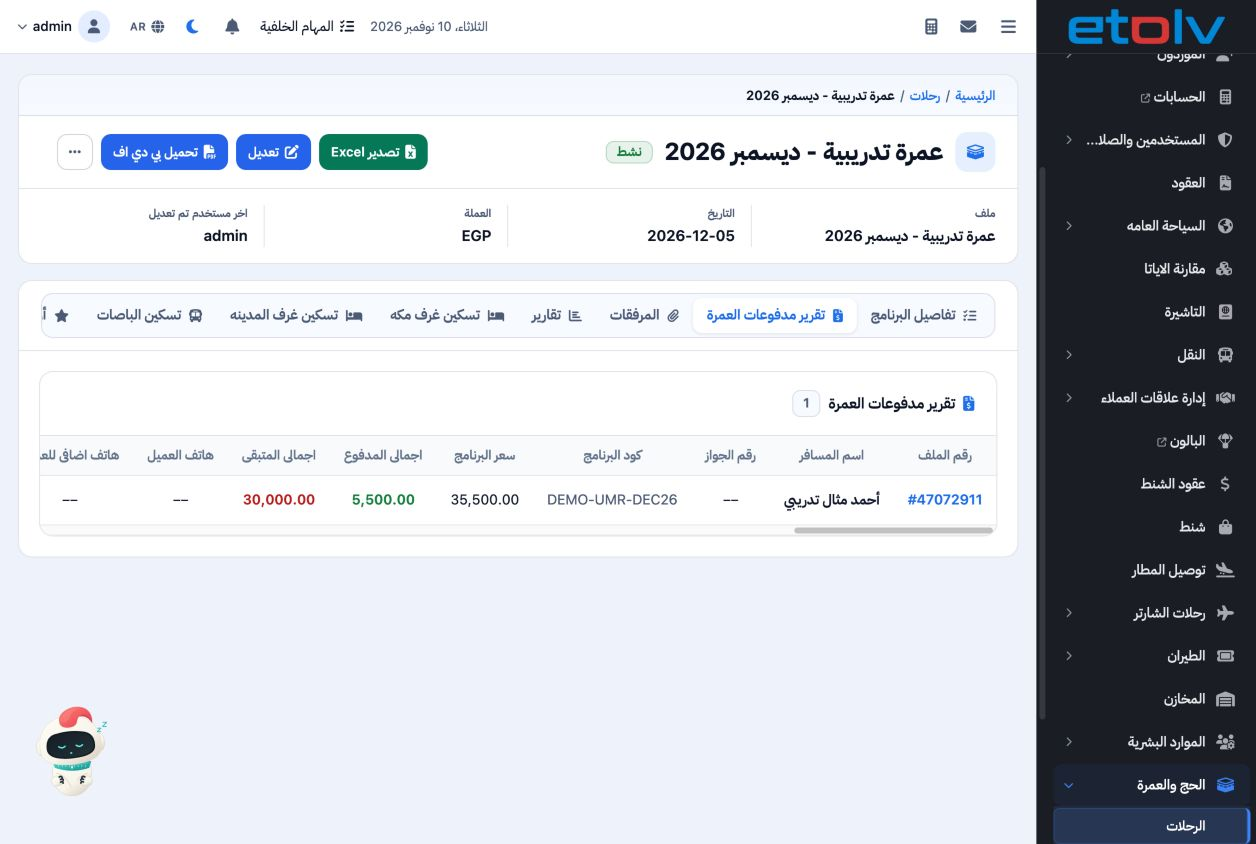
5 Open the Umrah payment report and select the trip and pilgrim. Ahmed’s price is 35500, paid 5500 and outstanding 30000. Compare with the cus...
Open the Umrah payment report and select the trip and pilgrim. Ahmed’s price is 35500, paid 5500 and outstanding 30000. Compare with the customer statement while allowing for other transactions: the overall customer balance is 29675 debit because of a separate earlier collection of 325.

Sign in to record the lessons you have read. Sign in