Macca Hotel Room Allocation
On this page
Allocate the 20 pilgrims of program DEMO-UMR-DEC26 to ten double rooms at Swissotel Makkah. This guide covers linked groups, manual allocation, automatic allocation and checking the result.
1 Open the screen and link a group
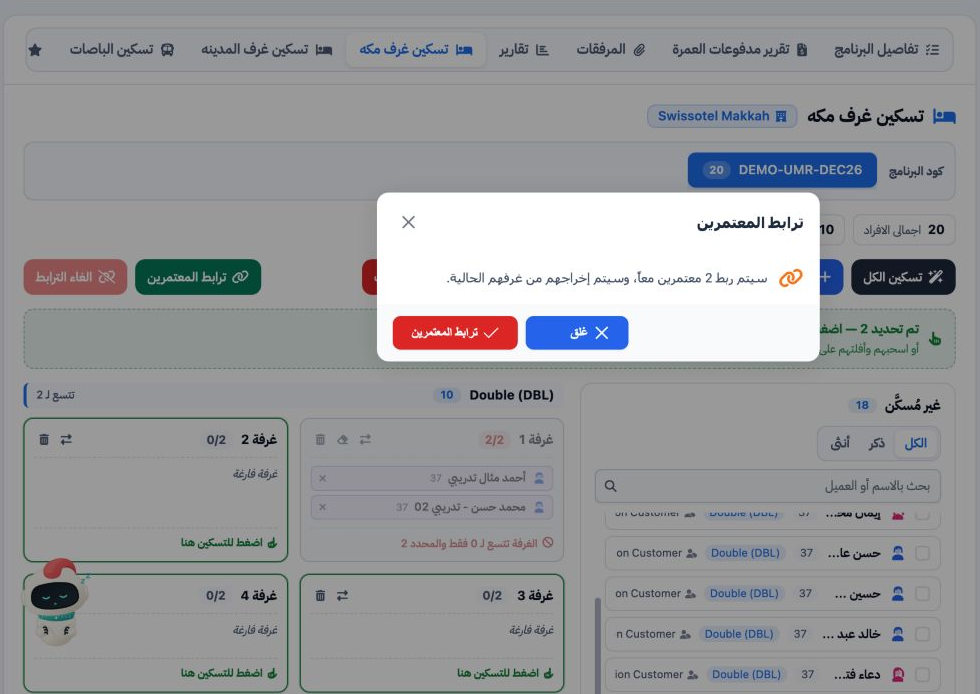
The initial Macca groups were Ahmed with Mohamed, and Fatma with Mariam. Linked members must occupy the same room.
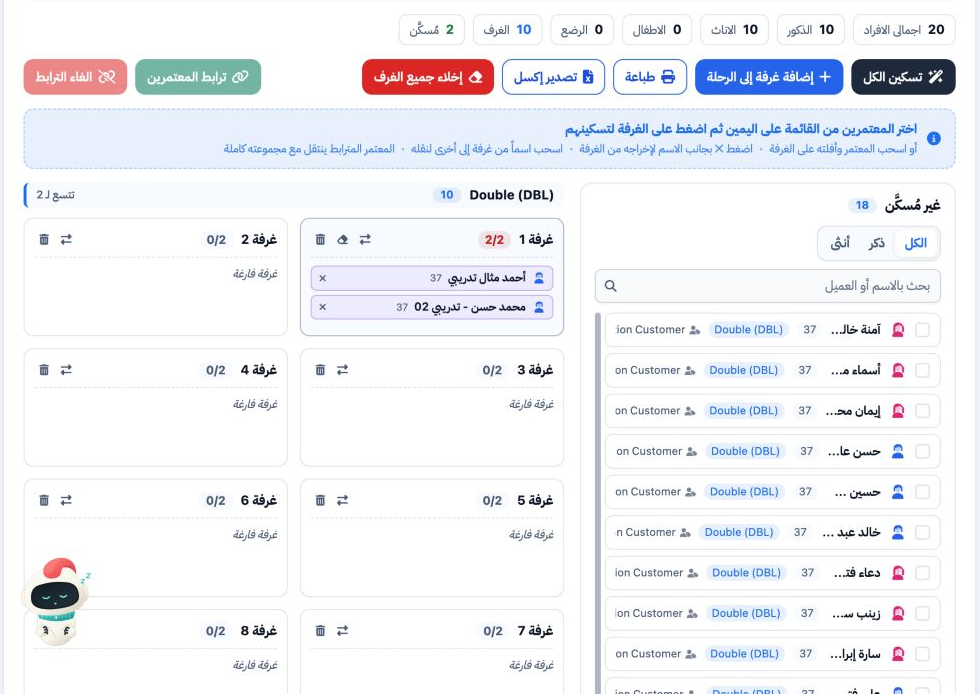
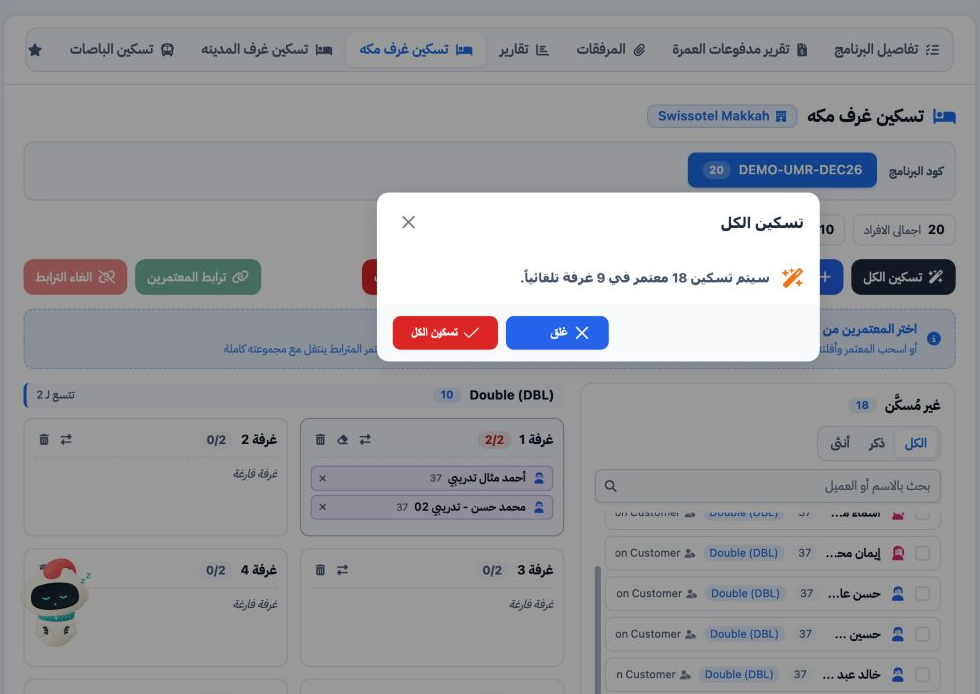
2 Allocate a linked group and fill the remaining rooms
3 Check the result and manage allocation
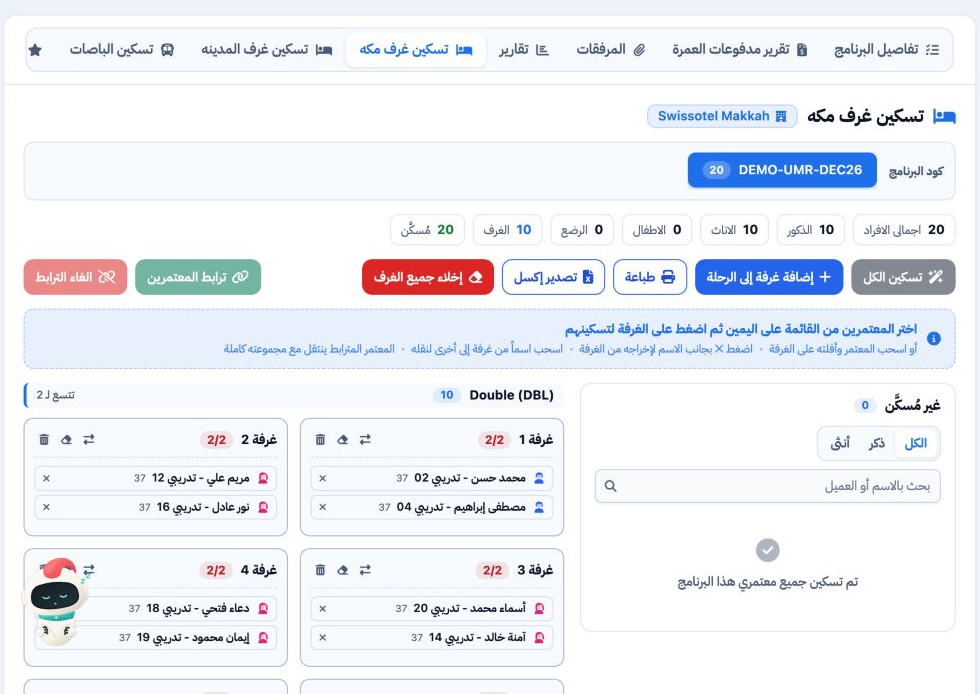
The screen supports dragging a name to another room and removing a member with ×. Linked members move with their group. To unlink a group, select a member, choose Unlink (الغاء الترابط) and confirm. Search by name or customer and use the gender tabs to filter the list. Print and Export Excel are available for the rooming list.
Sign in to record the lessons you have read. Sign in