Importing sightseeing records from Excel
On this page
Accessing the sightseeing import
This guide explains how to import sightseeing records from Excel and correct a rejected country reference. Open Settings, then Sight Seeing, or https://portal.etolv.net/newportal/settings/sightseen

The catalogue contains Catalog, Countries and Cities sheets. Upload the data template; use the catalogue to check fields and reference names.
Completing the name references and costs
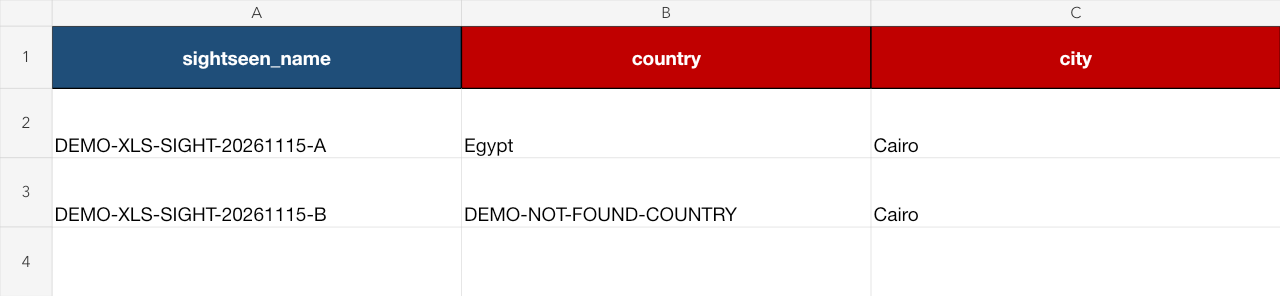
sightseen_name is the sightseeing name, country the country name and city the city name. Country and city are required; copy their reference names rather than identifier numbers.
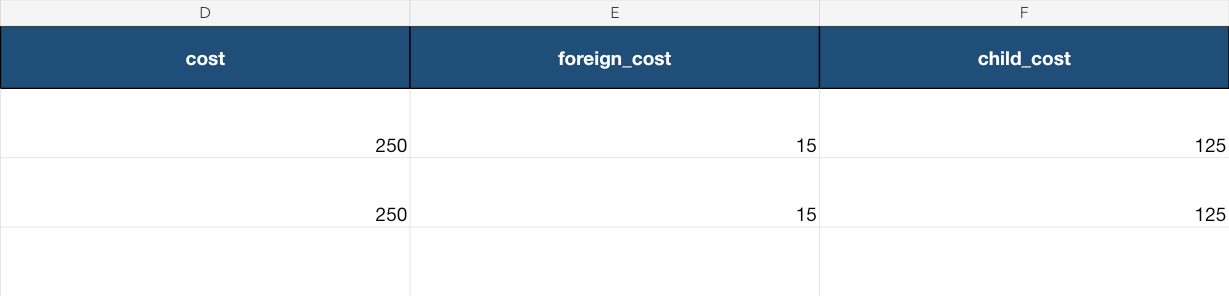
cost is the local adult cost, foreign_cost the foreign cost and child_cost the child cost. This template has no currency column; use your approved pricing policy.
Uploading the file and reviewing rejection
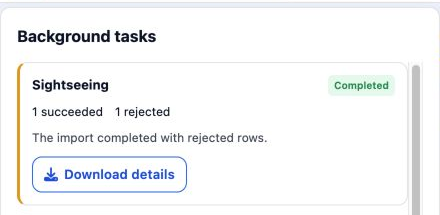
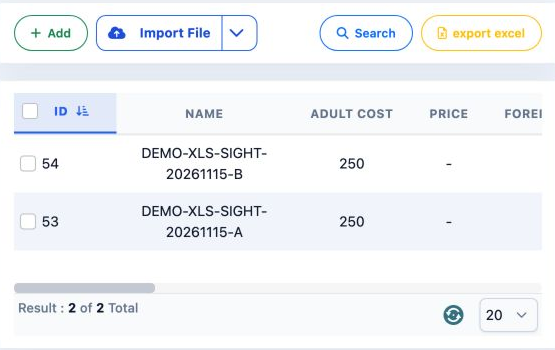
A was saved as number 53 while B was rejected. Search for the rejected record and confirm that it is absent before uploading again. Correct only that row.
Correcting the country name
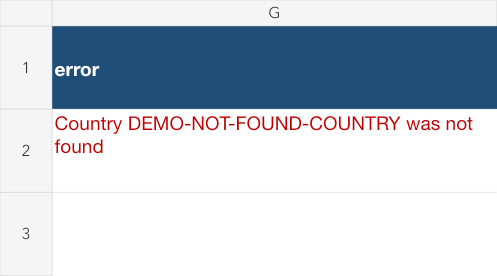
Copy B from the report into a copy of the original template. Replace its country with Egypt, retaining Cairo and costs of 250, 15 and 125.

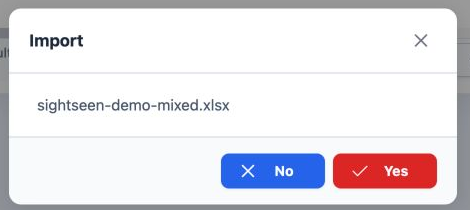
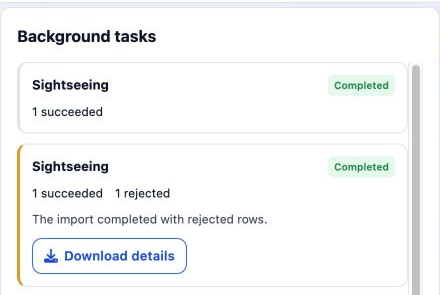
Save the correction in a new file, upload it through Import File and confirm Yes once.
Reviewing the corrected import
Checking the remaining saved fields
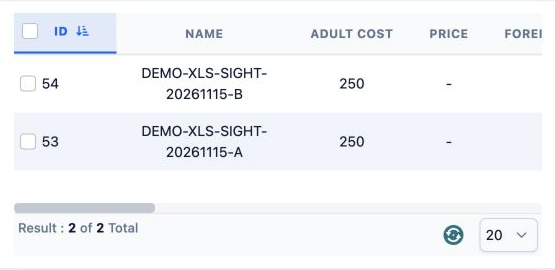
Use the horizontal scrollbar beneath the table to review the remaining columns for both records.
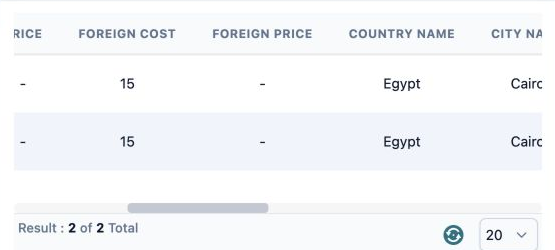
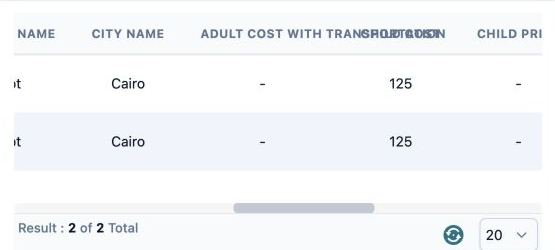
Compare the name, country, city and costs with the file you uploaded.
Sign in to record the lessons you have read. Sign in