Skip to content
Trio Travel guide

Airline RFND Document

On this page
  1. 1 Open the document from its ticket
  2. 2 New reference and example values
  3. 3 Save and locate the document
  4. 4 Confirm posting and check the result
1 Open the document from its ticket

1 Open Airlines → Flight Booking, open the original ticket menu and select RFND. A new form copies flight details, parties, currencies, branch...
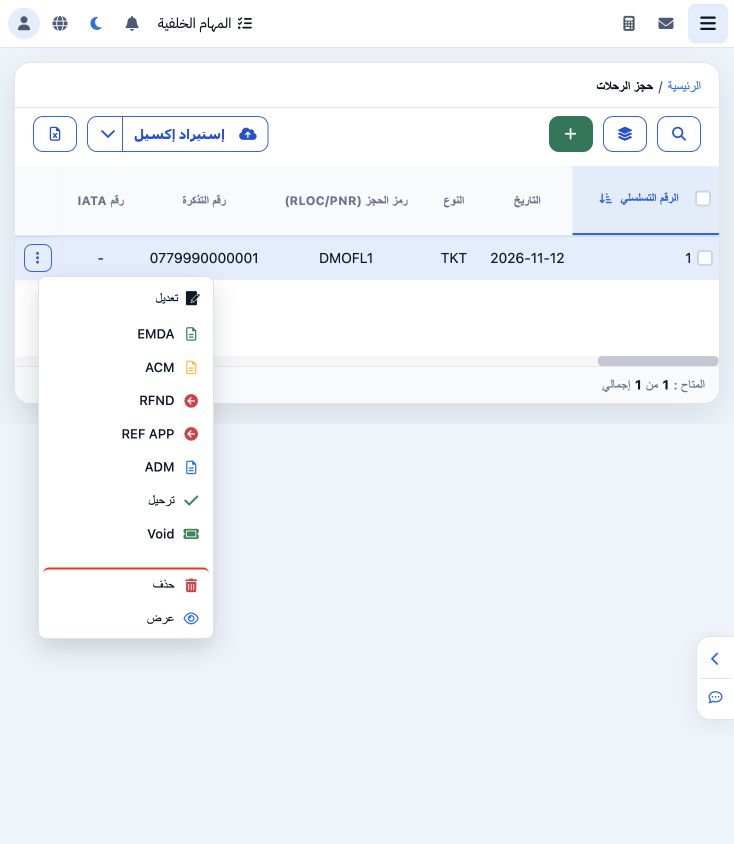
Open Airlines → Flight Booking, open the original ticket menu and select RFND. A new form copies flight details, parties, currencies, branch, employee, source and passenger. Review the copied values before saving.

2 New reference and example values

2 Enter a new document number and review Original Ticket Number as the parent reference. The new training number is 0779990000003 and the orig...
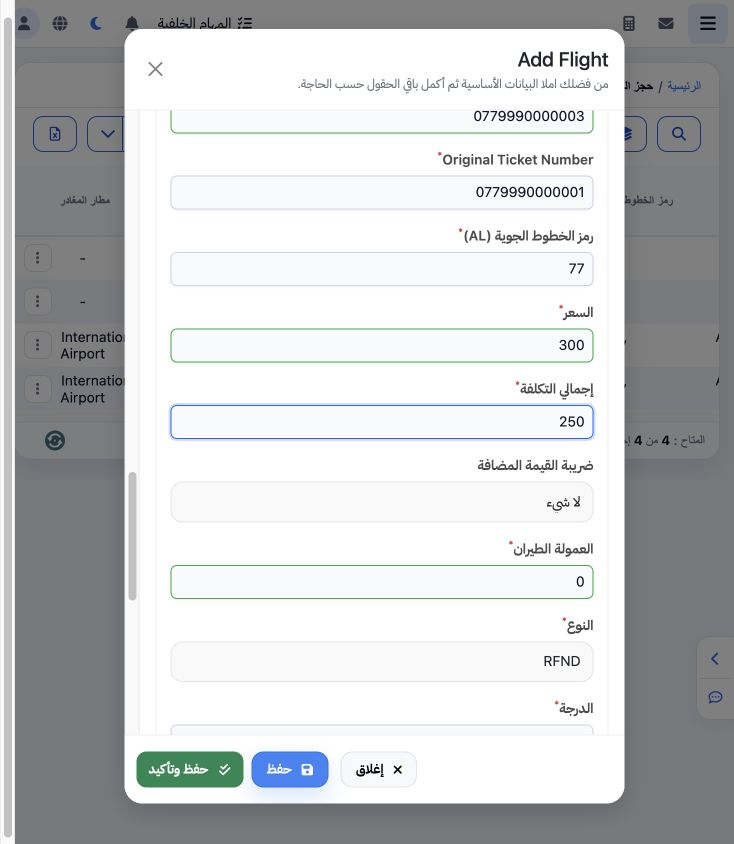
Enter a new document number and review Original Ticket Number as the parent reference. The new training number is 0779990000003 and the original is 0779990000001. Set price 300, cost 250, commission zero, type RFND and voucher DEMO-RFND-001. These are fictional training references and values.

3 Save and locate the document

3 Choose Save once and verify the list. This example appears as serial 5 with type RFND. To see the original and its related documents, search...
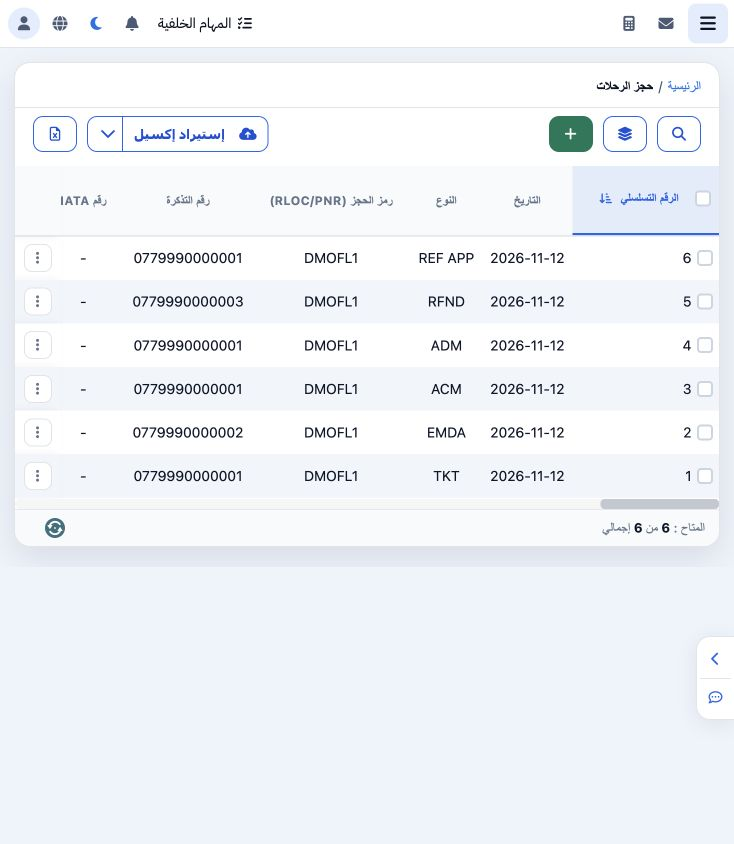
Choose Save once and verify the list. This example appears as serial 5 with type RFND. To see the original and its related documents, search by PNR and clear the old ticket-number filter. DMOFL1 groups the original and its linked training documents.

4 Confirm posting and check the result

4 Choose Post from the document menu and review the warning before confirming a complete record. Monitor status and journal number after proce...
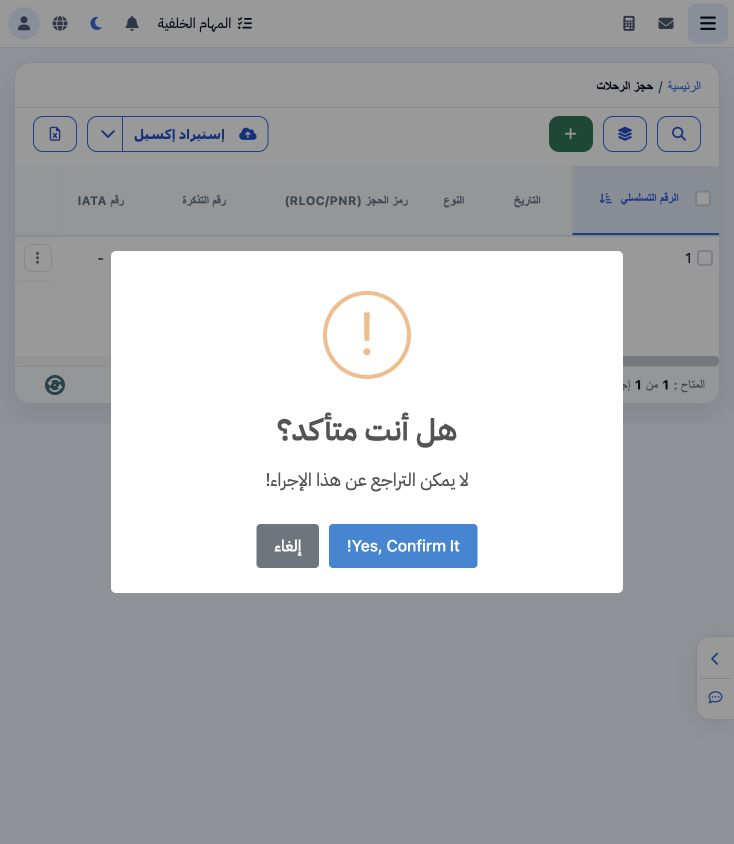
Choose Post from the document menu and review the warning before confirming a complete record. Monitor status and journal number after processing. Saving or an In Progress status does not establish successful posting. Check the result before repeating the action.

Sign in to record the lessons you have read. Sign in