Skip to content
Trio Travel guide

Warehouse Product View

On this page
  1. 1 Open warehouse products
  2. 2 Load one warehouse’s products

1 Open warehouse products

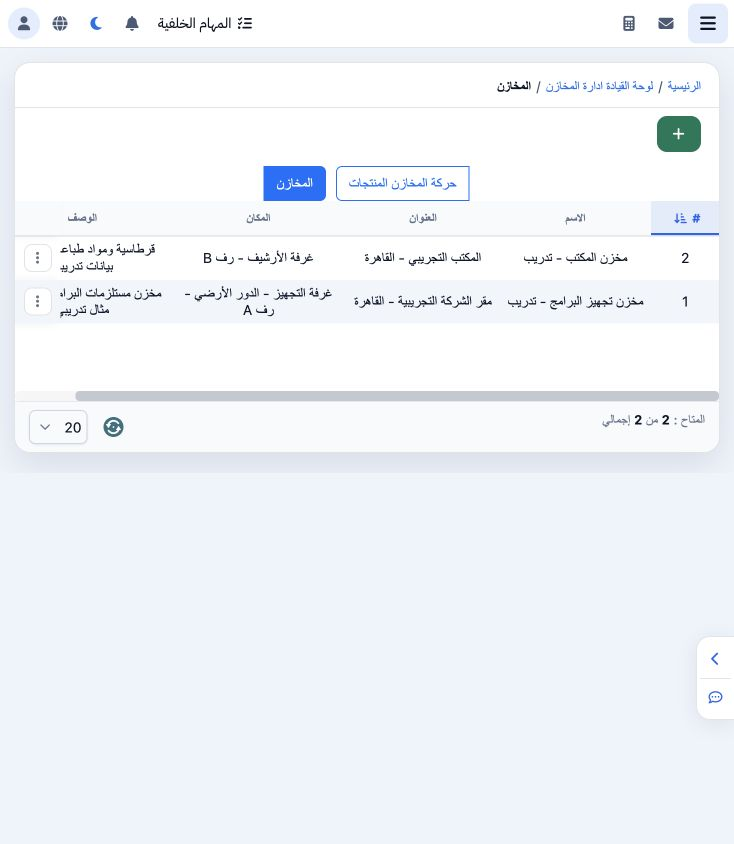
1 Open Warehouses from the Inventory dashboard. The Warehouses tab lists definitions and addresses. Switch to Warehouse Product Movements to v...
Open Warehouses from the Inventory dashboard. The Warehouses tab lists definitions and addresses. Switch to Warehouse Product Movements to view products by warehouse. The example includes Programs Preparation Warehouse and Office Warehouse.

2 Load one warehouse’s products

2 Choose Load Products on the required warehouse card. It displays product names, categories, quantity, unit and the displayed price. The exam...
Choose Load Products on the required warehouse card. It displays product names, categories, quantity, unit and the displayed price. The example loads bags and booklets for the Programs Preparation Warehouse. You can switch to the definitions tab and back to the product view.

Sign in to record the lessons you have read. Sign in