Change a weak password
Follow these steps when the system warns that your password is weak. Review the new password requirements and sign in again after saving.
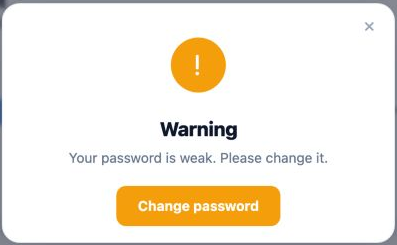
Enter the new password
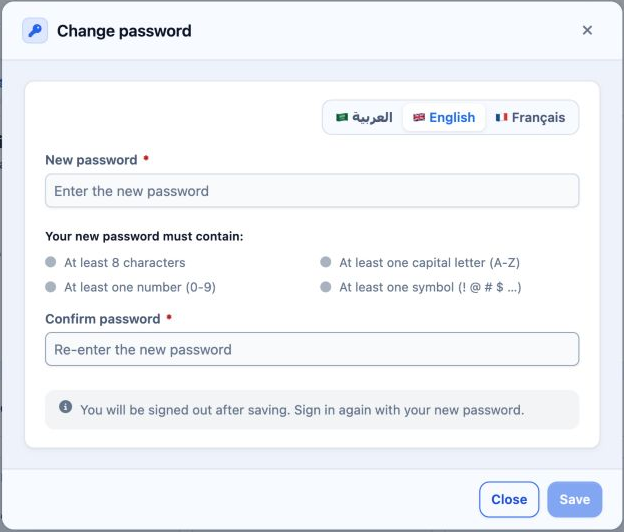
Use at least eight characters, including a capital Latin letter, a number and a special character. Adding only a symbol to a numeric password does not meet the capital-letter requirement.
3 Once the requirements and confirmation are complete, select Save. The form states that you will be signed out. Sign in again using the new password.
Sign in to record the lessons you have read. Sign in