Create a Lead
On this page
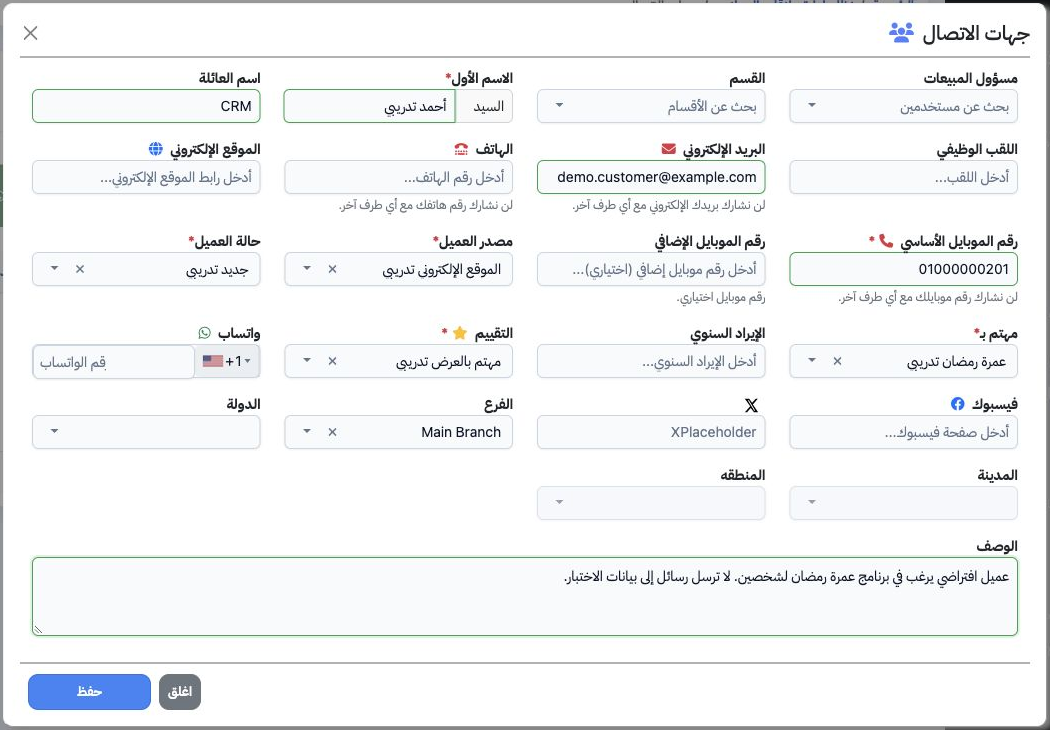
Save a lead and its classifications, then open the lead record for follow-up. An Inquiry is a separate request within the follow-up workflow.
1 Details and required setup
2 Open the lead record
3 Edit the lead description
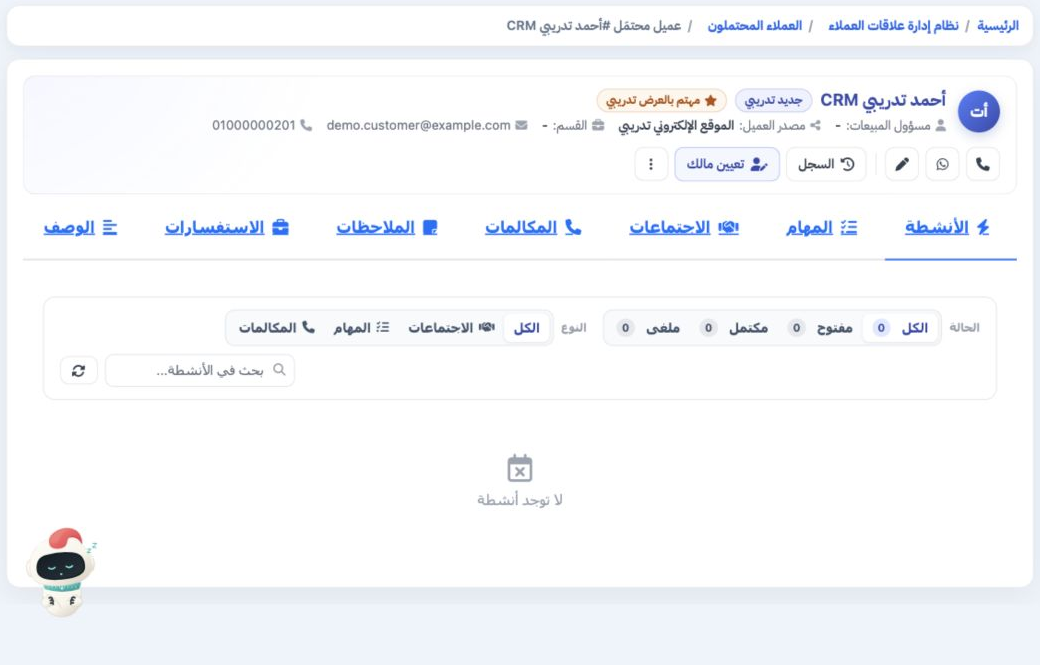
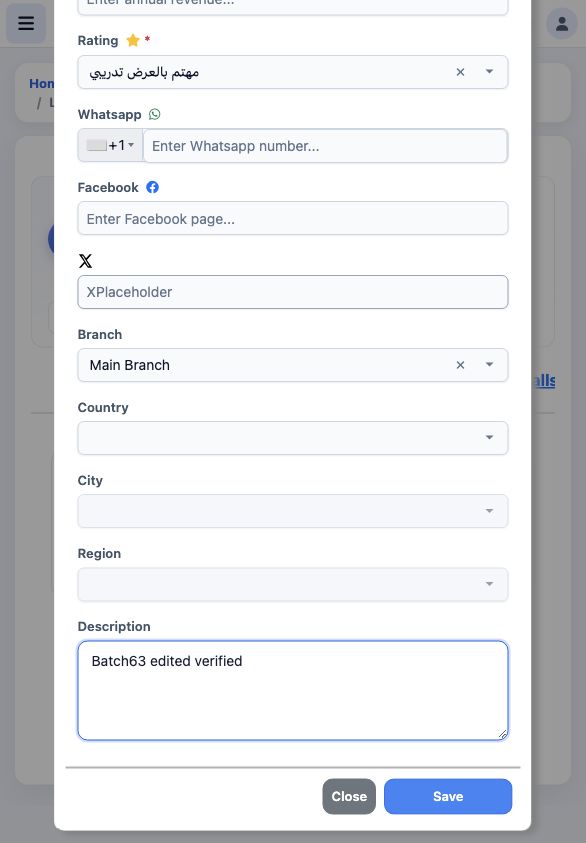
Open the intended Lead detail and select the pencil icon to edit. Review the record, then scroll to Description near the bottom of the form.
4 Verify the saved description
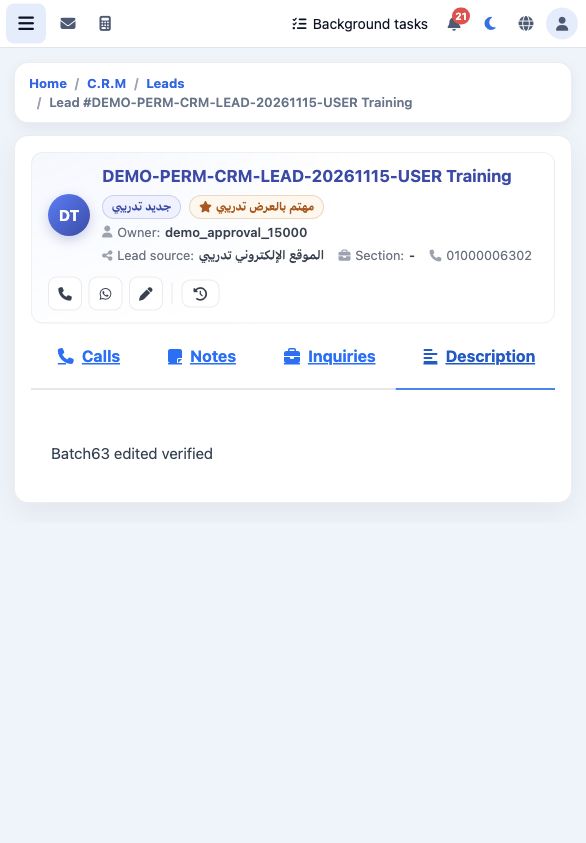
After saving, reload the lead detail and open the Description tab. Check the name at the top to make sure you are reviewing the intended record.
5 Search by first name
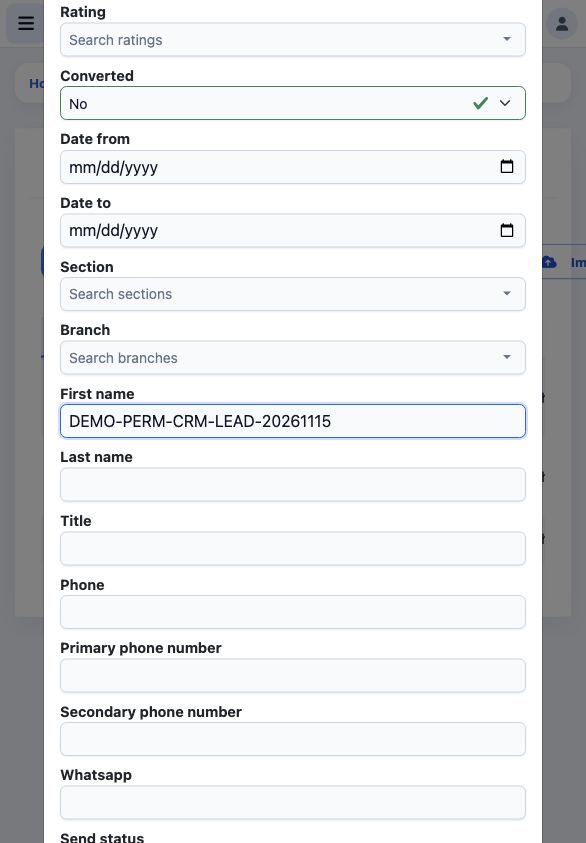
Return to Contacts and open Search. In First name, enter the intended name or shared prefix, then submit the search form.
6 Review the search results
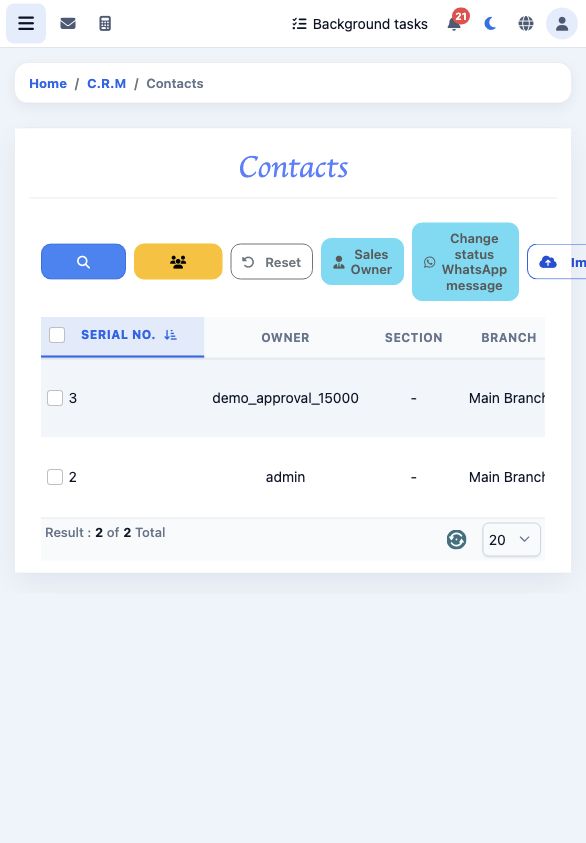
Review the matching results. Open the intended record to check its details, taking care to distinguish leads with similar names.
7 Review and cancel deletion
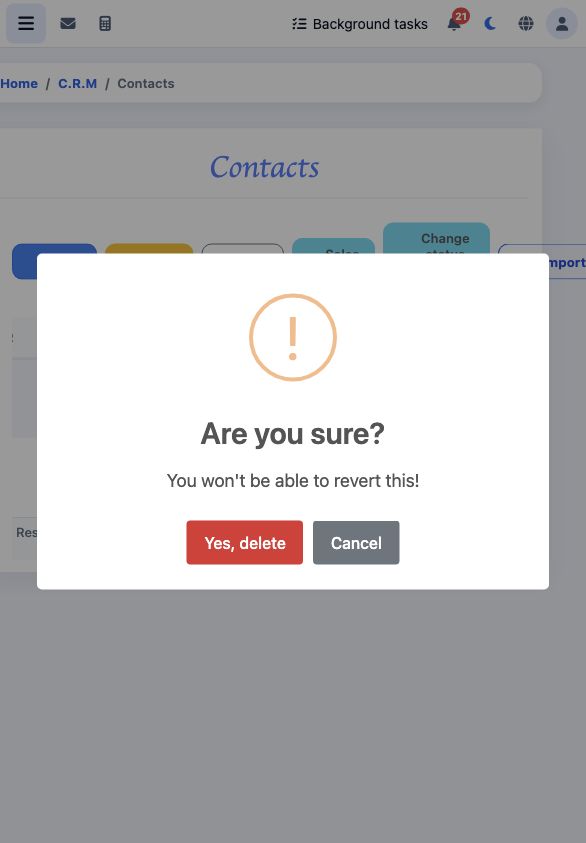
From the intended record’s menu, choose Delete to display the confirmation. Check which record you selected before deciding.
Sign in to record the lessons you have read. Sign in