Preventing payments exceeding the treasury balance
On this page
- Defining the treasury account
- Linking the account to a treasury
- Enabling the control and rejecting a save
- Saving a voucher with the control disabled
- Confirming the previously saved voucher
- Reviewing the resulting journal entry
- Reviewing the treasury statement
- Undoing the training transaction and restoring the control
Defining the treasury account
This guide explains the control that prevents payments exceeding the treasury balance, its save rejection message, and reviewing a voucher saved before the control was enabled. The example uses a new training treasury in EGP.
If the treasury is not yet defined, open Chart of Accounts from accounting settings and add a cash account under the appropriate parent. The example uses parent 1211000, D in D/C and Cash Account.
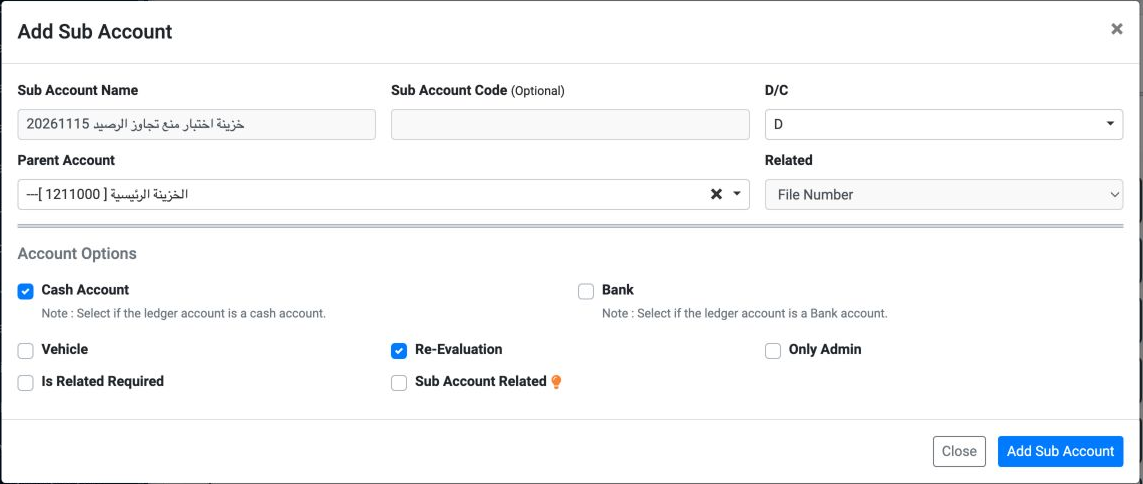
After saving, the account code was 1211009, named خزينة اختبار منع تجاوز الرصيد20261115. Defining the chart account is separate from assigning the treasury branch and currency.
Linking the account to a treasury
Open Safe from accounting settings. Enter the treasury name, choose Main Branch, select account 1211009 in Ledger Name and EGP in Currency, then click Add Safe. Type in Ledger Name to search for the cash account.

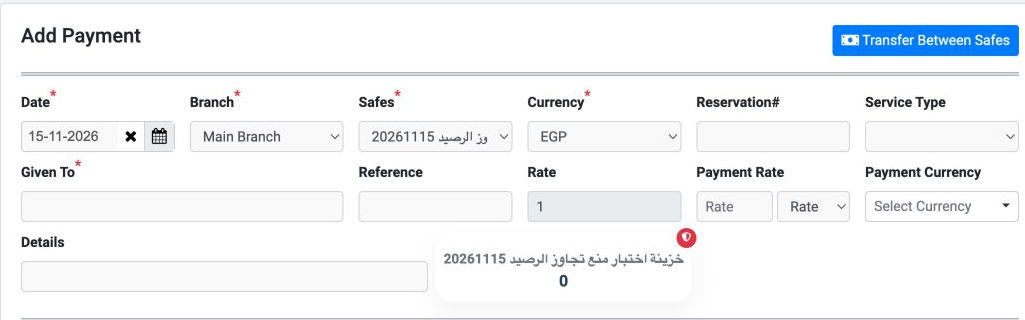
The new treasury appeared as number 5. No opening balance was entered. Selecting it with EGP in Add Payment showed an available balance of 0.
Enabling the control and rejecting a save
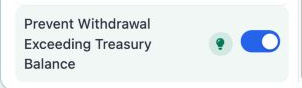
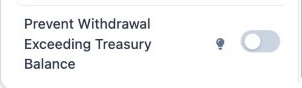
Open Settings, Organization, then Settings. Enable Prevent Withdrawal Exceeding Treasury Balance, save the settings and reload them to check the selection.
In Add Payment choose the branch, treasury and EGP. Enter the recipient, reference and details, then one item of 100 against account 5140002, مصروفات غير مباشرة. Rate showed 1 and available balance 0. Click Add Payment.
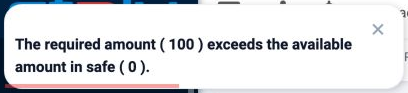
The message means the requested amount exceeds the available treasury funds. Review the selected treasury, currency and balance before continuing with the payment.
Saving a voucher with the control disabled
For this training example, the control was disabled, saved and checked after reloading. The form was then saved for 100 EGP with reference DEMO-BALANCE-GUARD-20261115.
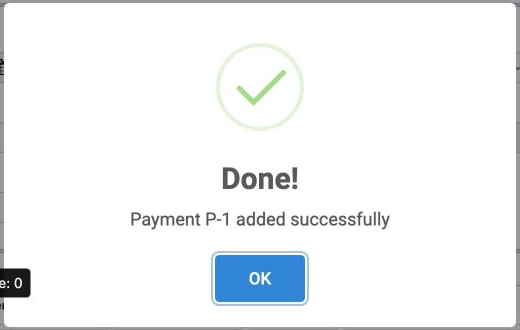
P-1 appeared as global record 15 for treasury 5, unconfirmed and without an entry number. P-1 belongs to this treasury; its reference distinguishes it from the same voucher number in another treasury.
Confirming the previously saved voucher
The control was enabled again, saved and checked before confirming P-1 from the preceding step. Choose Confirm from that voucher menu and approve the confirmation.
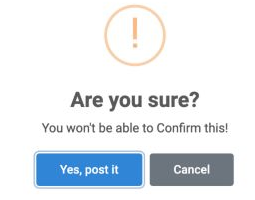
Wait for completion and reload the list. In this example the voucher became Confirmed and Complete, with entry link 10. Review the treasury balance before confirming any previously saved voucher.
Reviewing the resulting journal entry
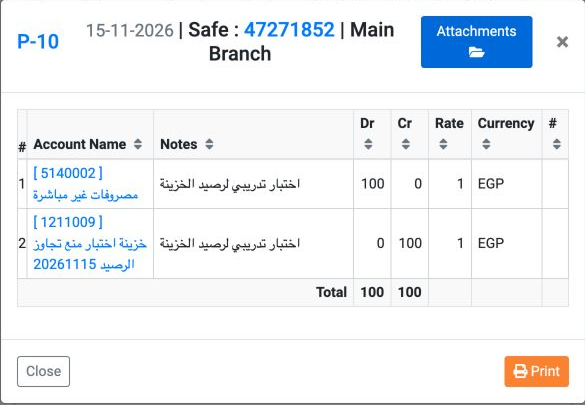
Open the entry link from the voucher. P-10 contains a 100 debit to مصروفات غير مباشرة and a 100 credit to خزينة اختبار منع تجاوز الرصيد20261115. Debits and credits balance.
Reviewing the treasury statement
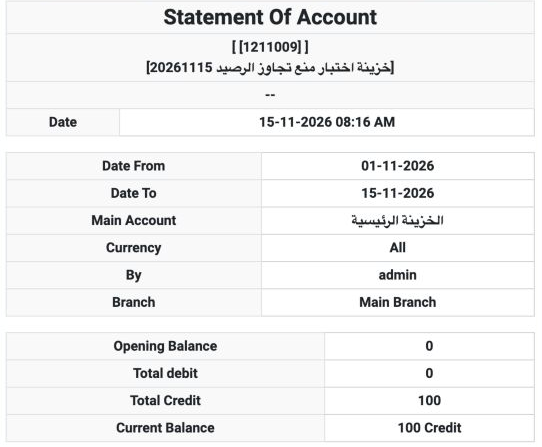
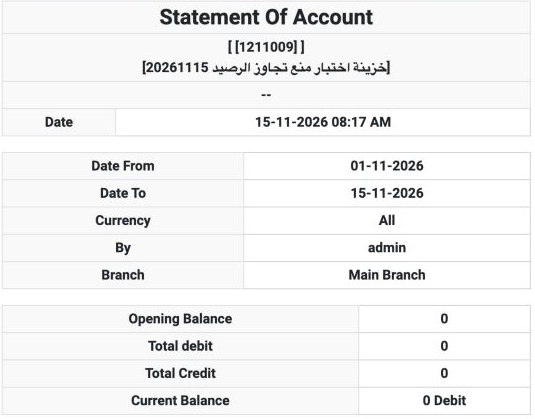
The statement contains one movement, P-10. The credit balance in this cash account reflects a 100 payment without opening funds. Review both the entry and the statement, together with the confirmation result.
Undoing the training transaction and restoring the control
After reviewing the result, the new training voucher was unconfirmed, then cancelled with its number P-1 retained. The treasury statement returned to 0 with no movements, and the entry no longer appeared when searching by its process reference.
The control was restored to its original OFF state, saved and checked after reloading. The account and treasury remain as training setup records; the voucher was cancelled, not deleted.
Sign in to record the lessons you have read. Sign in