Company configuration switches guide
On this page
- Open the page and save changes
- Accounting & Finance
- Accounting & Finance
- Accounting & Finance
- Reservations & Booking
- Reservations & Booking
- Reservations & Booking
- Reservations & Booking
- Reservations & Booking
- Reservations & Booking
- Reservations & Booking
- Umrah Settings
- Umrah Settings
- Customer Management
- Customer Management
- Invoicing & Print Settings
- Invoicing & Print Settings
- Invoicing & Print Settings
- Safety & Validation
- Safety & Validation
- Critical Actions
- 78 Prevent Withdrawal Exceeding Treasury Balance
- Hiding contact details in Template 1
- The document footer changes
- Showing the details again
This guide explains the organization Settings switches and the purpose of each option. The current inventory has 78 options and includes a practical example of displaying or hiding contact details in Template 1.
Open the page and save changes
From Portal, open the user menu at the top, choose Settings, then open the Settings tab.
Scroll inside each card to reveal its remaining options. Card scrolling is separate from page scrolling.
Use the lightbulb button to read the help text. Change the required switch, then select Save to save changes.
Blue means on and grey means off. Turning on a switch named Disable or Prevent activates that restriction.
Turning a switch off removes only its own condition. Other settings, user permissions and transaction states may still affect the operation.
Accounting & Finance
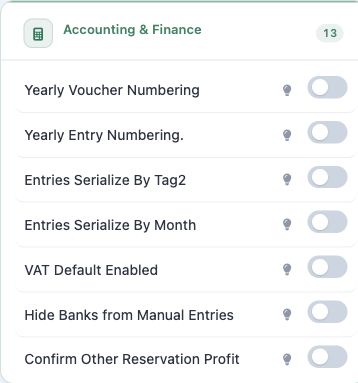
1 Yearly Voucher Numbering
Enable automatic yearly voucher numbering that resets every calendar year.
2 Yearly Entry Numbering.
Enable yearly journal entry numbering.
3 Entries Serialize By Tag2
Enable automatic numbering for journal entries by Tag2.
4 Entries Serialize By Month
Enable monthly journal entry numbering.
Accounting & Finance
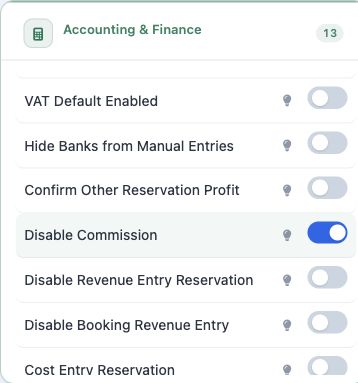
5 VAT Default Enabled
VAT is enabled by default in reservations.
6 Hide Banks from Manual Entries
Hide bank accounts from manual journal entries. When enabled, use the dedicated bank transaction screens instead of selecting a bank in a manual journal entry.
7 Confirm Other Reservation Profit
Transferring the entries of other services within reservations in the method of net profit.
8 Disable Commission
Disable withholding tax calculation. Turning this switch on stops withholding tax calculation.
Accounting & Finance
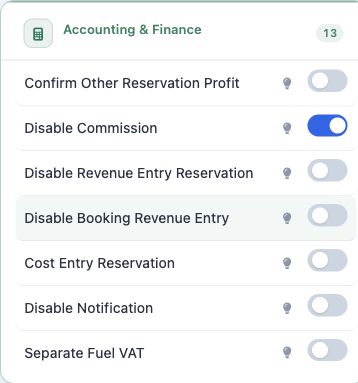
9 Disable Revenue Entry Reservation
Disable revenue entry for reservations.
10 Disable Booking Revenue Entry
Manual revenue entry creation.
11 Cost Entry Reservation
Disable cost entry for reservations.
12 Disable Notification
Disable trip itinerary notifications on home page.
13 Separate Fuel VAT
Calculate and post the fuel VAT on a separate line instead of merging it with the service VAT.
Reservations & Booking
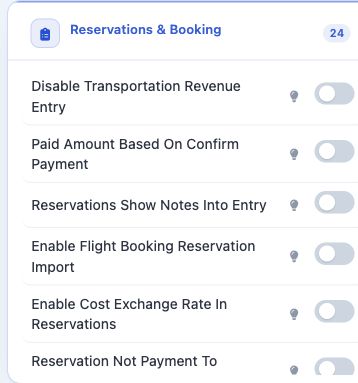
14 Disable Transportation Revenue Entry
Disable revenue entry for transportation work orders.
15 Paid Amount Based On Confirm Payment
Paid amount depends on payment confirmation.
16 Reservations Show Notes Into Entry
Show reservation notes in journal entries.
Reservations & Booking
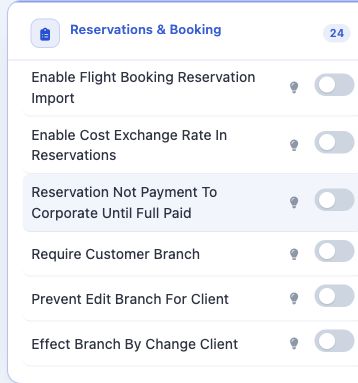
17 Enable Flight Booking Reservation Import
Enable importing flight booking reservations.
18 Enable Cost Exchange Rate In Reservations
Allow editing the cost exchange rate on reservation services.
19 Reservation Not Payment To Corporate Until Full Paid
Do not issue payment until reservation is fully paid.
Reservations & Booking
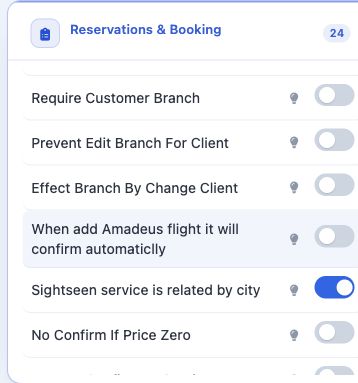
20 Require Customer Branch
Auto-change branch when customer changes.
21 Prevent Edit Branch For Client
Prevent editing customer branch in reservations.
22 Effect Branch By Change Client
Auto-change branch when customer changes.
23 When add Amadeus flight it will confirm automaticlly
Auto-confirm when adding Amadeus ticket.
Reservations & Booking
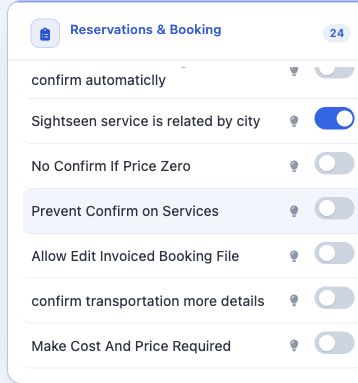
24 Sightseen service is related by city
Sightseeing services are related to city.
25 No Confirm If Price Zero
Do not post transportation if price is zero.
26 Prevent Confirm on Services
Prevent showing confirmation buttons in reservations.
Reservations & Booking
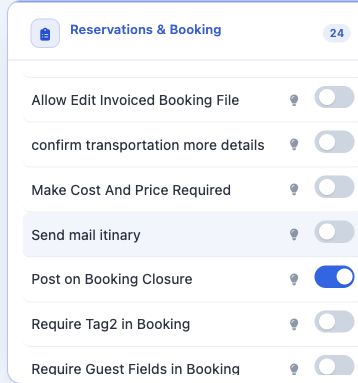
27 Allow Edit Invoiced Booking File
Allow adding and editing services after the booking file is converted to an invoice. Review the invoice and accounting entries after subsequent service changes.
28 confirm transportation more details
Include more details in transportation entries.
29 Make Cost And Price Required
Make cost and price fields required in visa bookings.
30 Send mail itinary
Send notifications when itinerary is modified.
Reservations & Booking
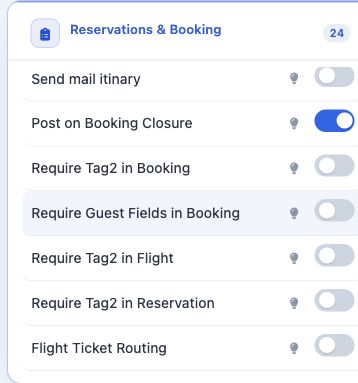
31 Post on Booking Closure
Post entries when booking is closed. Review the resulting journal numbers and accounts after closure.
32 Require Tag2 in Booking
Require Tag2 in the booking form.
33 Require Guest Fields in Booking
Require guest name, guest mobile, guest email, file tag and guest nationality when adding or editing a booking file. The required fields are guest name, mobile, email, file tag and nationality.
Reservations & Booking
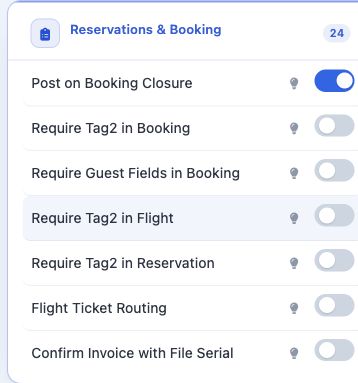
34 Require Tag2 in Flight
Require Tag2 in the flight form.
35 Require Tag2 in Reservation
Require Tag2 in the reservation form.
36 Flight Ticket Routing
Show the routing field in flight tickets.
37 Confirm Invoice with File Serial
Confirm invoices using the file's serial number.
Umrah Settings
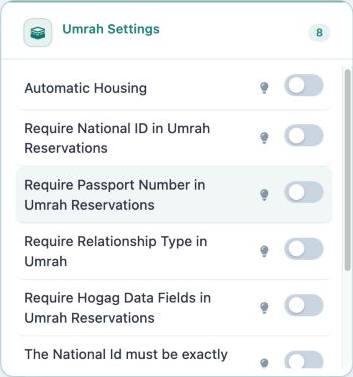
38 Automatic Housing
Automatic housing when adding Umrah reservation. People added together on one Umrah form can be housed together, subject to the booking choices and available capacity.
39 Require National ID in Umrah Reservations
Require national ID in Umrah reservations.
40 Require Passport Number in Umrah Reservations
Require passport number in Umrah reservations.
41 Require Relationship Type in Umrah
Require relationship type in Umrah reservations.
Umrah Settings
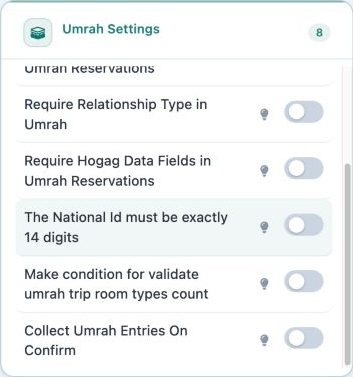
42 Require Hogag Data Fields in Umrah Reservations
Require Workplace, Hajj Type, Nationality and Travel By in Umrah reservations.
43 The National Id must be exactly 14 digits
National ID must be exactly 14 digits.
44 Make condition for validate umrah trip room types count
Validate room types count in Umrah trips. The validation concerns the count of room types before saving.
45 Collect Umrah Entries On Confirm
Group identical Umrah revenue lines into one entry line when confirming the reservation.
Customer Management
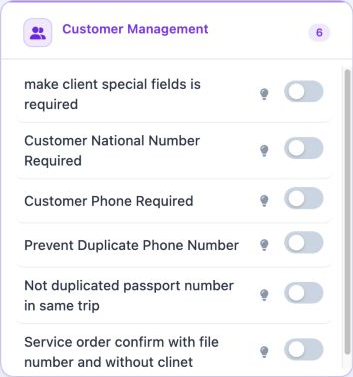
46 make client special fields is required
Make some fields required when adding a client.
47 Customer National Number Required
Make national number required when adding or editing a customer.
48 Customer Phone Required
Make phone number required when adding or editing a customer.
Customer Management
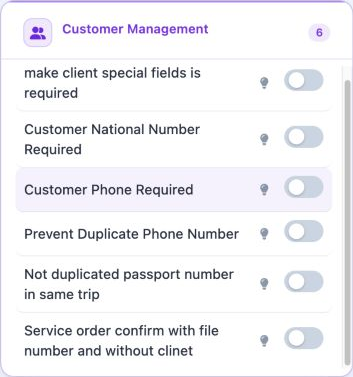
49 Prevent Duplicate Phone Number
Prevent duplicate phone number when adding customer.
50 Not duplicated passport number in same trip
Prevent duplicate passport numbers in the same trip.
51 Service order confirm with file number and without clinet
If activated and there is a file number, the customer will not be required.
Invoicing & Print Settings
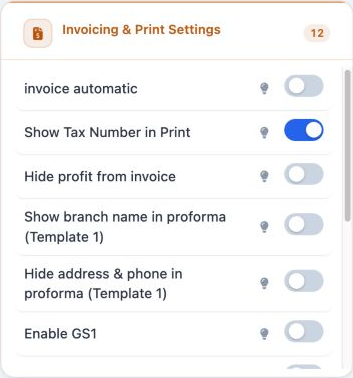
52 invoice automatic
Create invoices automatically when posting reservation.
53 Show Tax Number in Print
Show tax number in printed documents.
54 Hide profit from invoice
Hide the Total Service Fee (profit) row from the printed invoice.
55 Show branch name in proforma (Template 1)
Print the reservation's branch name instead of the organization name on the proforma.
Invoicing & Print Settings
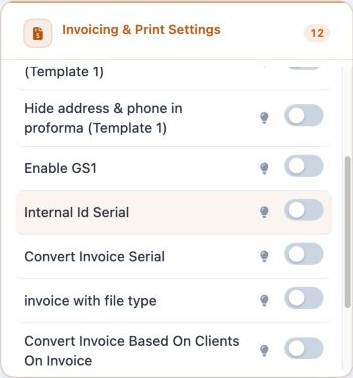
56 Hide address & phone in proforma (Template 1)
Hide the organization phone and the address footer on the proforma. This affects the printed document, rather than documenting a payment.
57 Enable GS1
Enable GS1 standard for electronic invoices.
58 Internal Id Serial
Internal invoice ID is the invoice serial.
59 Convert Invoice Serial
Generate invoice number based on selected format.
Invoicing & Print Settings
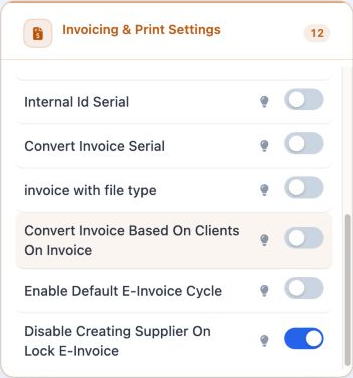
60 invoice with file type
Enable invoice with file type.
61 Convert Invoice Based On Clients On Invoice
Determine invoice based on client.
62 Enable Default E-Invoice Cycle
Convert invoice to electronic invoice.
63 Disable Creating Supplier On Lock E-Invoice
Prevent creating supplier when e-invoice is locked.
Safety & Validation
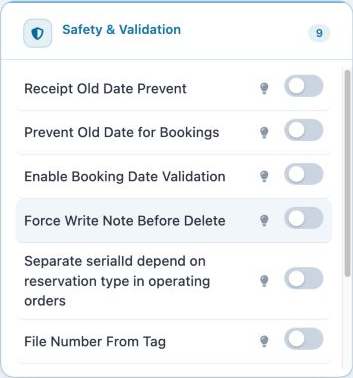
64 Receipt Old Date Prevent
Prevent adding receipts with old dates.
65 Prevent Old Date for Bookings
Prevent adding bookings with old dates.
66 Enable Booking Date Validation
Validate booking dates before saving.
67 Force Write Note Before Delete
Require reason before deleting.
Safety & Validation
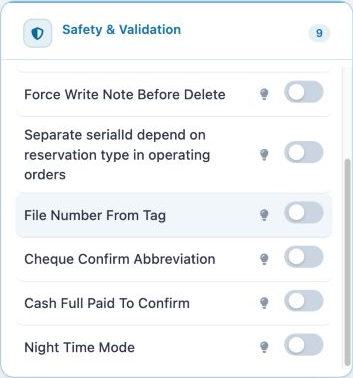
68 Separate serialId depend on reservation type in operating orders
Separate serial by reservation type.
69 File Number From Tag
Controls the relationship between the file number and its Tag. Review this option with the organization administrator before changing it.
70 Cheque Confirm Abbreviation
Abbreviate cheque cycle to one step.
71 Cash Full Paid To Confirm
Do not post reservation without full payment.
72 Night Time Mode
Count extra day for arrival before 6 AM.
Critical Actions
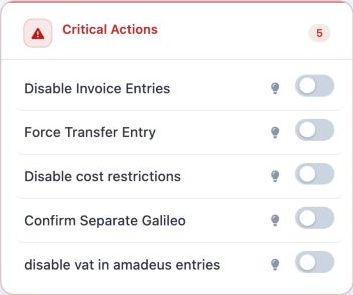
73 Disable Invoice Entries
Post invoice without entries.
74 Force Transfer Entry
Force transfer entry from one account to another.
75 Disable cost restrictions
Disable cost entries.
76 Confirm Separate Galileo
Create Galileo entries for costs.
77 disable vat in amadeus entries
Disable VAT in Amadeus entries.
78 Prevent Withdrawal Exceeding Treasury Balance
This option means preventing treasury withdrawals that exceed the available balance. The current inventory displays the English label above. It is currently off.

Hiding contact details in Template 1
Open Settings and its Settings tab. Find Hide address & phone in proforma (Template 1) under Invoicing & Print Settings, change the switch and save. Open the reservation proforma preview using Template 1 to check the layout.

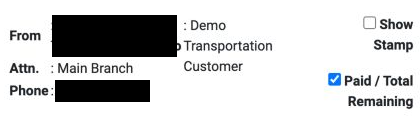
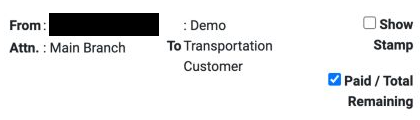
The document footer changes
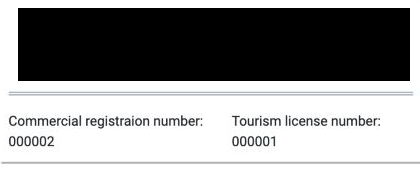
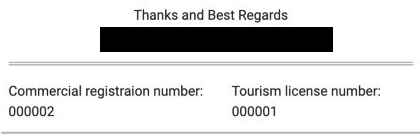
For reservation 47271228, all three previews retained a total of EGP 1600, VAT 0, paid 0 and remaining 1600. The switch controls the display of contact details in this template.
Showing the details again
To show the details again, turn the switch off and save, then reopen the proforma preview with the same template.

Sign in to record the lessons you have read. Sign in