Charter Seat Bookings
On this page
- 1 Start a charter booking
- 2 Customer and passenger details
- 3 Passport birth and nationality
- 4 Add a second passenger
- 5 Review saved passengers
- 6 Edit one passenger
- 7 Search a passenger booking
- 8 Configure charter revenue
- 9 Confirm posting
- 10 Review the resulting journal
- 11 Preview the proforma invoice
- 12 View the booking card
1 Start a charter booking
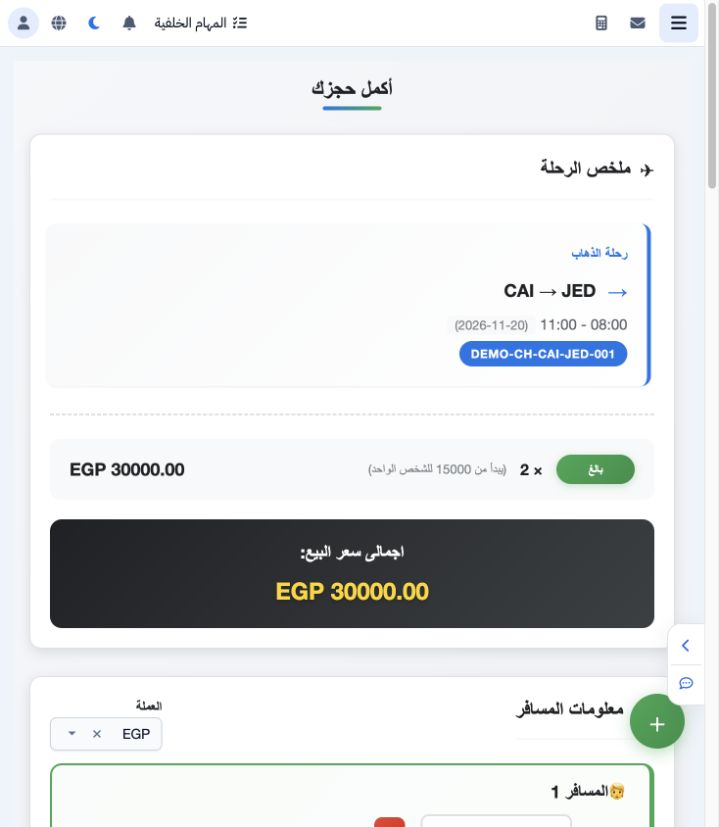
2 Customer and passenger details
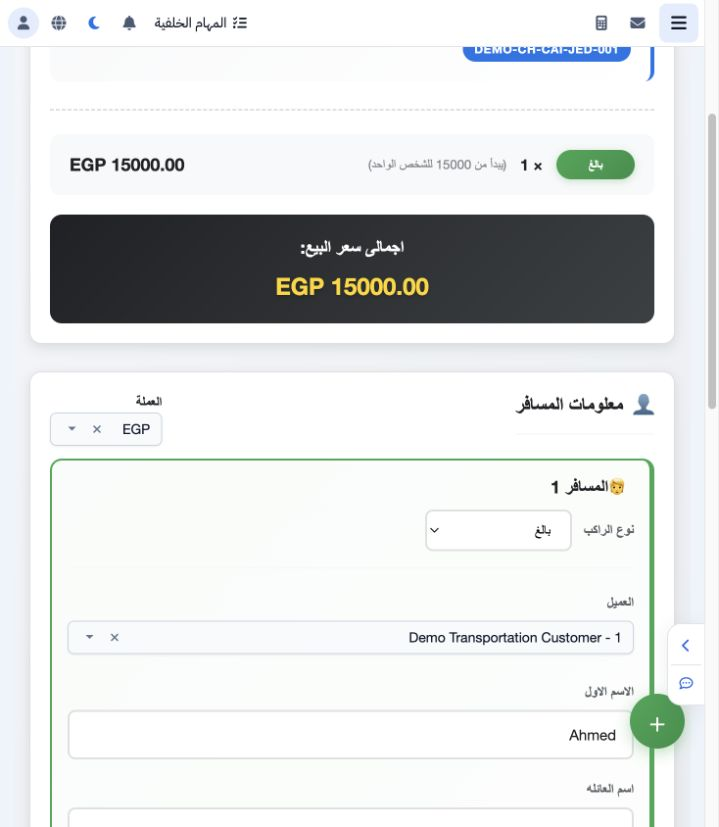
3 Passport birth and nationality
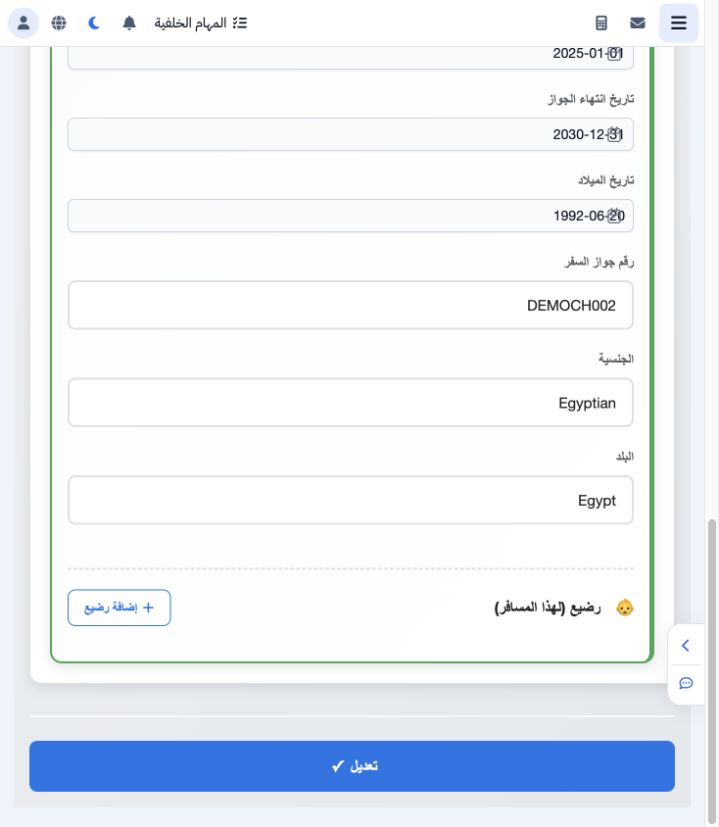
4 Add a second passenger
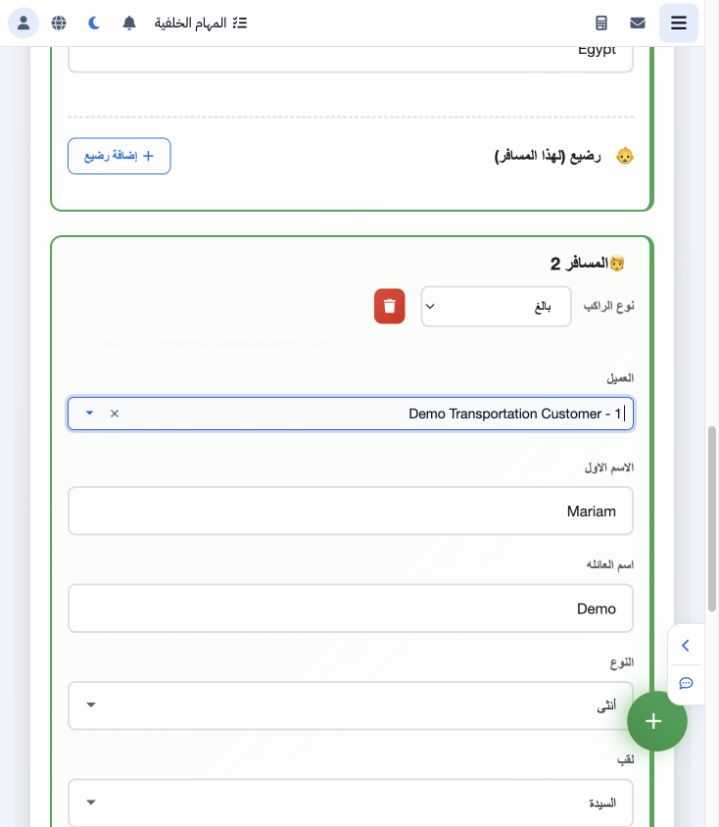
5 Review saved passengers
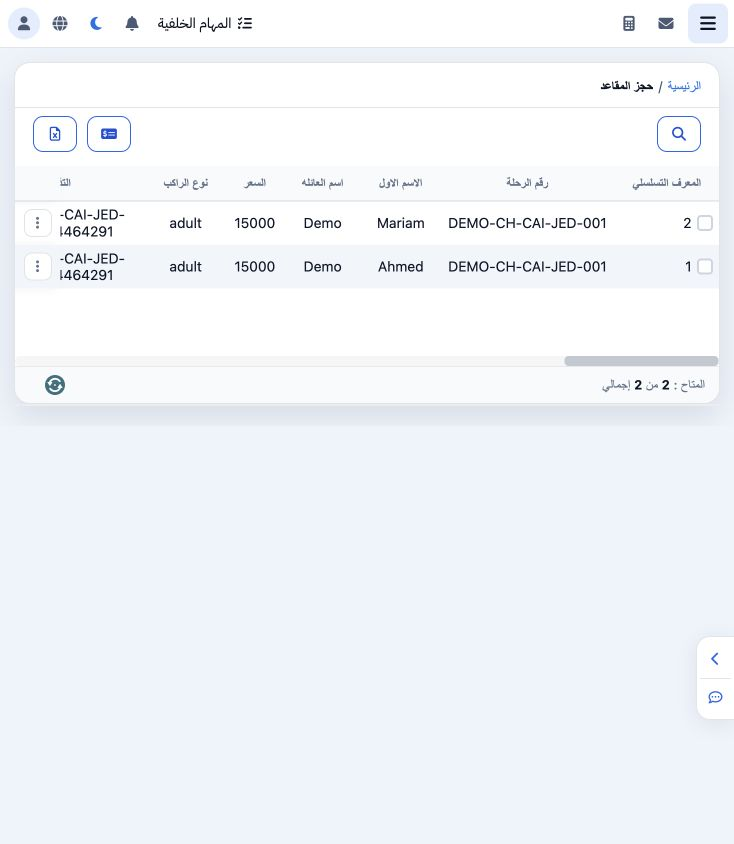
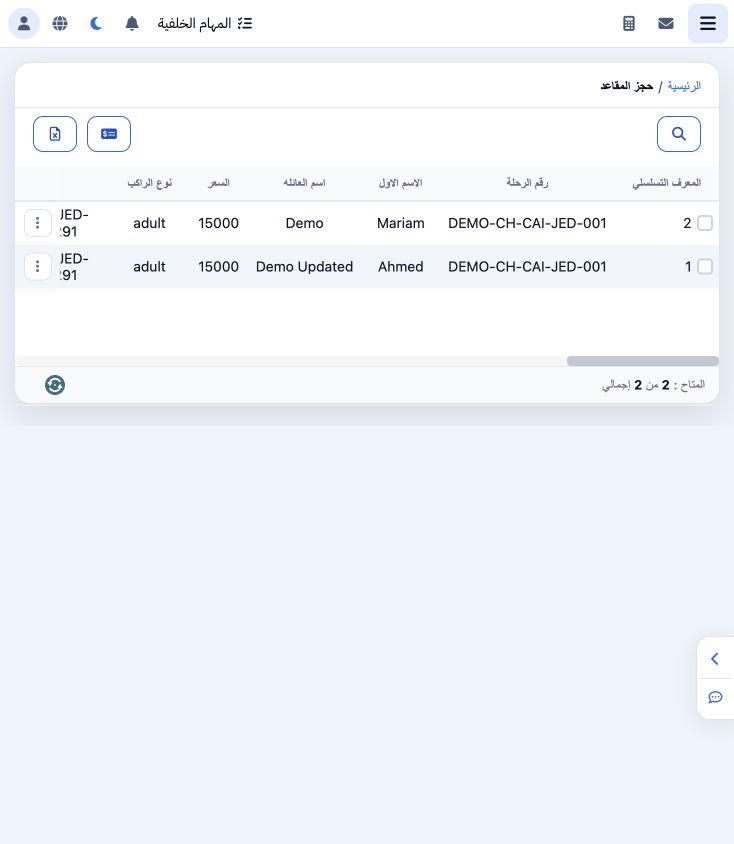
6 Edit one passenger
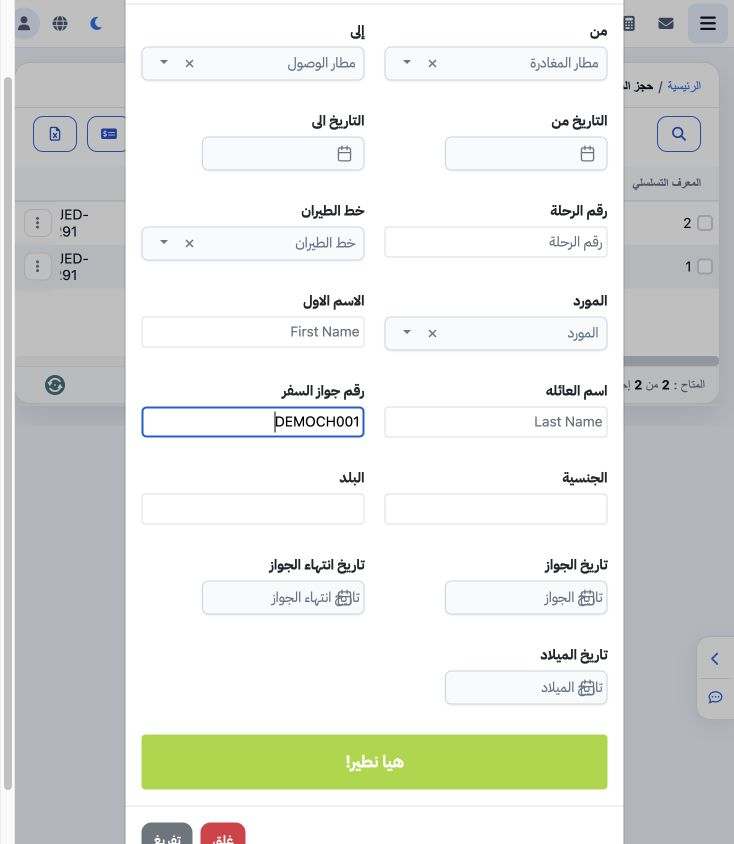
7 Search a passenger booking
8 Configure charter revenue
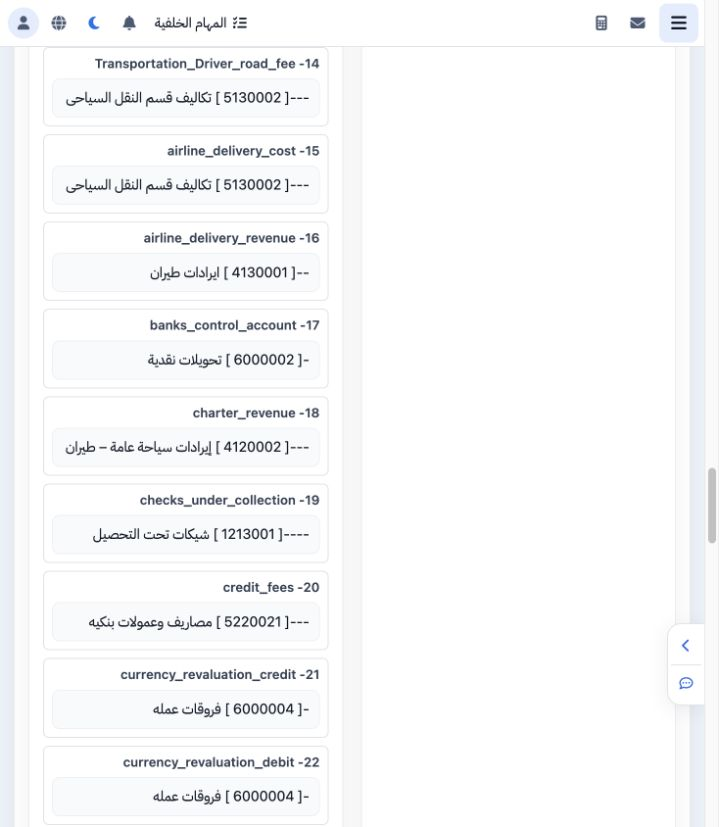
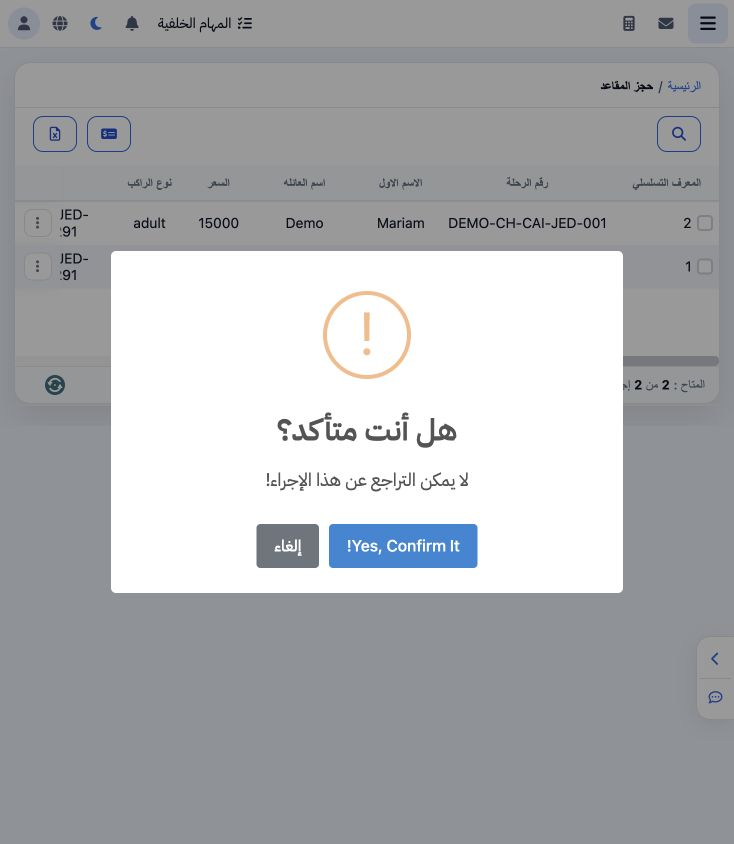
9 Confirm posting
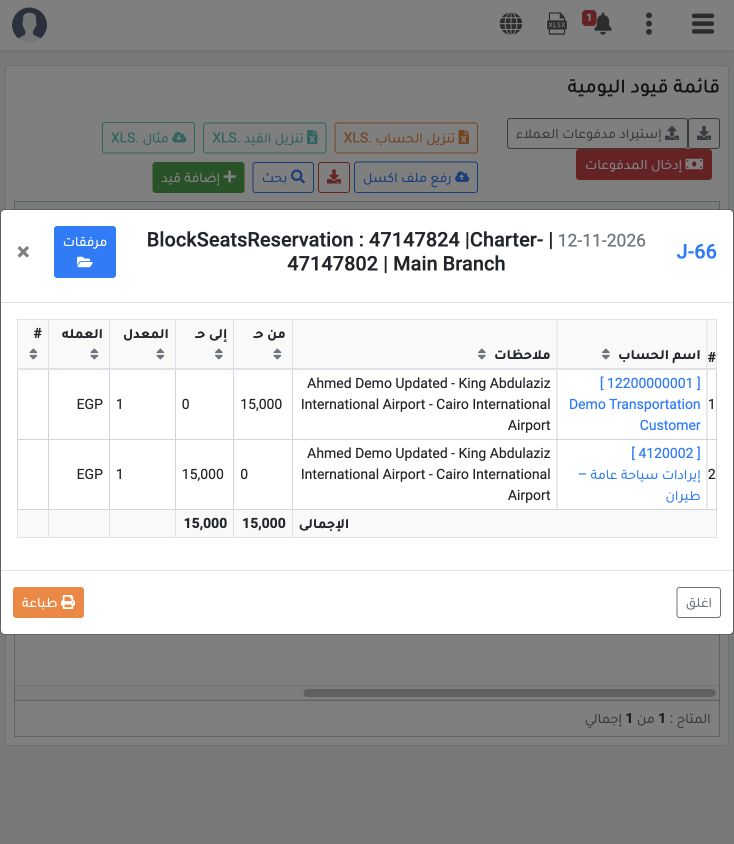
10 Review the resulting journal
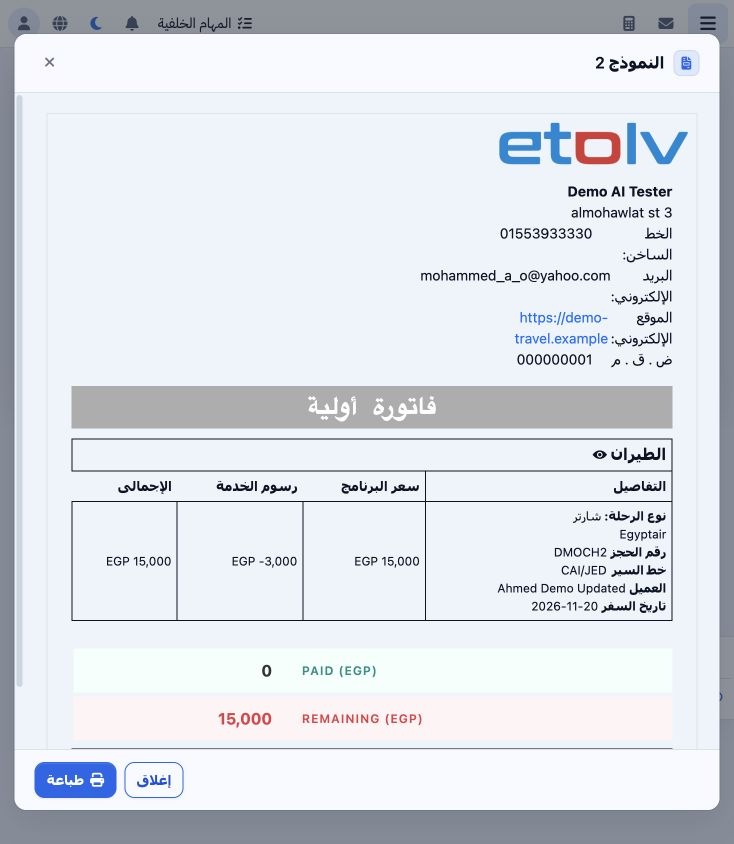
11 Preview the proforma invoice
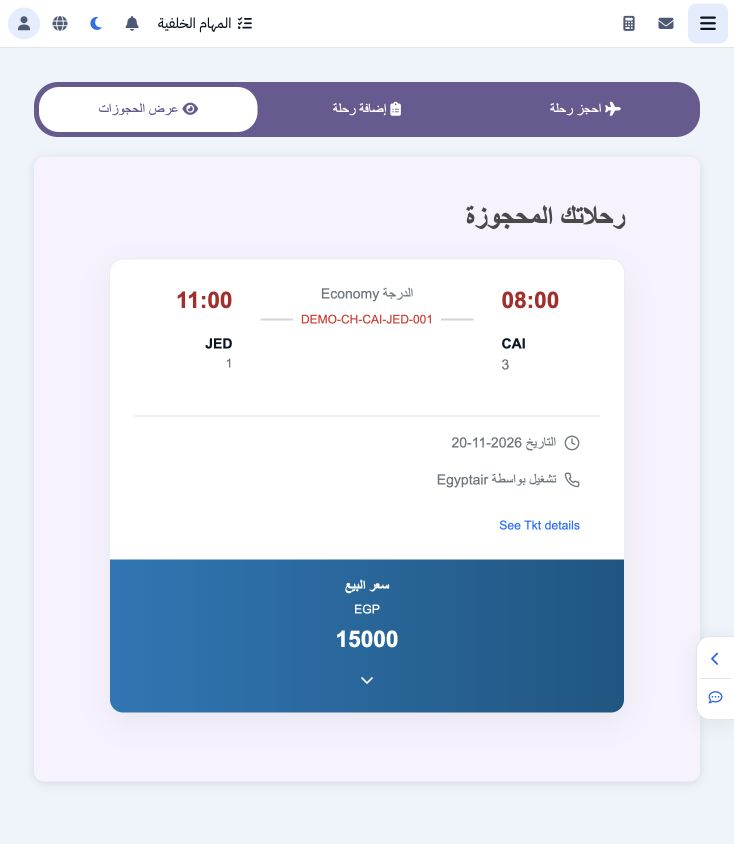
12 View the booking card
Sign in to record the lessons you have read. Sign in